

TrovePass
Offline password generator — one master password for every site
- Developer
- The TrovePass contributors
- License
- GPL-3.0-or-later
- Package
io.github.u_20240816.trovepass- Category
- Password & 2FA, Security
- Latest version
- 1.0.0 · Oct 14, 2026
- Minimum Android
- Android 5.0
Screenshots
Description
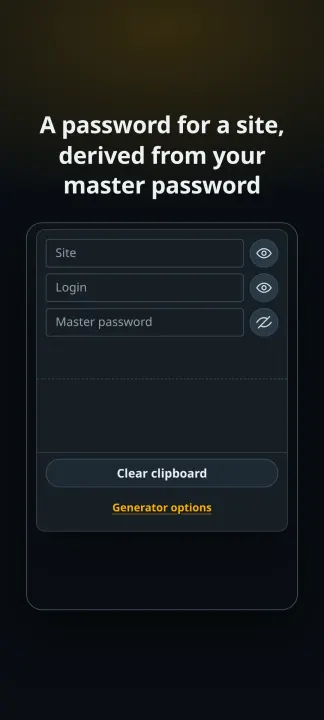
TrovePass derives a password for each of your websites and apps from a single master password — offline, with no account, on the device alone.
WHAT IT DOES
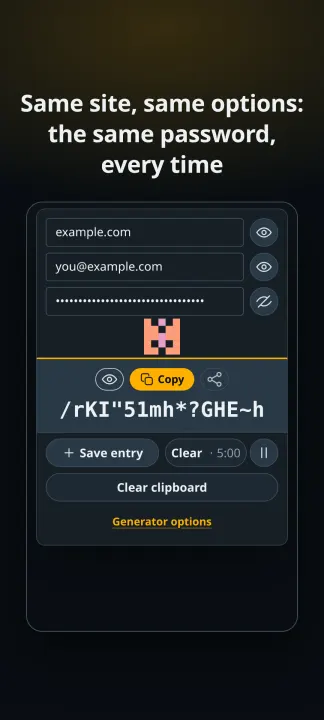
• Derives a site's password from your master password: the same site, login and options always produce the same password, on any device, with nothing stored.
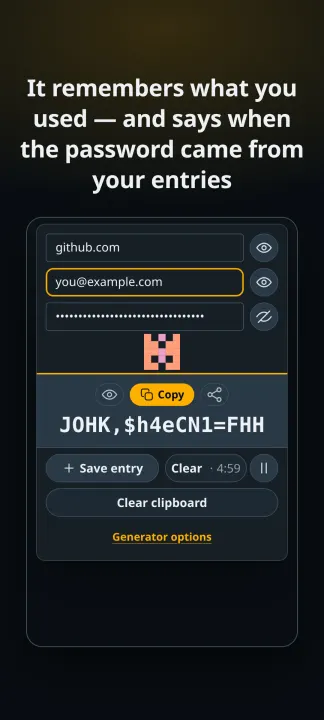
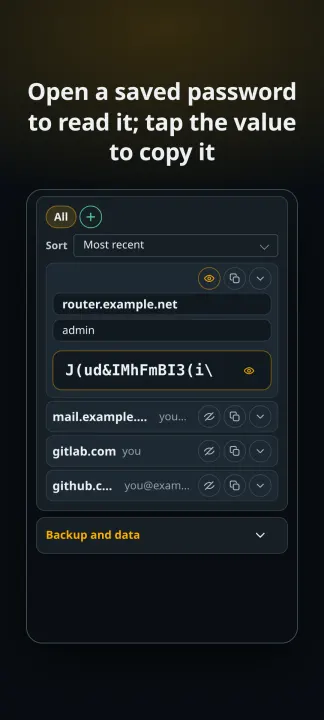
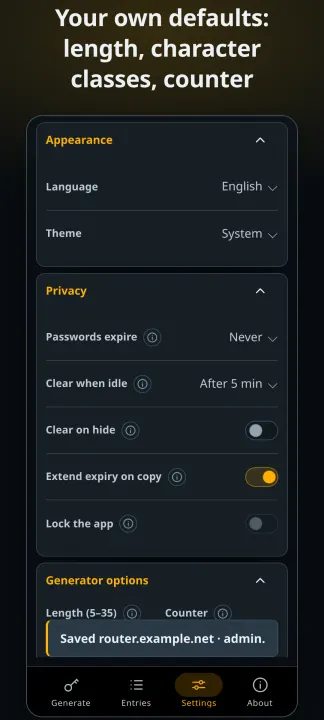
• Remembers the site, login and options you used, so you never have to recall the counter and the character classes behind a password.
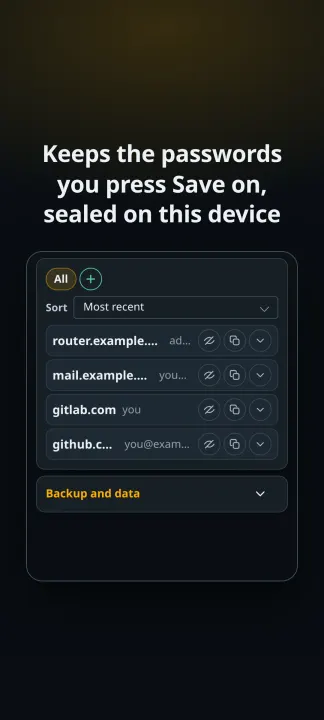
• Saves a password only when you press Save on it, and seals what you save with a key this device holds.
• Shows a fingerprint of your master password — a squared tile in two colours — so a typo is visible before it derives the wrong password.
• Speaks 85 languages, and asks for no permission of any kind.
WHAT IT DOES NOT DO
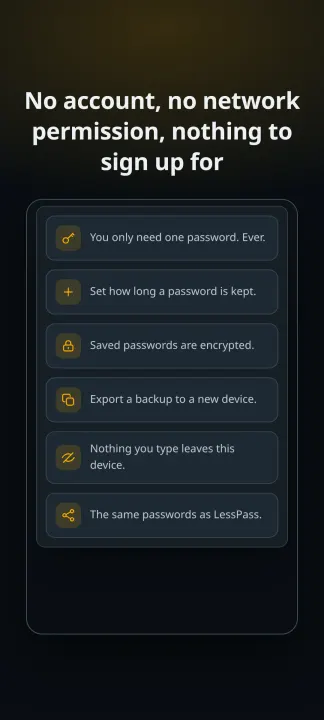
• No account, no sign-in, no sync, no telemetry, no analytics.
• No network code, and no network permission: there is nothing here that could send anything anywhere.
• The master password is never stored, in any form. Nothing asks you to unlock anything either — saved passwords are sealed with a key that never leaves the device.
THE SAME PASSWORDS AS LESSPASS
Both apps derive a password from the same inputs in exactly the same way, quirks included, so a password you generated with LessPass is the password TrovePass gives you. This is an independent implementation of the published format, not a fork.
WHO IT IS FOR
Anyone who would rather remember one master password than fifty: a site name and the master password are enough, on any device, with no account to create and nothing to lose if the phone is lost.
LICENCE
GPL-3.0-or-later. The complete source of this app is published under that licence.
WHAT IT DOES
• Derives a site's password from your master password: the same site, login and options always produce the same password, on any device, with nothing stored.
• Remembers the site, login and options you used, so you never have to recall the counter and the character classes behind a password.
• Saves a password only when you press Save on it, and seals what you save with a key this device holds.
• Shows a fingerprint of your master password — a squared tile in two colours — so a typo is visible before it derives the wrong password.
• Speaks 85 languages, and asks for no permission of any kind.
WHAT IT DOES NOT DO
• No account, no sign-in, no sync, no telemetry, no analytics.
• No network code, and no network permission: there is nothing here that could send anything anywhere.
• The master password is never stored, in any form. Nothing asks you to unlock anything either — saved passwords are sealed with a key that never leaves the device.
THE SAME PASSWORDS AS LESSPASS
Both apps derive a password from the same inputs in exactly the same way, quirks included, so a password you generated with LessPass is the password TrovePass gives you. This is an independent implementation of the published format, not a fork.
WHO IT IS FOR
Anyone who would rather remember one master password than fifty: a site name and the master password are enough, on any device, with no account to create and nothing to lose if the phone is lost.
LICENCE
GPL-3.0-or-later. The complete source of this app is published under that licence.
All versions
| Version | Released | Minimum Android | Size |
|---|---|---|---|
| 1.0.0 | Oct 14, 2026 | Android 5.0 | 250.6 KB |
How to install an older version of an Android app · How to install an APK file on Android
Similar apps
-
 Trigger
Open doors via Wi-Fi using HTTPS/SSH.
-
 KeePassDX Passkey Vault
Manage Passkey / Password in a local and open-source vault
-
 OONI Probe
Measure Internet Censorship, Speed & Performance
-
 PilferShush Jammer
Block unwanted use of onboard microphone
- Port Authority Port scanner
-
 KeePassDroid
KeePass-compatible password safe
-
 Rethink: DNS + Firewall + VPN
Firewall apps, use WireGuard VPN, monitor network, block malware, change DNS.
-
 PCAPdroid
No-root network monitor, firewall and PCAP dumper for Android