

Conduit
SSH, Mosh, SFTP & local Linux terminal
- Developer
- Grzegorz Witkowski
- License
- Apache-2.0
- Package
com.gwitko.conduit- Category
- Remote Access
- Latest version
- 1.4.14-full · Jul 16, 2026
- Minimum Android
- Android 7.0
Screenshots
Description
Conduit is a local-first terminal workspace for SSH, Mosh, SFTP, and local shells.
It is built for people who need terminals from a phone without creating an account, syncing credentials through a service, or paying a subscription to open a shell.
Connect to remote machines over SSH or Mosh, browse files with SFTP, or run a full Arch Linux shell right on the device - pacman and all - with no root and no remote server.
Features:
• SSH terminal sessions
• Local Arch Linux shell on-device (Android, arm64) with pacman, running unprivileged through proot - no root, no server; downloads an Arch Linux ARM image on first use
• Mosh roaming for unreliable mobile networks
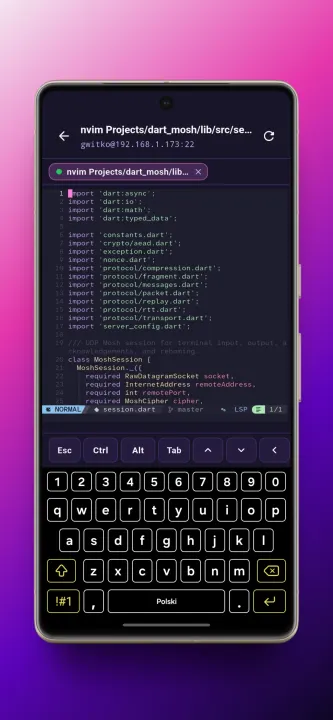
• Tmux auto attach/create per host, with start directories, prefix keys, action shortcuts, and scrollback mode
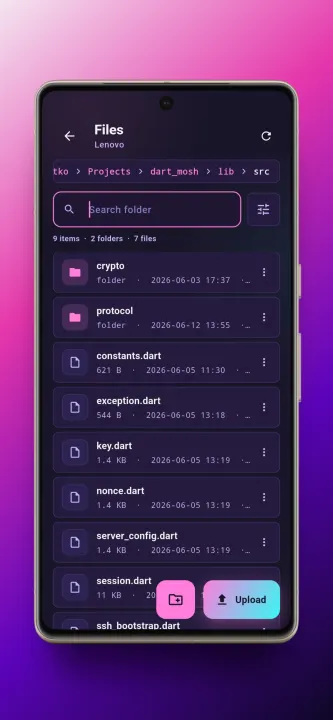
• SFTP file browsing and export
• Import SSH private keys from a file, or generate an Ed25519 key on device
• Optional passphrase encryption for generated keys, with public-key copy and export
• OpenSSH FIDO hardware-key authentication, tested with YubiKey, with multiple hardware keys per host tried in turn
• External authentication that lets the SSH server authenticate you without saved credentials
• USB and NFC support for CTAP-compatible security keys
• Saved machine profiles with tags, search, and sorting by last connected, name, or date added
• Local credential and trusted host key storage
• Trusted host key prompts and key management
• App lock with device authentication when supported
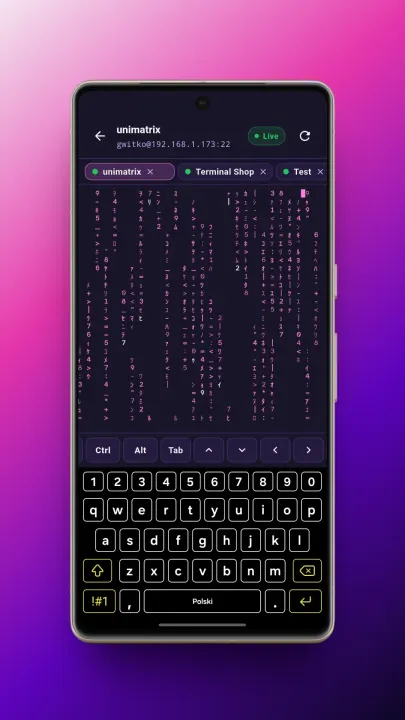
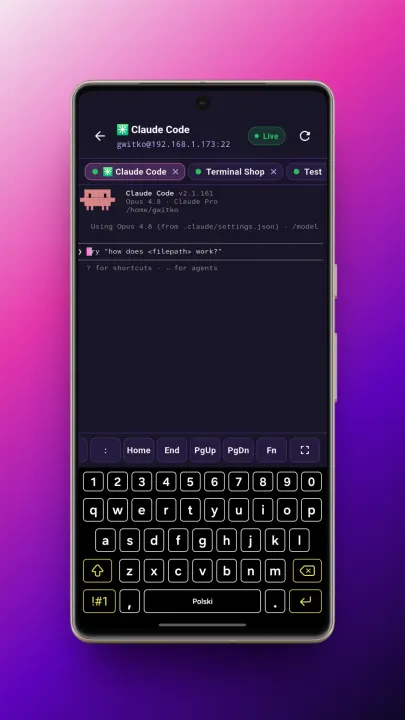
• Tabbed terminal workspace
• Customizable key row with modifier, navigation, and function keys, key repeat, latching modifiers, and your own text and control-key shortcuts
• Fullscreen terminal mode
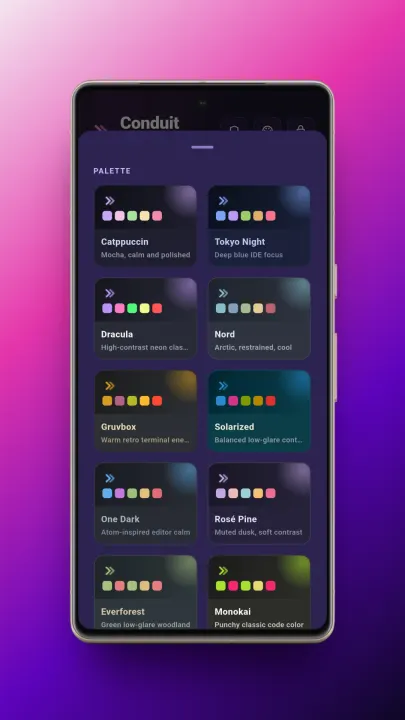
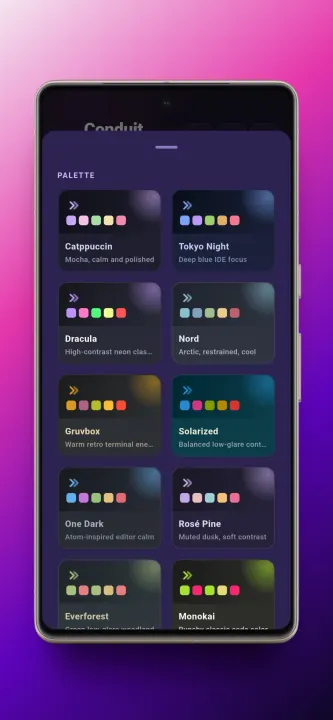
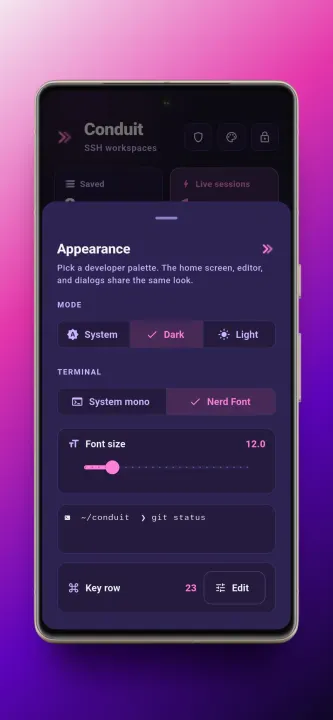
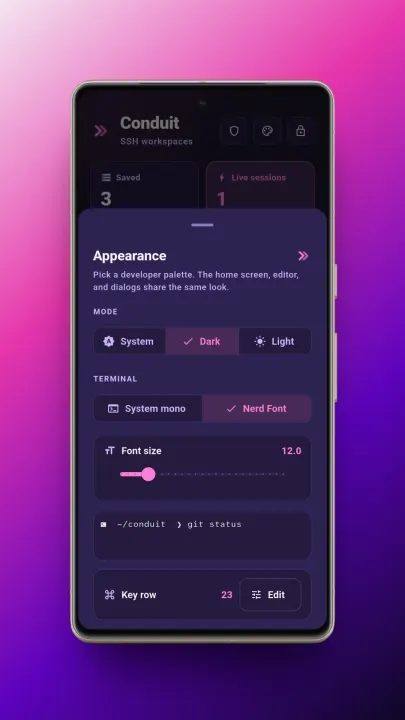
• Terminal themes
• Background keepalive through a foreground service
Conduit does not require a Conduit account and does not use a Conduit sync service. Saved connection profiles, credentials, and trusted host keys are stored on device using platform secure storage.
Mosh support requires mosh-server on the remote host and reachable UDP ports. Predictive echo is experimental and opt-in.
The local Arch Linux shell uses tooling packaged by Termux, including proot, proot-distro, busybox, tar, xz, and supporting libraries. Conduit's own source is Apache-2.0; bundled third-party components keep their own licenses. Source-offer details are in THIRD_PARTY_NOTICES and third_party/source-offer.
It is built for people who need terminals from a phone without creating an account, syncing credentials through a service, or paying a subscription to open a shell.
Connect to remote machines over SSH or Mosh, browse files with SFTP, or run a full Arch Linux shell right on the device - pacman and all - with no root and no remote server.
Features:
• SSH terminal sessions
• Local Arch Linux shell on-device (Android, arm64) with pacman, running unprivileged through proot - no root, no server; downloads an Arch Linux ARM image on first use
• Mosh roaming for unreliable mobile networks
• Tmux auto attach/create per host, with start directories, prefix keys, action shortcuts, and scrollback mode
• SFTP file browsing and export
• Import SSH private keys from a file, or generate an Ed25519 key on device
• Optional passphrase encryption for generated keys, with public-key copy and export
• OpenSSH FIDO hardware-key authentication, tested with YubiKey, with multiple hardware keys per host tried in turn
• External authentication that lets the SSH server authenticate you without saved credentials
• USB and NFC support for CTAP-compatible security keys
• Saved machine profiles with tags, search, and sorting by last connected, name, or date added
• Local credential and trusted host key storage
• Trusted host key prompts and key management
• App lock with device authentication when supported
• Tabbed terminal workspace
• Customizable key row with modifier, navigation, and function keys, key repeat, latching modifiers, and your own text and control-key shortcuts
• Fullscreen terminal mode
• Terminal themes
• Background keepalive through a foreground service
Conduit does not require a Conduit account and does not use a Conduit sync service. Saved connection profiles, credentials, and trusted host keys are stored on device using platform secure storage.
Mosh support requires mosh-server on the remote host and reachable UDP ports. Predictive echo is experimental and opt-in.
The local Arch Linux shell uses tooling packaged by Termux, including proot, proot-distro, busybox, tar, xz, and supporting libraries. Conduit's own source is Apache-2.0; bundled third-party components keep their own licenses. Source-offer details are in THIRD_PARTY_NOTICES and third_party/source-offer.
All versions
| Version | Released | Minimum Android | Size |
|---|---|---|---|
| 1.4.14-full (3 builds) | Jul 16, 2026 | Android 7.0 | 12.2 MB |
| 1.4.13-full (3 builds) | Jul 12, 2026 | Android 7.0 | 12.2 MB |
| 1.4.12 (3 builds) | Jul 10, 2026 | Android 7.0 | 12.1 MB |
| 1.4.11 (3 builds) | Jul 6, 2026 | Android 7.0 | 12.1 MB |
| 1.4.9 (3 builds) | Jul 5, 2026 | Android 7.0 | 12.1 MB |
| 1.4.8 (3 builds) | Jul 3, 2026 | Android 7.0 | 12.1 MB |
| 1.4.7 (3 builds) | Jul 2, 2026 | Android 7.0 | 12.1 MB |
| 1.4.6 (3 builds) | Jul 1, 2026 | Android 7.0 | 12.1 MB |
| 1.3.2 (3 builds) | Jun 30, 2026 | Android 7.0 | 23.9 MB |
| 1.3.0 (3 builds) | Jun 27, 2026 | Android 7.0 | 23.9 MB |
| 1.2.1 (3 builds) | Jun 26, 2026 | Android 7.0 | 23.8 MB |
| 1.2.0 (3 builds) | Jun 25, 2026 | Android 7.0 | 23.8 MB |
| 1.0.8 (3 builds) | Jun 22, 2026 | Android 7.0 | 23.7 MB |
| 1.0.6 (3 builds) | Jun 21, 2026 | Android 7.0 | 23.7 MB |
| 1.0.5 (3 builds) | Jun 20, 2026 | Android 7.0 | 23.7 MB |
| 1.0.2 (3 builds) | Jun 16, 2026 | Android 7.0 | 23.3 MB |
| 1.0.1 (3 builds) | Jun 14, 2026 | Android 7.0 | 23.3 MB |
| 1.0.0 (3 builds) | Jun 9, 2026 | Android 7.0 | 23.3 MB |
How to install an older version of an Android app · How to install an APK file on Android
From the developer (GitHub)
APK files published by the developer on GitHub. They are signed by the developer and may not install over the other builds on this page (different signature). Links open github.com.
v1.4.14
· Jul 14, 2026
app-arm64-v8a-release.apk
14 MB app-armeabi-v7a-release.apk
11.7 MB app-x86_64-release.apk
12.2 MB v1.4.13
· Jul 10, 2026
app-arm64-v8a-release.apk
13.9 MB app-armeabi-v7a-release.apk
11.7 MB app-x86_64-release.apk
12.2 MB v1.4.12
· Jul 8, 2026
app-arm64-v8a-release.apk
13.9 MB app-armeabi-v7a-release.apk
11.7 MB app-x86_64-release.apk
12.1 MB Similar apps
-
 MultiVNC
VNC viewer that aims to be easy to use and fast
-
 ConnectBot
Simple, powerful, open-source SSH client for Android
-
 AVNC
Fast & Secure VNC client for Android
- aFreeRDP FreeRDP is a free remote desktop protocol client
-
 Haven SSH Client
SSH terminal, Wayland desktop, VNC/RDP, cloud storage & SFTP for Android
-
 SSHBorg
SSH & SFTP client for cyborgs and Android. No ads, no tracking, no cloud.
-
 FiSSH
SSH authentication via Fingerprint scanning over network (TLS Sockets)
-
 SshDaemon
Simple ssh/sftp server without root.