

NewPass
Securely store and manage passwords of your digital realm with NewPass.
- Developer
- Gero
- License
- GPL-3.0-or-later
- Package
com.gero.newpass- Category
- Password & 2FA, Security
- Latest version
- 1.2.0 · Jun 19, 2024
- Minimum Android
- Android 7.0
Screenshots
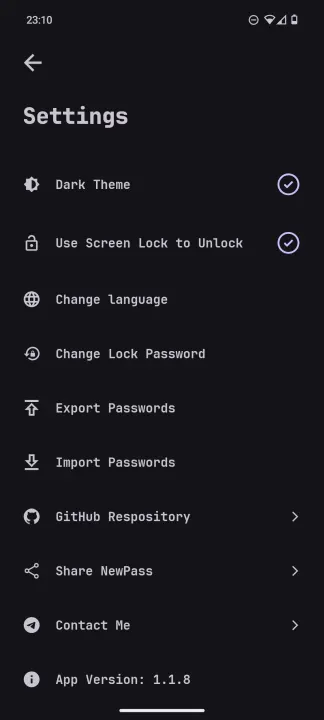
Description
NewPass is a secure password management application designed to generate and store strong passwords locally on your device. With NewPass, you can create highly secure passwords for your accounts and services without the need to remember them.
Key Features:
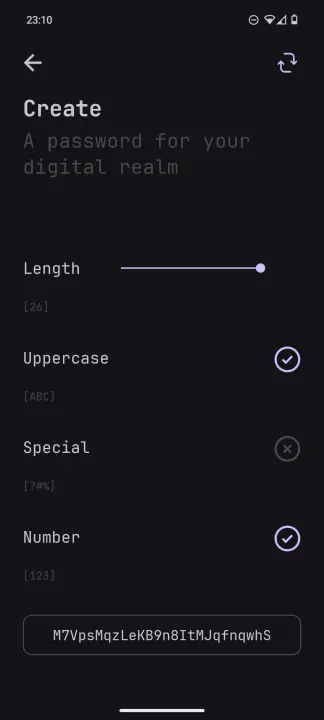
• Password Generation: NewPass provides a robust password generator that allows you to create complex and secure passwords tailored to your specific requirements. You can customize the length and the character set (Uppercase, Numbers and Special).
• Local Storage: Your passwords are stored locally on your device, ensuring complete privacy and control over your data. NewPass does not store any passwords on external servers, minimizing the risk of unauthorized access (If you uninstall the app, your password are lost!).
• AES Encryption: NewPass encrypts all stored passwords using Advanced Encryption Standard (AES) with Cipher Block Chaining (CBC) mode before saving them in the local database.
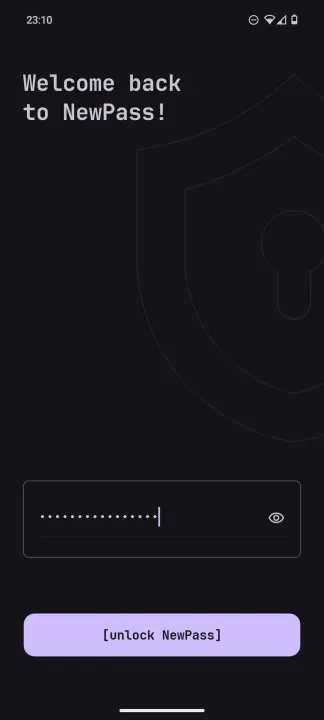
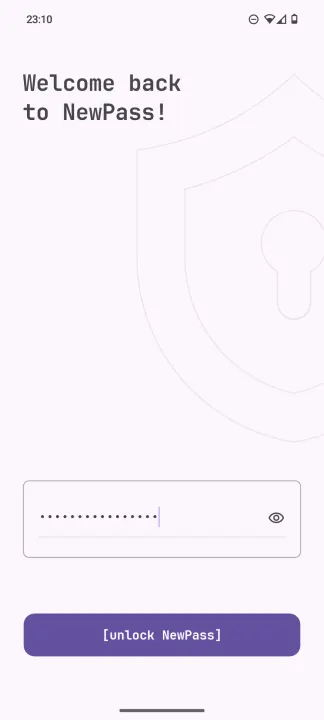
• SQLite Chiper: NewPass utilizes SQLCipher, an extension for SQLite databases, to bolster security further by encrypting entirely the database, ensuring robust protection against unauthorized access. The encryption key is chosen by the user upon the first launch of the app, and it remains saved and encrypted in an EncryptedSharedPreferences. It is then requested every time the app is launched.
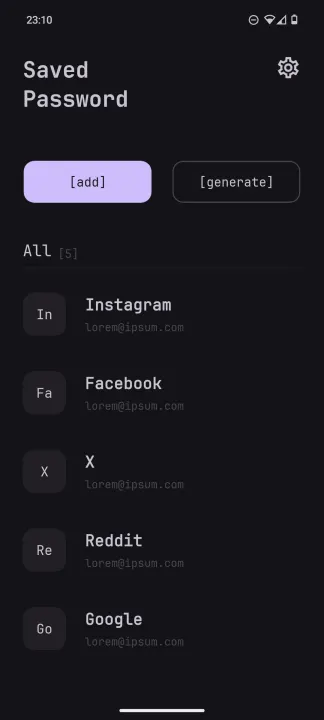
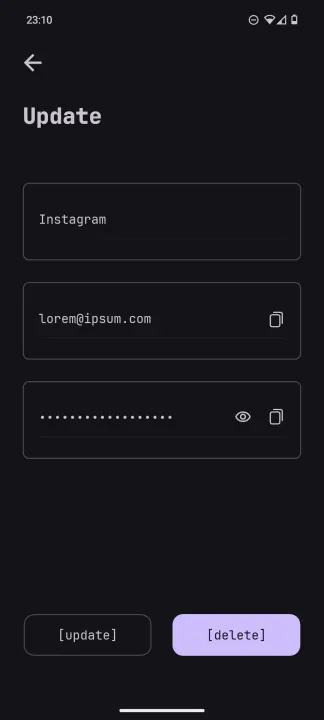
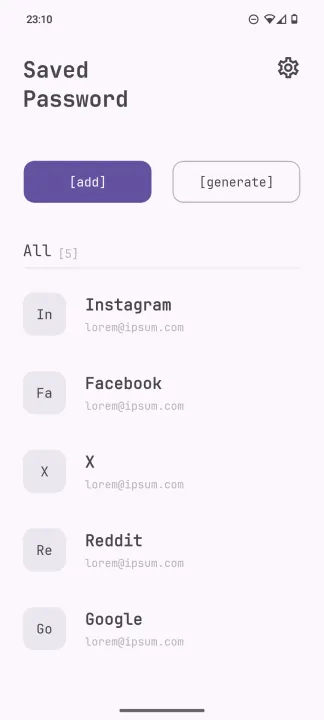
• User-Friendly Interface: NewPass features an intuitive and user-friendly interface, making it easy to generate, view, and manage your passwords. The app offers convenient options for copying passwords to the clipboard and securely sharing them with other applications.
Key Features:
• Password Generation: NewPass provides a robust password generator that allows you to create complex and secure passwords tailored to your specific requirements. You can customize the length and the character set (Uppercase, Numbers and Special).
• Local Storage: Your passwords are stored locally on your device, ensuring complete privacy and control over your data. NewPass does not store any passwords on external servers, minimizing the risk of unauthorized access (If you uninstall the app, your password are lost!).
• AES Encryption: NewPass encrypts all stored passwords using Advanced Encryption Standard (AES) with Cipher Block Chaining (CBC) mode before saving them in the local database.
• SQLite Chiper: NewPass utilizes SQLCipher, an extension for SQLite databases, to bolster security further by encrypting entirely the database, ensuring robust protection against unauthorized access. The encryption key is chosen by the user upon the first launch of the app, and it remains saved and encrypted in an EncryptedSharedPreferences. It is then requested every time the app is launched.
• User-Friendly Interface: NewPass features an intuitive and user-friendly interface, making it easy to generate, view, and manage your passwords. The app offers convenient options for copying passwords to the clipboard and securely sharing them with other applications.
All versions
| Version | Released | Minimum Android | Size |
|---|---|---|---|
| 1.2.0 | Jun 19, 2024 | Android 7.0 | 19 MB |
| 1.1.10 | May 17, 2024 | Android 7.0 | 18.9 MB |
| 1.1.9 | May 9, 2024 | Android 7.0 | 18.9 MB |
How to install an older version of an Android app · How to install an APK file on Android
From the developer (GitHub)
APK files published by the developer on GitHub. They are signed by the developer and may not install over the other builds on this page (different signature). Links open github.com.
Similar apps
-
 Trigger
Open doors via Wi-Fi using HTTPS/SSH.
-
 KeePassDX Passkey Vault
Manage Passkey / Password in a local and open-source vault
-
 OONI Probe
Measure Internet Censorship, Speed & Performance
-
 PilferShush Jammer
Block unwanted use of onboard microphone
- Port Authority Port scanner
-
 KeePassDroid
KeePass-compatible password safe
-
 Rethink: DNS + Firewall + VPN
Firewall apps, use WireGuard VPN, monitor network, block malware, change DNS.
-
 PCAPdroid
No-root network monitor, firewall and PCAP dumper for Android