

Immich Uploader
App that can upload media files to your Immich instance.
- Developer
- Jan Exner
- License
- EUPL-1.2
- Package
com.exner.tools.immichuploader- Category
- Cloud Storage & File Sync, Connectivity, Multimedia
- Latest version
- 3.1.0 · Aug 14, 2026
- Minimum Android
- Android 10
Screenshots
Description
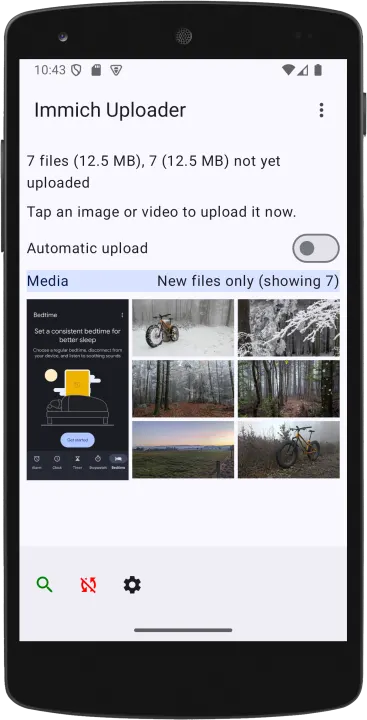
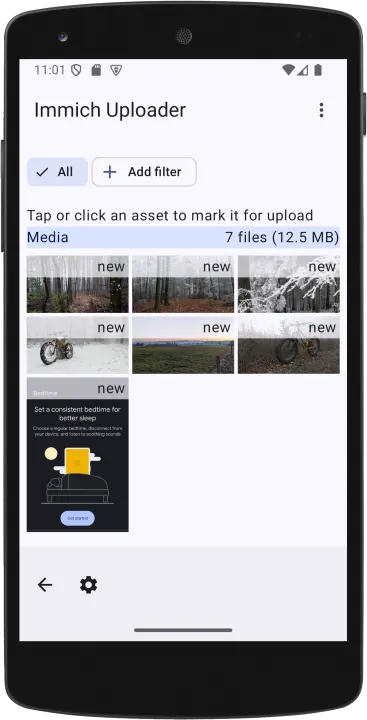
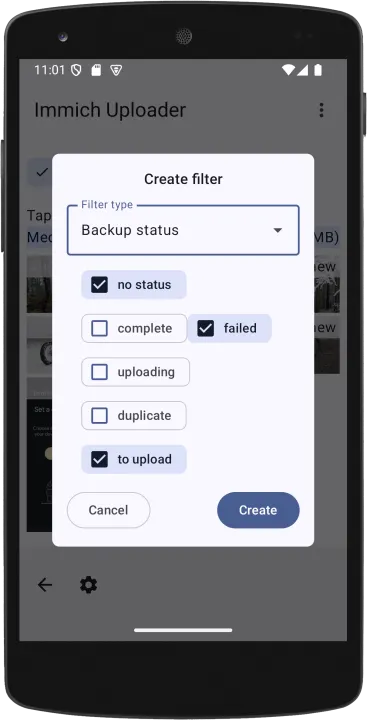
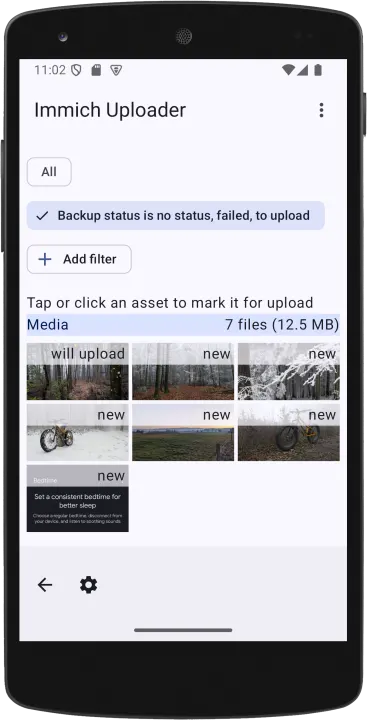
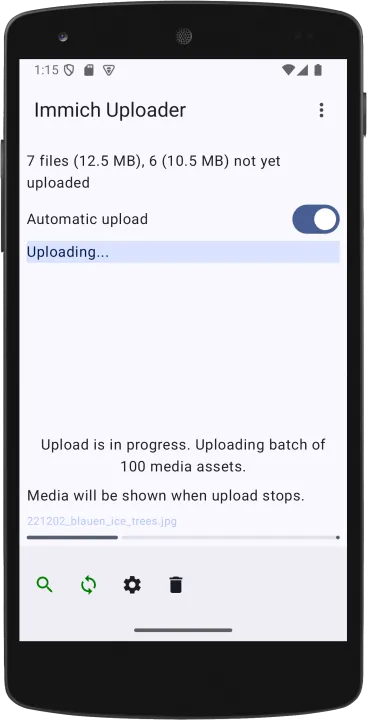
Immich Uploader is a small app that discovers media files on your Android device, then uploads them to your Immich instance.
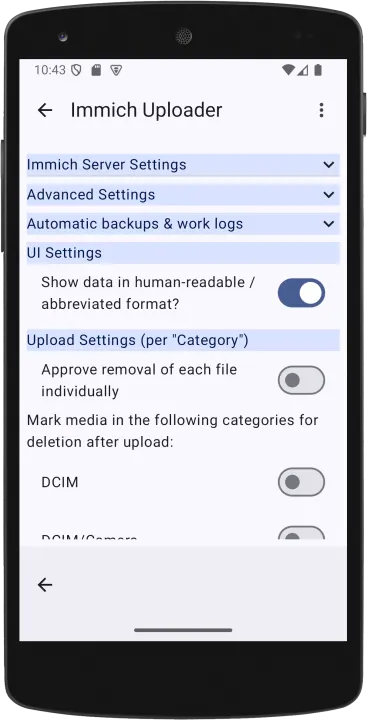
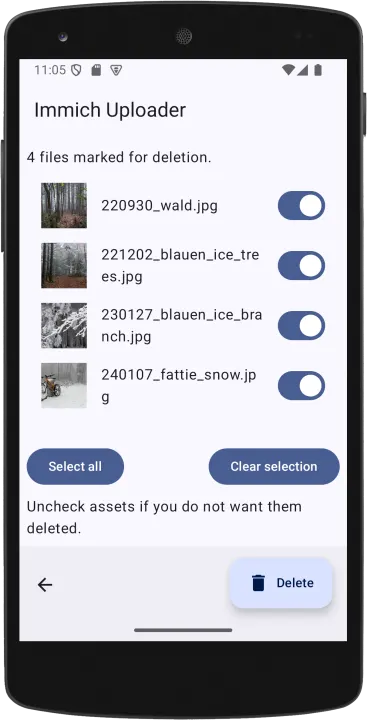
The app can be configured to remove media files from your device after successful updates. This can be configured individually by type of file (Photo, Screenshot, Download, or Others).
It can also apply Tags to media files after successful upload. Again, this can be configured by type of file.
Permissions
Android
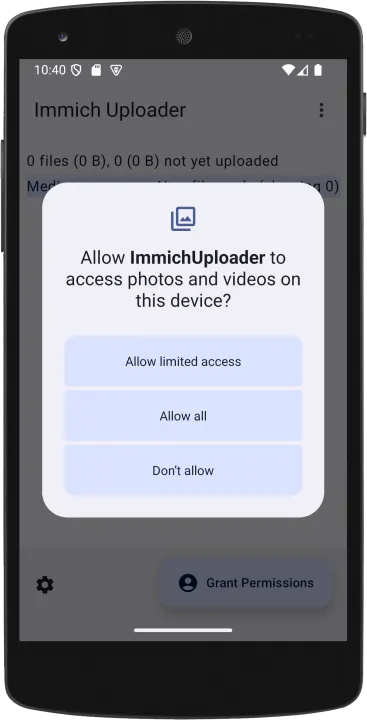
The app needs INTERNET permissions for the upload as well as access to your media files, which it will explicitly ask for.
On devices running Android 17 or later, it also needs ACCESS_LOCAL_NETWORK permissions if you want to use a local server URL when your Android device is on the same network as your Immich server. This usually speeds up upload a great deal.
Immich
The app connects to your Immich instance. It needs an API Key to do so.
You can use your standard Immich user, or you can (should) create a user specifically for Immich Uploader.
The user must have the following permissions on your Immich instance:
• asset.upload - for uploading media assets
• apiKey.read - for testing the connection, used on the Settings screen (since v2.2.2)
• tag.read - for retrieving the list of Tags on your Immich instance (since v3.1.0)
• tag.asset - for applying Tags to assets (since v3.1.0)
If you use the "Check connection" buttons on the Settings view, but your Immich user does not have apiKey.read permission, the check will fail.
If your Immich user does not have tag.read permission, the app can not download Tags from the Immich instance, and if they do not have tag.asset permission, uploads will still work, but media files will not be tagged.
The app can be configured to remove media files from your device after successful updates. This can be configured individually by type of file (Photo, Screenshot, Download, or Others).
It can also apply Tags to media files after successful upload. Again, this can be configured by type of file.
Permissions
Android
The app needs INTERNET permissions for the upload as well as access to your media files, which it will explicitly ask for.
On devices running Android 17 or later, it also needs ACCESS_LOCAL_NETWORK permissions if you want to use a local server URL when your Android device is on the same network as your Immich server. This usually speeds up upload a great deal.
Immich
The app connects to your Immich instance. It needs an API Key to do so.
You can use your standard Immich user, or you can (should) create a user specifically for Immich Uploader.
The user must have the following permissions on your Immich instance:
• asset.upload - for uploading media assets
• apiKey.read - for testing the connection, used on the Settings screen (since v2.2.2)
• tag.read - for retrieving the list of Tags on your Immich instance (since v3.1.0)
• tag.asset - for applying Tags to assets (since v3.1.0)
If you use the "Check connection" buttons on the Settings view, but your Immich user does not have apiKey.read permission, the check will fail.
If your Immich user does not have tag.read permission, the app can not download Tags from the Immich instance, and if they do not have tag.asset permission, uploads will still work, but media files will not be tagged.
All versions
| Version | Released | Minimum Android | Size |
|---|---|---|---|
| 3.1.0 | Aug 14, 2026 | Android 10 | 4.6 MB |
| 3.0.1 | Jul 31, 2026 | Android 10 | 4.5 MB |
| 3.0.0 | Jul 15, 2026 | Android 10 | 4.5 MB |
| 2.3.3 | Jul 11, 2026 | Android 10 | 4.5 MB |
| 2.3.2 | Jul 10, 2026 | Android 10 | 4.5 MB |
| 2.3.1 | Jul 3, 2026 | Android 10 | 4.5 MB |
| 2.3.0 | Jul 1, 2026 | Android 10 | 4.5 MB |
| 2.2.2 | Jun 4, 2026 | Android 10 | 4.5 MB |
| 2.2.1 | May 23, 2026 | Android 10 | 4.5 MB |
| 2.2.0 | May 14, 2026 | Android 10 | 4.5 MB |
| 2.1.2 | Apr 9, 2026 | Android 10 | 4.4 MB |
| 2.1.1 | Mar 9, 2026 | Android 10 | 4.6 MB |
| 2.1.0 | Feb 19, 2026 | Android 10 | 4.6 MB |
| 2.0.6 | Feb 5, 2026 | Android 10 | 4.6 MB |
| 2.0.5 | Feb 4, 2026 | Android 10 | 4.6 MB |
| 2.0.4 | Feb 1, 2026 | Android 10 | 4.5 MB |
| 2.0.3 | Jan 23, 2026 | Android 10 | 4.4 MB |
| 2.0.2 | Jan 21, 2026 | Android 10 | 5.7 MB |
| 2.0.1 | Jan 19, 2026 | Android 10 | 5.8 MB |
| 2.0.0 | Jan 16, 2026 | Android 10 | 5.8 MB |
| 1.1.1 | May 29, 2025 | Android 10 | 4.6 MB |
How to install an older version of an Android app · How to install an APK file on Android
Similar apps
-
 Screenshot Tile (NoRoot)
Customizable screenshot tool with quick settings shortcut and floating button
-
 Enhanced Music Controller Lite
Remote controller for Onkyo devices
-
 Nextcloud Dev
Synchronization client
-
 Nextcloud
Synchronization client
-
 URLCheck
Allows analyzing (or sharing) URLs before opening them.
-
 Classical Music Tagger
A plain audio file metadata editor especially for classical music
-
 Kreate
A multilingual YouTube Music frontend for Android, prioritize performance.
-
 Thunderbird: Free Your Inbox
Thunderbird is a 100% open source, privacy focused email app.