

Zenwell: Stop doomscrolling
Block distracting apps and reduce screen time
- Developer
- Sarangem
- License
- GPL-3.0-or-later
- Package
com.sarangem.zenwell- Category
- System
- Latest version
- 1.7 · Oct 25, 2026
- Minimum Android
- Android 9
Screenshots
Description
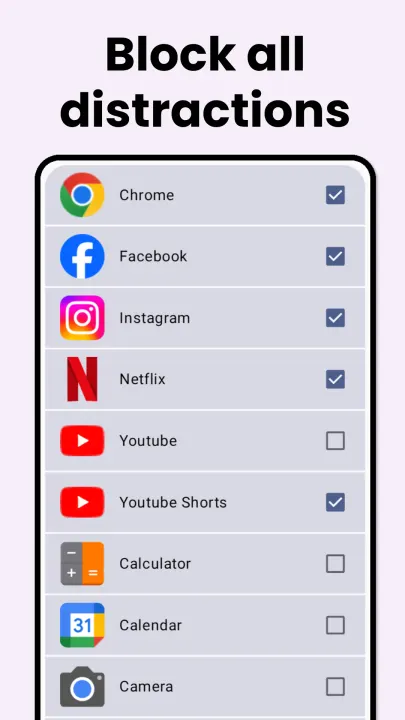
Zenwell helps you break the cycle of mindless doomscrolling and reduce screentime. Select which apps you want to block(Eg: Instagram, Youtube Shorts) and Zenwell would not allow you open the app, unless you solve some hard math problems or practice breathing.
🚀 Key Features
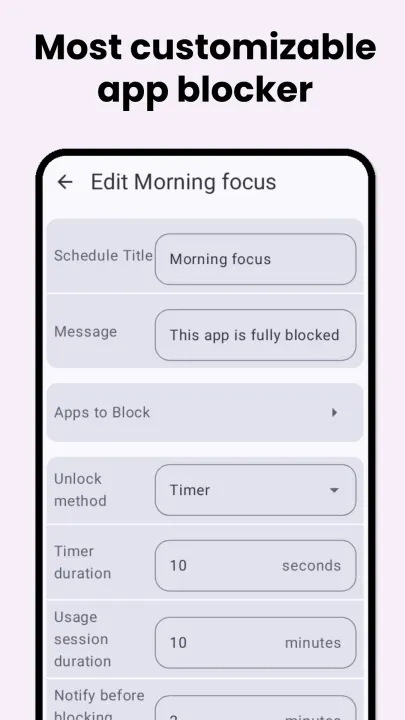
• Customizable Schedules: Select specific apps to block and set active windows (e.g., 9:00 AM – 5:00 PM) and specific weekdays.
• Dynamic Unlock Methods: Choose your level of friction to regain focus:
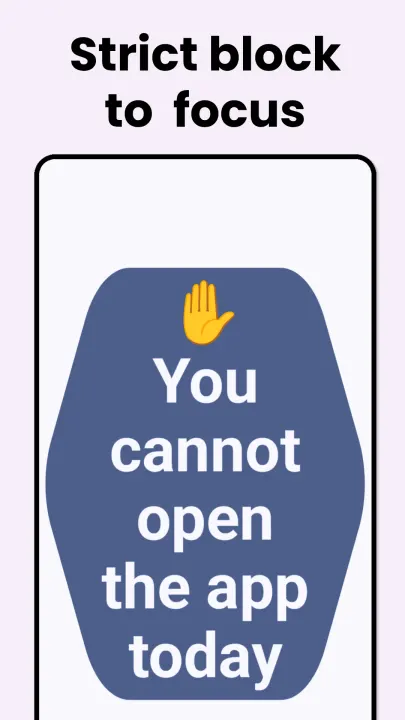
• Strict Block: No entry allowed during restricted hours.
• Timer: Wait for a set countdown before the app opens.
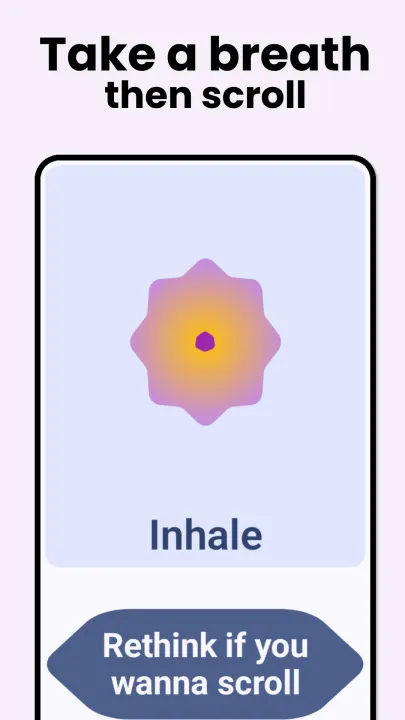
• Breathing Timer: A guided pause to calm the "scroll reflex."
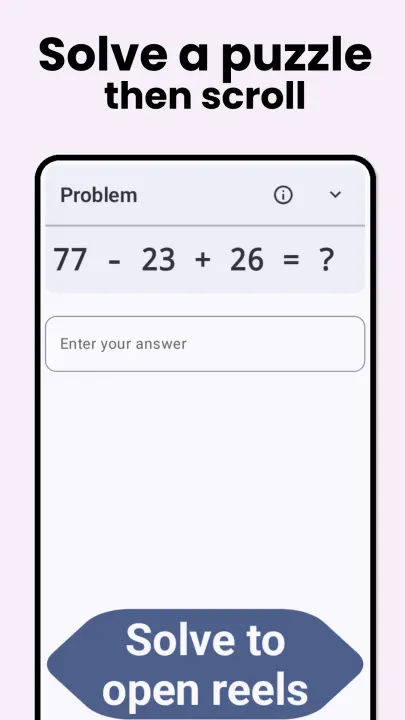
• Math Problems: Solve math equations or multiplication tables.
• Intentional Typing: Type a custom message to proceed.
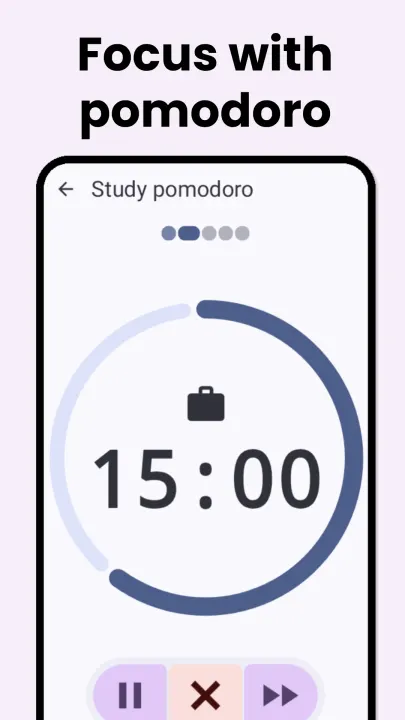
• Pomodoro Mode: Integrated focus sessions to balance work and rest.
• Privacy First: No Internet permission. Your data stays on your device.
This project is in active development and various bugs are expected. Please report any issues at GitHub.
Permissions Required
• Accessibility Service: To run in background and check for distracting apps to block them.
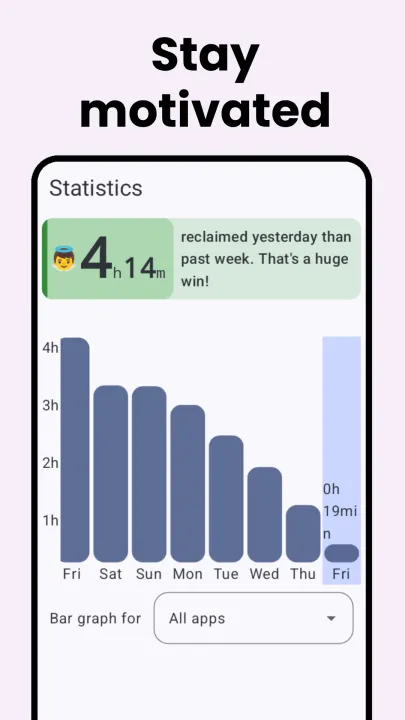
• Usage Statistics (Optional): To check your smartphone usage statistics.
🚀 Key Features
• Customizable Schedules: Select specific apps to block and set active windows (e.g., 9:00 AM – 5:00 PM) and specific weekdays.
• Dynamic Unlock Methods: Choose your level of friction to regain focus:
• Strict Block: No entry allowed during restricted hours.
• Timer: Wait for a set countdown before the app opens.
• Breathing Timer: A guided pause to calm the "scroll reflex."
• Math Problems: Solve math equations or multiplication tables.
• Intentional Typing: Type a custom message to proceed.
• Pomodoro Mode: Integrated focus sessions to balance work and rest.
• Privacy First: No Internet permission. Your data stays on your device.
This project is in active development and various bugs are expected. Please report any issues at GitHub.
Permissions Required
• Accessibility Service: To run in background and check for distracting apps to block them.
• Usage Statistics (Optional): To check your smartphone usage statistics.
All versions
| Version | Released | Minimum Android | Size |
|---|---|---|---|
| 1.7 | Oct 25, 2026 | Android 9 | 3.9 MB |
| 1.6 | Sep 15, 2026 | Android 6 | 2.3 MB |
| 1.5 | Jul 14, 2026 | Android 6 | 2.3 MB |
| 1.4 | Jul 4, 2026 | Android 6 | 2.2 MB |
| 1.3 | Jun 25, 2026 | Android 6 | 2.5 MB |
| 1.2 | Jun 21, 2026 | Android 6 | 2.5 MB |
How to install an older version of an Android app · How to install an APK file on Android
From the developer (GitHub)
APK files published by the developer on GitHub. They are signed by the developer and may not install over the other builds on this page (different signature). Links open github.com.
Similar apps
-
 Screenshot Tile (NoRoot)
Customizable screenshot tool with quick settings shortcut and floating button
-
 Coffee
Keep display awake
-
 Mute reminder
Remind you to mute media
-
 Prepaid Balance
Keep track your prepaid balance
-
 Auto Auto-Rotate
Automatically remembers your auto-rotate setting for every app
-
 Drowser
Simple background app killer
-
 Scrambled Exif
Remove the metadata from your pictures before sharing them
-
 WaveUp
Turn on the display by waving