

Little File Explorer
Android 1.0+ mini simple file manager/explorer
- Developer
- MGGames
- License
- GPL-3.0-only
- Package
com.martinmimigames.simplefileexplorer- Category
- File Manager, System
- Latest version
- 4.18 · Apr 22, 2025
- Minimum Android
- Android API 1
Screenshots
Description
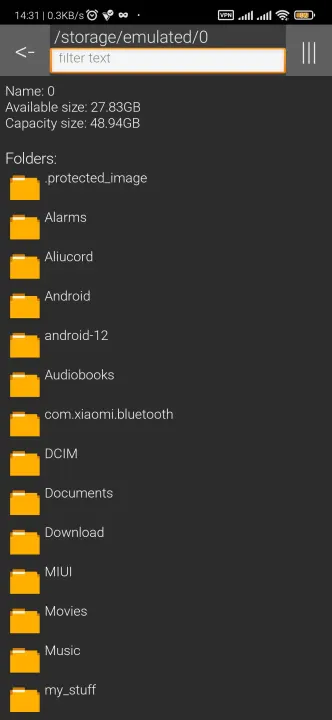
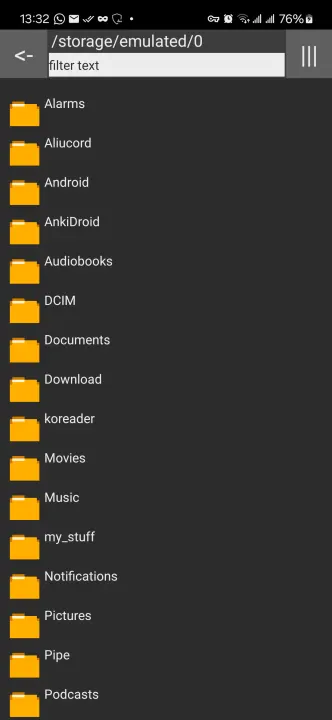
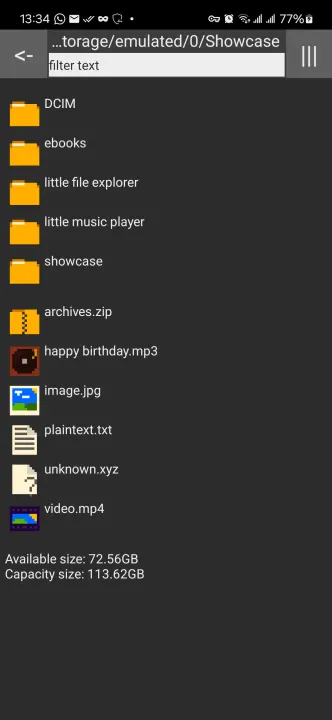
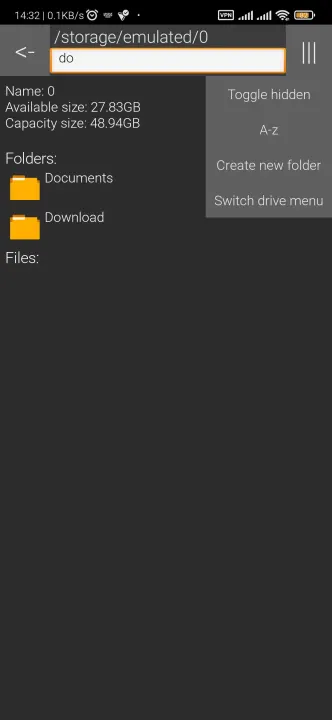
A small, simple file explorer, designed with compatibility in mind.
Open-sourced and publicly-viewable code for anyone worrying about being locked in or privacy invasion.
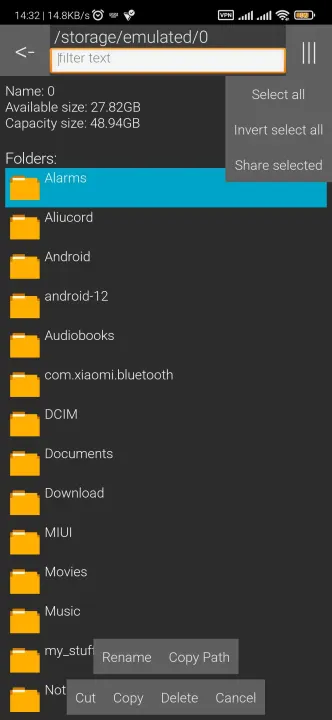
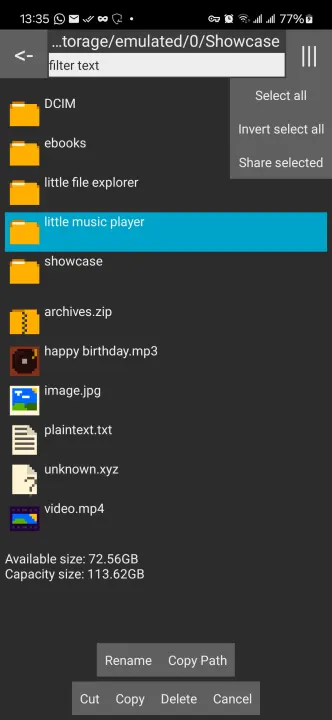
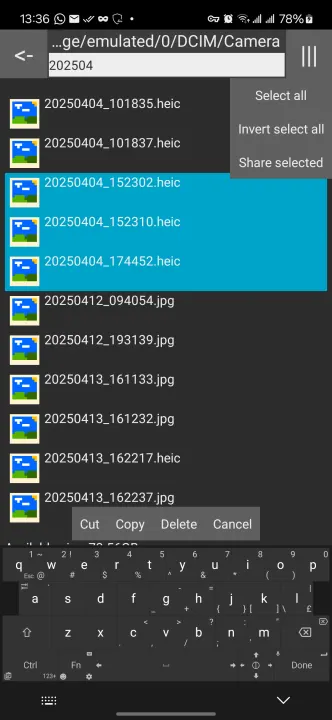
It provides multiple functions, including copy and pasting files, multi-file share, etc. More information available in Features section below.
Supports Android 1.0+
Currently under 40 KB.
Previous known as Simple File Explorer (but from martinmimigames).
You can visit the official webpage at https://martinmimigames.github.io/projects/little-file-explorer/index.html
Features
• FOSS software (Free and Open Source)
• Small (< 40 KB)
• Basic file operations (Cut, copy, paste, rename, delete)
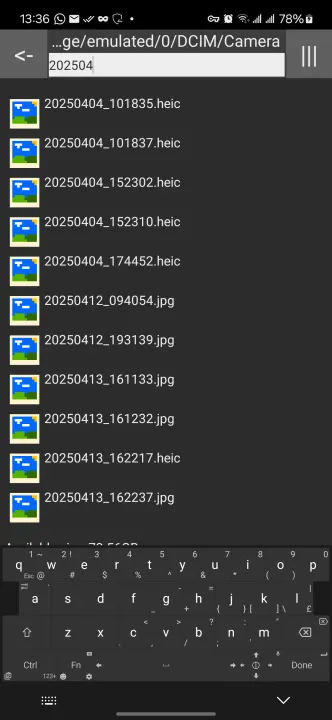
• File name filter
• Name, Modified Time, File Size sort
• Hidden File toggle
• Drive menu to switch between internal and sdcard storage
• Multi-share function
• File/folder path copying
• Minimum permissions
• System/Light/Dark Theme toggle
• MD5 checksum generation and verification
Issues
Issues and pull requests are always welcome!
You can submit issues the following ways:
• via Github Issues at https://github.com/martinmimigames/little-file-explorer/issues
• via email: [email protected]
Made by Martinmimigames! :)
Open-sourced and publicly-viewable code for anyone worrying about being locked in or privacy invasion.
It provides multiple functions, including copy and pasting files, multi-file share, etc. More information available in Features section below.
Supports Android 1.0+
Currently under 40 KB.
Previous known as Simple File Explorer (but from martinmimigames).
You can visit the official webpage at https://martinmimigames.github.io/projects/little-file-explorer/index.html
Features
• FOSS software (Free and Open Source)
• Small (< 40 KB)
• Basic file operations (Cut, copy, paste, rename, delete)
• File name filter
• Name, Modified Time, File Size sort
• Hidden File toggle
• Drive menu to switch between internal and sdcard storage
• Multi-share function
• File/folder path copying
• Minimum permissions
• System/Light/Dark Theme toggle
• MD5 checksum generation and verification
Issues
Issues and pull requests are always welcome!
You can submit issues the following ways:
• via Github Issues at https://github.com/martinmimigames/little-file-explorer/issues
• via email: [email protected]
Made by Martinmimigames! :)
All versions
| Version | Released | Minimum Android | Size |
|---|---|---|---|
| 4.18 | Apr 22, 2025 | Android API 1 | 37.2 KB |
| 4.15 | Mar 30, 2024 | Android API 1 | 37.2 KB |
| 4.14 | Dec 1, 2023 | Android API 1 | 37.3 KB |
| 4.13 | Oct 10, 2023 | Android API 1 | 37.3 KB |
| 4.12 | Sep 19, 2023 | Android API 1 | 37.3 KB |
| 4.11 | Jul 12, 2023 | Android API 1 | 37.3 KB |
| 4.10 | Jun 25, 2023 | Android API 1 | 33.3 KB |
| 4.9 | Apr 6, 2023 | Android API 1 | 33.3 KB |
| 4.8 | Mar 20, 2023 | Android API 1 | 33.3 KB |
| 4.7 | Feb 3, 2023 | Android API 1 | 33.2 KB |
| 4.6 | Jan 11, 2023 | Android API 1 | 33.2 KB |
| 4.5 | Dec 25, 2022 | Android API 1 | 33.2 KB |
| 4.4 | Nov 28, 2022 | Android API 1 | 33.2 KB |
How to install an older version of an Android app · How to install an APK file on Android
From the developer (GitHub)
APK files published by the developer on GitHub. They are signed by the developer and may not install over the other builds on this page (different signature). Links open github.com.
Similar apps
-
 Screenshot Tile (NoRoot)
Customizable screenshot tool with quick settings shortcut and floating button
-
 Coffee
Keep display awake
-
 Mute reminder
Remind you to mute media
-
 Prepaid Balance
Keep track your prepaid balance
-
 Auto Auto-Rotate
Automatically remembers your auto-rotate setting for every app
-
 Drowser
Simple background app killer
-
 Scrambled Exif
Remove the metadata from your pictures before sharing them
-
 WaveUp
Turn on the display by waving