

Brailliac: Braille Keyboard
System keyboard based on a Braille cell!
- Developer
- Luke Needham
- License
- GPL-3.0-only
- Package
com.lukeneedham.braillekeyboard- Category
- Keyboard & IME, Science & Education, System, Writing
- Latest version
- 1.4.2 · Jan 22, 2024
- Minimum Android
- Android 4.1
Screenshots
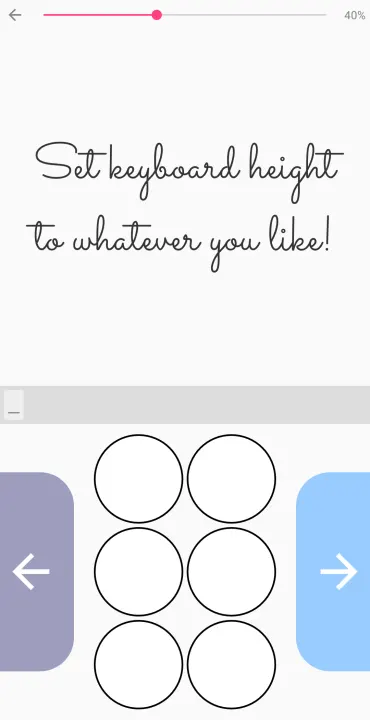
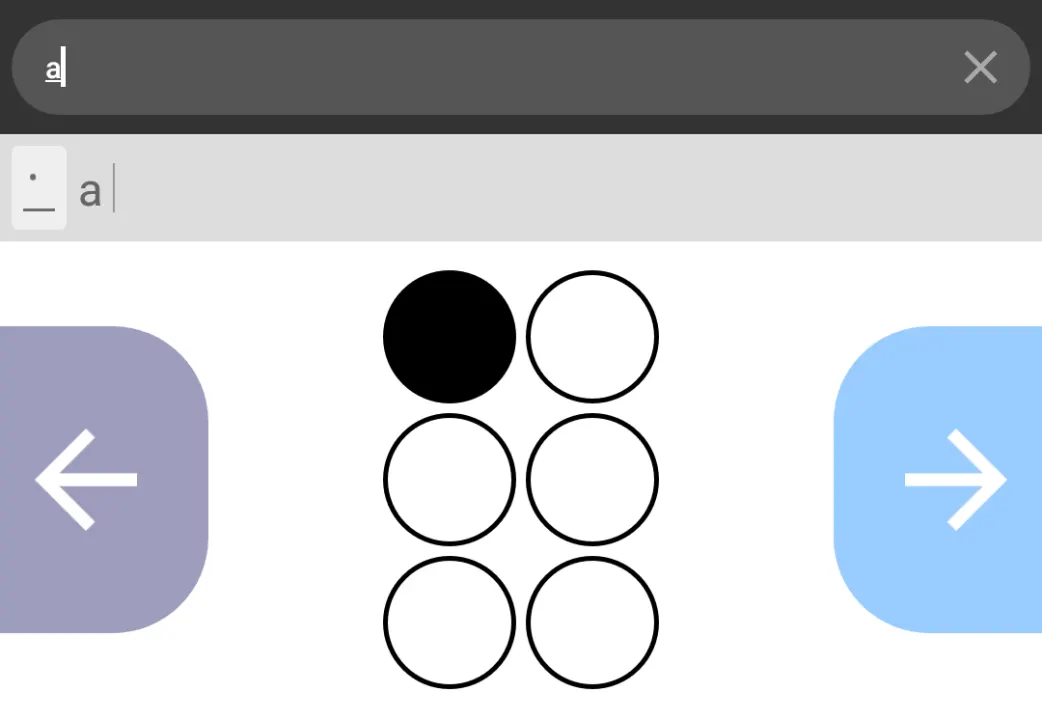
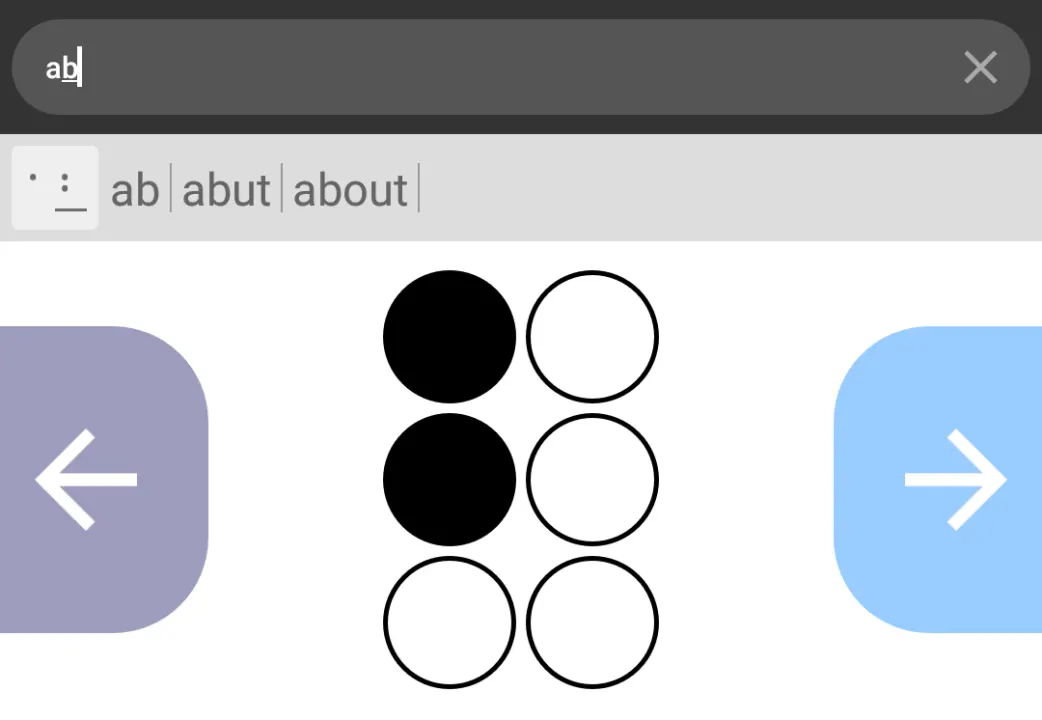
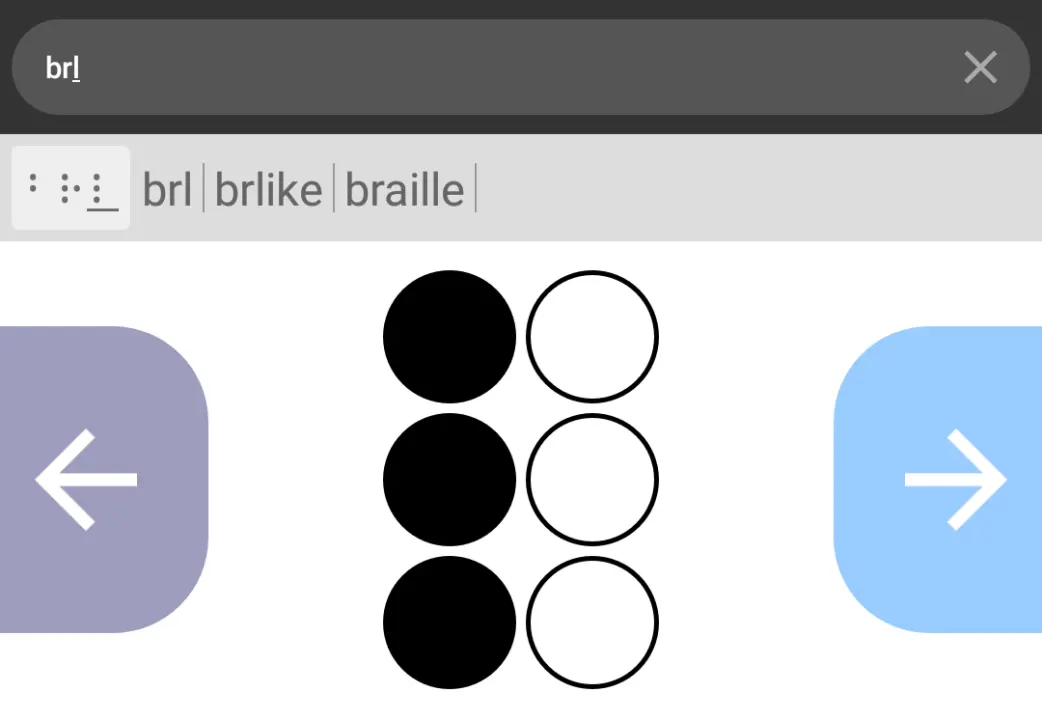
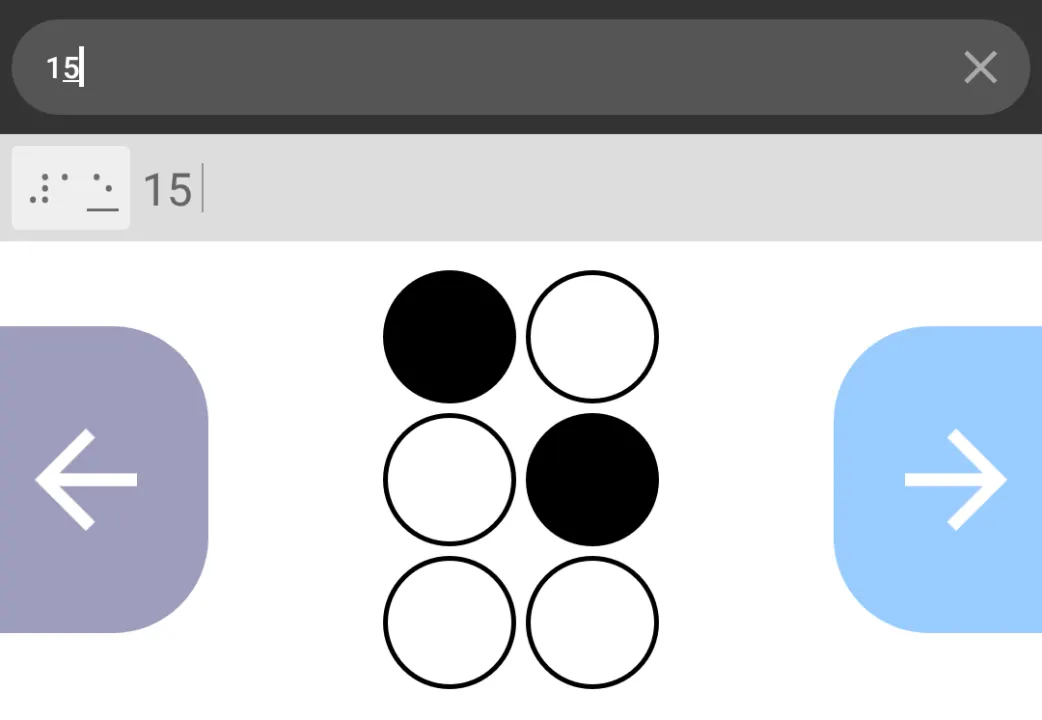
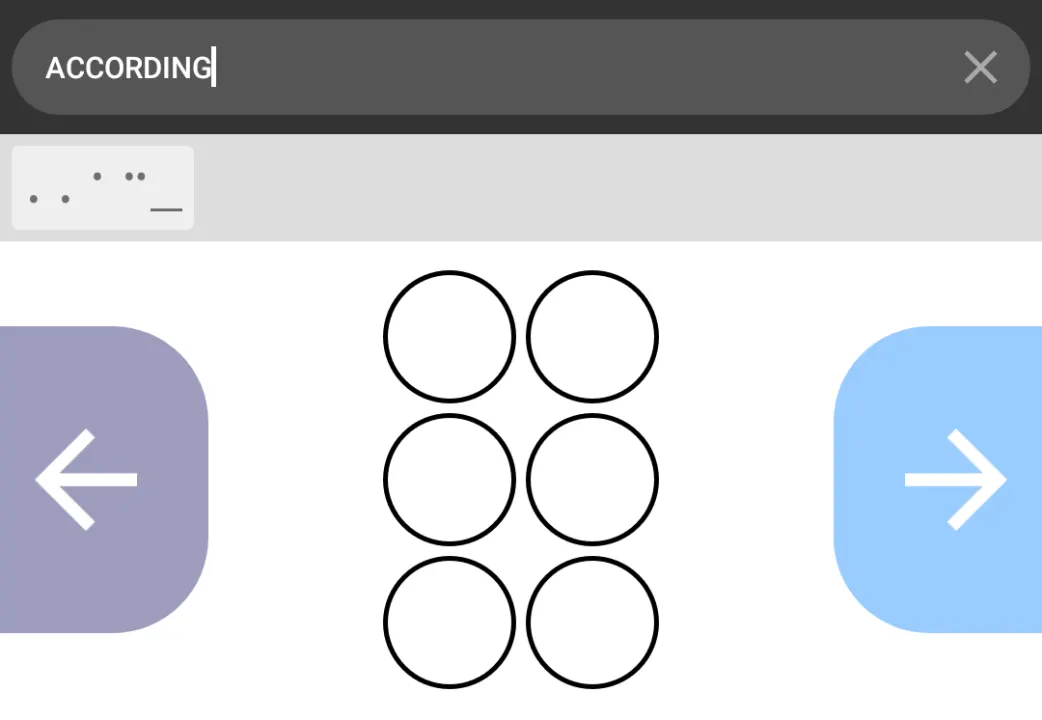
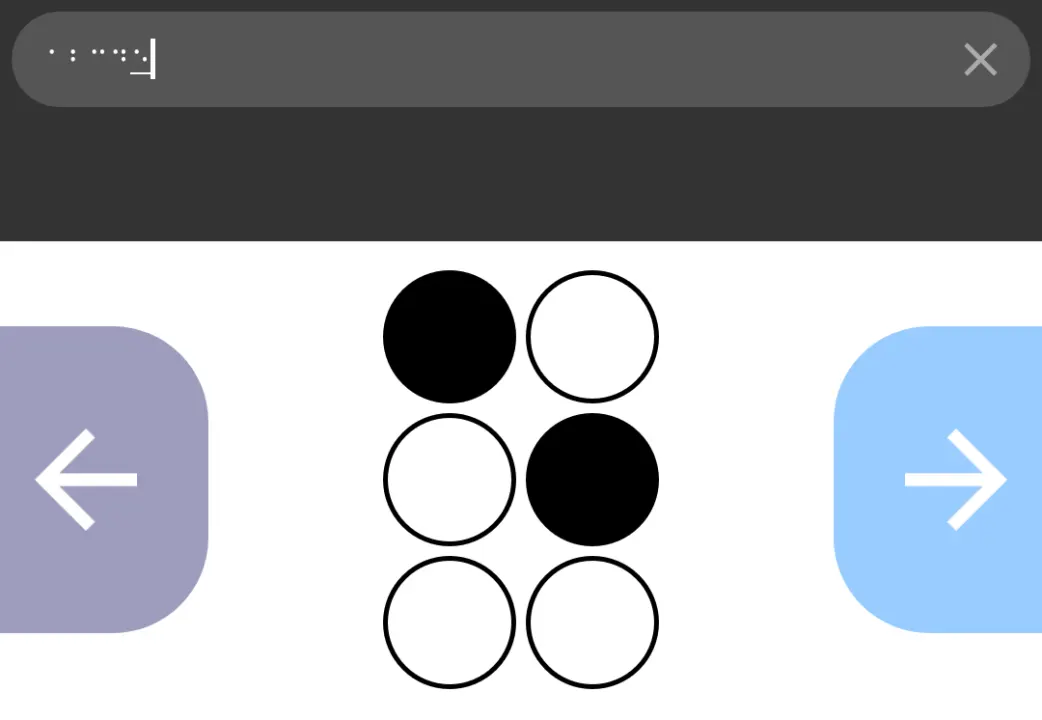
Description
Practise your Braille skills while doing anything from texting your friends, searching the web, or writing essays!
Just a few of the amazing features:
• Braille Cell Mode - for typing cells directly
• Translated Mode - in-built AI automatically converts your typed cells to the letters they represent in your chosen Braille code
• Fully compatible with all Braille symbols and modes, including capitals, numbers, contractions, and shortforms
• Highly customisable - choose the size of your keyboard exactly
• Intuative motion controls
• Private and safe - Has no Internet permissions, so you don't have to worry about snooping
Includes all the following Braille codes:
• Unified English Braille
• Swedish Braille
• Czech Braille
• Slovak Braille
• Tamil Braille
• Spanish Braille
Just a few of the amazing features:
• Braille Cell Mode - for typing cells directly
• Translated Mode - in-built AI automatically converts your typed cells to the letters they represent in your chosen Braille code
• Fully compatible with all Braille symbols and modes, including capitals, numbers, contractions, and shortforms
• Highly customisable - choose the size of your keyboard exactly
• Intuative motion controls
• Private and safe - Has no Internet permissions, so you don't have to worry about snooping
Includes all the following Braille codes:
• Unified English Braille
• Swedish Braille
• Czech Braille
• Slovak Braille
• Tamil Braille
• Spanish Braille
All versions
| Version | Released | Minimum Android | Size |
|---|---|---|---|
| 1.4.2 | Jan 22, 2024 | Android 4.1 | 1.6 MB |
How to install an older version of an Android app · How to install an APK file on Android
Similar apps
-
 Converter NOW: Unit Converter
A simple, immediate and fast unit converter!
-
 Screenshot Tile (NoRoot)
Customizable screenshot tool with quick settings shortcut and floating button
-
 Coffee
Keep display awake
-
 Mute reminder
Remind you to mute media
-
 Prepaid Balance
Keep track your prepaid balance
-
 Braincup - Brain Training
Train your focus, memory and math skills.
-
 Auto Auto-Rotate
Automatically remembers your auto-rotate setting for every app
-
 Drowser
Simple background app killer