

Valentin's PowerTools #036 - Ease The Waiting
A mix between a calendar and a clock that makes you wait faster.
- Developer
- Valentin
- License
- GPL-3.0-only
- Package
v4lpt.vpt.f036.esw- Category
- Calendar & Agenda
- Latest version
- 1.1.1 · Sep 27, 2024
- Minimum Android
- Android 8.0
Screenshots
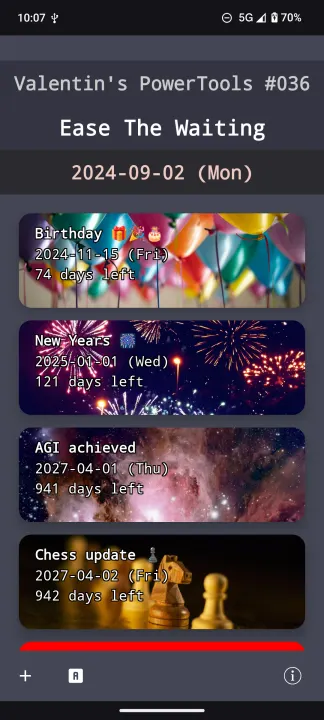
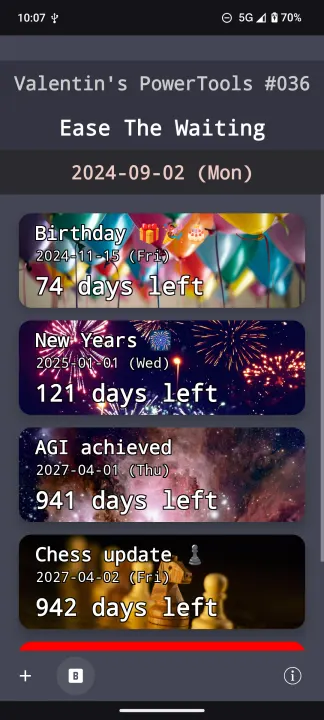
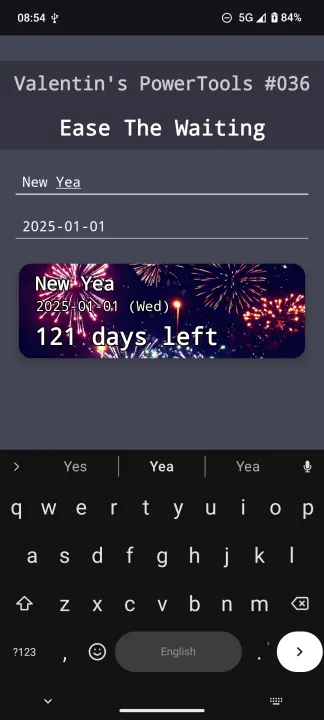
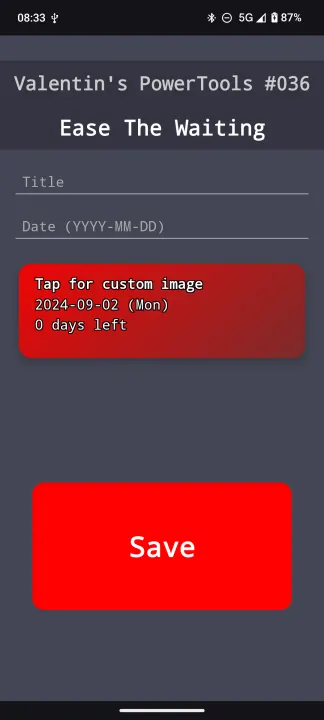
Description
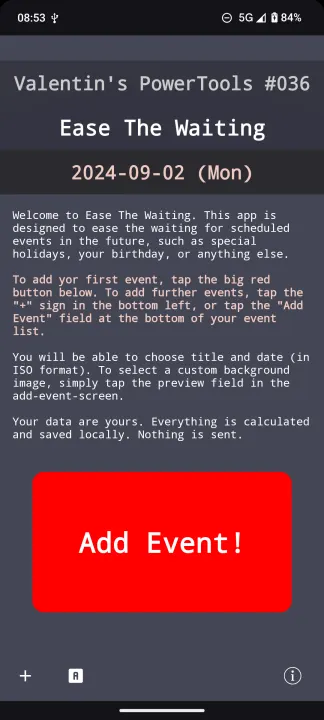
Welcome to Ease The Waiting. This app is designed to ease the waiting for scheduled events in the future, such as special holidays, your birthday, or anything else. 🎉🎂🌴
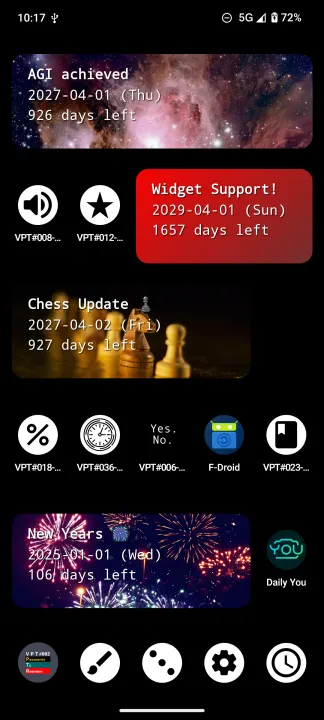
It displays the number of days until the event and (optionally) a personal background image for each event.
How it works:
• Just tap the big red button ("Add Event") to add your first event.
• In the next screen:
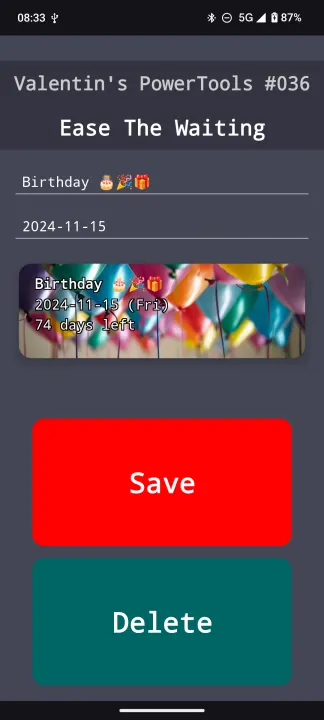
• Enter title and date
• Optionally, choose a custom background image for this event by tapping the preview field beneath title and date. 📝🗓️🖼️
• Save event by tapping the big red button that says "Save".
• You will now be back on the main screen and see your event
• To add more events, either tap the "+" sign in the bottom left, or scroll to the bottom of the event list and tap the "Add New Event" button.
• For a visually appealing experience like in the screenshots, use attractive images!
Features:
• 🔤 2 visual presets - Switch between big and small text modes by tapping the A, resp. B button next to the "+" button in the bottom line.
• ✏️ Edit existing events - Tap on an event to modify its details.
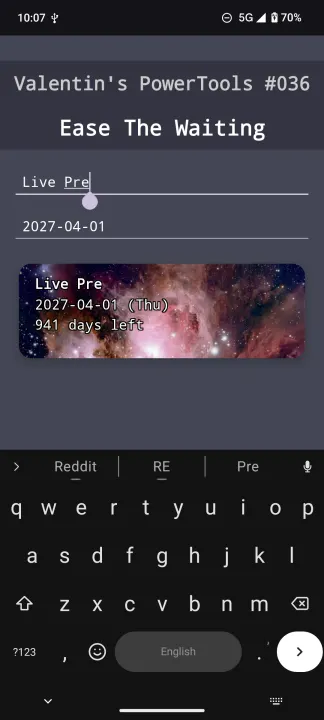
• 🔴 Live preview - See how your event will look as you add or edit it.
• 🚀 Simple introduction - The app provides clear instructions if no events are added.
Created with ❤️ by Valentin.
It displays the number of days until the event and (optionally) a personal background image for each event.
How it works:
• Just tap the big red button ("Add Event") to add your first event.
• In the next screen:
• Enter title and date
• Optionally, choose a custom background image for this event by tapping the preview field beneath title and date. 📝🗓️🖼️
• Save event by tapping the big red button that says "Save".
• You will now be back on the main screen and see your event
• To add more events, either tap the "+" sign in the bottom left, or scroll to the bottom of the event list and tap the "Add New Event" button.
• For a visually appealing experience like in the screenshots, use attractive images!
Features:
• 🔤 2 visual presets - Switch between big and small text modes by tapping the A, resp. B button next to the "+" button in the bottom line.
• ✏️ Edit existing events - Tap on an event to modify its details.
• 🔴 Live preview - See how your event will look as you add or edit it.
• 🚀 Simple introduction - The app provides clear instructions if no events are added.
Created with ❤️ by Valentin.
All versions
| Version | Released | Minimum Android | Size |
|---|---|---|---|
| 1.1.1 | Sep 27, 2024 | Android 8.0 | 5.3 MB |
| 1.1.0 | Sep 22, 2024 | Android 8.0 | 5.3 MB |
| 1.0.1 | Sep 16, 2024 | Android 8.0 | 5.3 MB |
| 1.0.0 | Sep 12, 2024 | Android 8.0 | 5.3 MB |
How to install an older version of an Android app · How to install an APK file on Android
From the developer (GitHub)
APK files published by the developer on GitHub. They are signed by the developer and may not install over the other builds on this page (different signature). Links open github.com.
Similar apps
-
 Nextcloud Dev
Synchronization client
-
 Nextcloud
Synchronization client
-
 NoNonsense Notes
A simple notepad and to-do app with an excellent navigation
-
 KashCal
Family on iCloud, work on Google, you on CalDAV? KashCal takes everyone's side.
-
 French Calendar
French Revolutionary calendar widget
-
 Tempus Romanum
Latin date generator with a widget
-
 Giggity
Schedule viewer for conferences and other events
-
 Etar - OpenSource Calendar
Etar is a material designed open source calendar, for everyone!