

Todo List (PFA)
(SECUSO) Create lists of tasks which can be individually managed.
- Developer
- SECUSO - Security Usability Society
- License
- GPL-3.0-or-later
- Package
org.secuso.privacyfriendlytodolist- Category
- Task, Writing
- Latest version
- 3.4.0 · Jan 18, 2026
- Minimum Android
- Android 5.0
Screenshots
Description
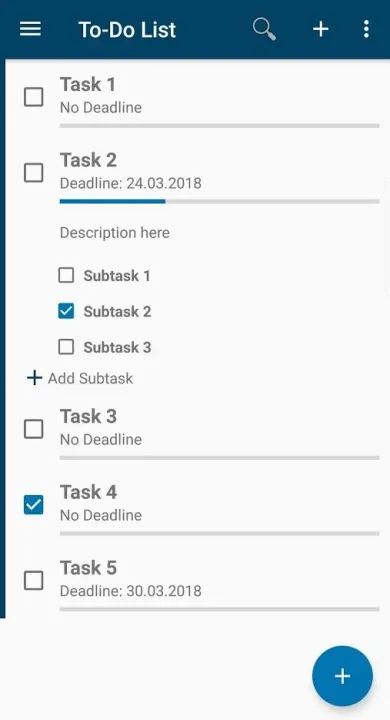
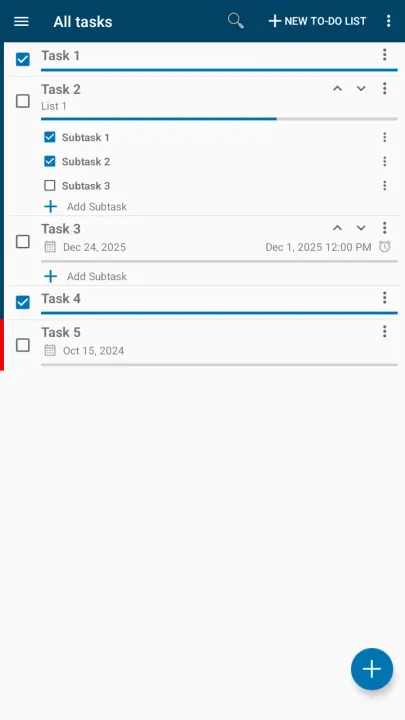
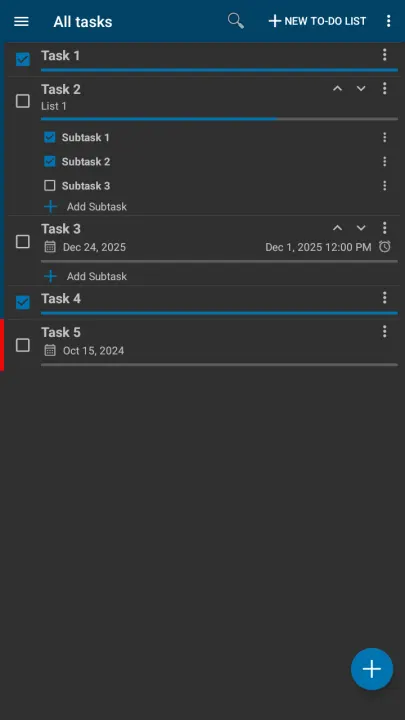
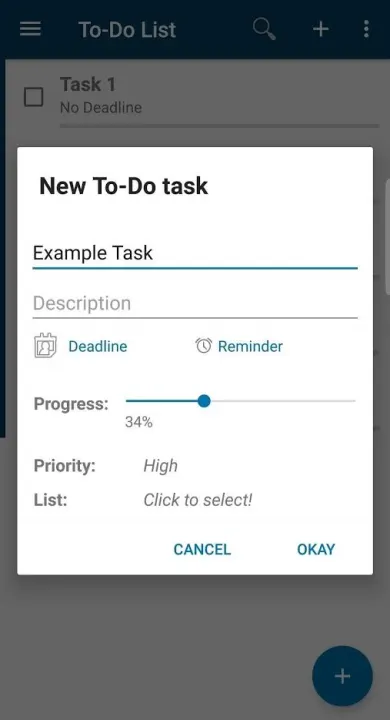
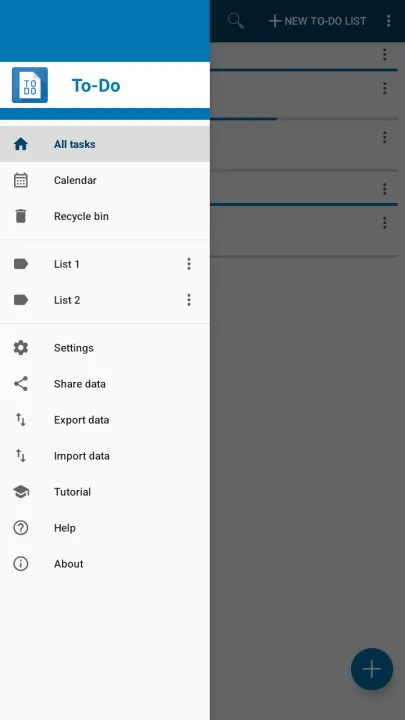
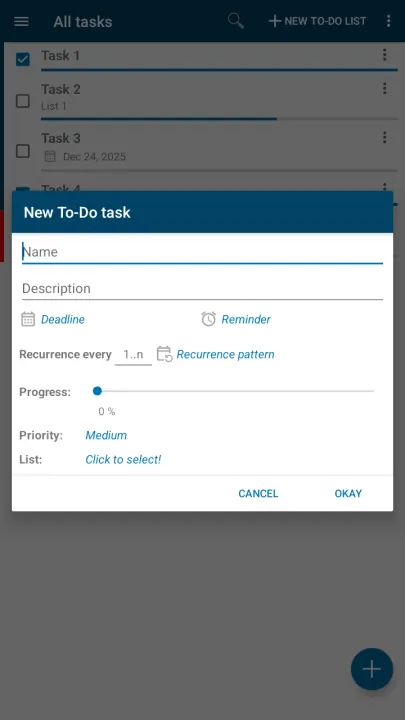
The Privacy Friendly To-Do List can be used to keep outstanding tasks in mind and organize a personal schedule. This application allows to create lists of tasks which can be individually managed. Each list contains a set of tasks. Each task can have a deadline, a reminder time and a list of subtasks. By setting a reminder time the user will be informed by a notification. It is possible to display all tasks in a calendar, to protect the app with a secret pin and to sort and prioritize tasks within a list. Colors indicate the urgency of a task (taking the deadline into account).
Features of Privacy Friendly To-Do List
1. PIN protection
Open the Settings menu to setup a PIN protection for your application. The PIN needs to be a number with 4 digits. You are asked for it every time you start the application / start the main view.
2. Reminder
You can set a reminder to your tasks that will notify you if a deadline is approaching. Settings provide you the possibility to enable a notification sound.
3. Widget
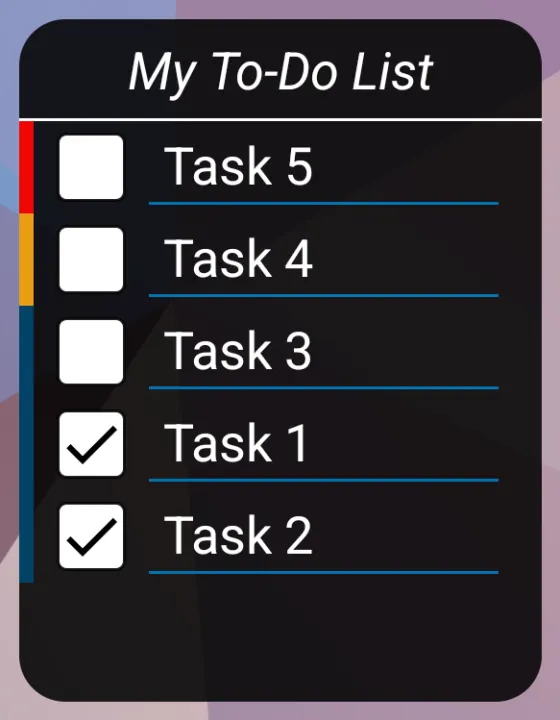
In addition, this app provides a widget that you can add to your device’s home screen. The widget presents you tasks that belong to a chosen list. Clicking on a task or its checkbox leads to the main view of Privacy Friendly To-Do List.
4. Progress by subtasks
By default, progress can be chosen freely by the user when creating or editing a task. To-Do List gives the opportunity to automatically compute and show the progress of a task dependent on its done subtasks. Therefore go to Settings and enable progress by subtasks.
Our Privacy Friendly App differs from other applications with respect to three aspects:
1) Minimal permissions
Privacy Friendly To-Do List does not use more permissions than are strictly necessary to provide its functionality.
2) No advertisement
Privacy Friendly To-Do List completely relinquishes advertisement.
Many other free apps in the Google Play Store dazzle annoying advertising which also shortens battery life.
3) No tracking
Privacy Friendly To-Do List does not use any trackers.
Privacy Friendly To-Do List is part of the Privacy Friendly Apps group developed by the research group SECUSO at Karlsruhe Institute of Technology. More information at: https://secuso.org/pfa
You can reach us via
X - @SECUSOResearch https://x.com/secusoresearch
Mastodon - @SECUSO_Research@bawü.social https://xn--baw-joa.social/@SECUSO_Research/
Job Offers - https://secuso.aifb.kit.edu/english/Job_Offers.php
Features of Privacy Friendly To-Do List
1. PIN protection
Open the Settings menu to setup a PIN protection for your application. The PIN needs to be a number with 4 digits. You are asked for it every time you start the application / start the main view.
2. Reminder
You can set a reminder to your tasks that will notify you if a deadline is approaching. Settings provide you the possibility to enable a notification sound.
3. Widget
In addition, this app provides a widget that you can add to your device’s home screen. The widget presents you tasks that belong to a chosen list. Clicking on a task or its checkbox leads to the main view of Privacy Friendly To-Do List.
4. Progress by subtasks
By default, progress can be chosen freely by the user when creating or editing a task. To-Do List gives the opportunity to automatically compute and show the progress of a task dependent on its done subtasks. Therefore go to Settings and enable progress by subtasks.
Our Privacy Friendly App differs from other applications with respect to three aspects:
1) Minimal permissions
Privacy Friendly To-Do List does not use more permissions than are strictly necessary to provide its functionality.
2) No advertisement
Privacy Friendly To-Do List completely relinquishes advertisement.
Many other free apps in the Google Play Store dazzle annoying advertising which also shortens battery life.
3) No tracking
Privacy Friendly To-Do List does not use any trackers.
Privacy Friendly To-Do List is part of the Privacy Friendly Apps group developed by the research group SECUSO at Karlsruhe Institute of Technology. More information at: https://secuso.org/pfa
You can reach us via
X - @SECUSOResearch https://x.com/secusoresearch
Mastodon - @SECUSO_Research@bawü.social https://xn--baw-joa.social/@SECUSO_Research/
Job Offers - https://secuso.aifb.kit.edu/english/Job_Offers.php
All versions
| Version | Released | Minimum Android | Size |
|---|---|---|---|
| 3.4.0 | Jan 18, 2026 | Android 5.0 | 8.4 MB |
| 3.3.1 | Oct 20, 2025 | Android 5.0 | 8.3 MB |
| 3.3.0 | Oct 18, 2025 | Android 5.0 | 8.3 MB |
| 3.2.1 | Aug 1, 2025 | Android 5.0 | 8.1 MB |
| 3.1.0 | Jan 13, 2025 | Android 5.0 | 6 MB |
| 3.0.0 | Dec 29, 2024 | Android 5.0 | 6.1 MB |
| 2.4.2 | Apr 1, 2023 | Android 4.2 | 4.5 MB |
| 2.4.0 | Aug 29, 2022 | Android 4.2 | 4.5 MB |
| 2.3 | Feb 4, 2020 | Android 4.2 | 2.4 MB |
| 2.2 | Oct 2, 2019 | Android 4.2 | 2.2 MB |
| 2.1 | Apr 5, 2018 | Android 4.2 | 2.3 MB |
| 2.0 | Mar 31, 2018 | Android 4.2 | 2.3 MB |
| 1.0.1 | Nov 27, 2016 | Android 4.2 | 2 MB |
| 1.0 | Nov 22, 2016 | Android 4.1 | 2 MB |
How to install an older version of an Android app · How to install an APK file on Android
From the developer (GitHub)
APK files published by the developer on GitHub. They are signed by the developer and may not install over the other builds on this page (different signature). Links open github.com.
Similar apps
-
 NoNonsense Notes
A simple notepad and to-do app with an excellent navigation
-
 Butterfly
Take notes, draw freely, and organize ideas across an endless workspace
-
 Linwood Butterfly Nightly
Take notes, draw freely, and organize ideas across an endless workspace
-
 Thunderbird: Free Your Inbox
Thunderbird is a 100% open source, privacy focused email app.
-
 Thunderbird Beta for Testers
Thunderbird is a 100% open source, privacy focused email app.
-
 Nextcloud Notes
View and edit notes on Nextcloud
-
 Poet Assistant
Dictionary and TTS tools for editing poems
-
 BeeCount Knitting Counter
Knitting row counter