

USB HID Client
use your phone as a keyboard and mouse WITHOUT any software on the other end
- Developer
- Arian Baishya
- License
- GPL-3.0-only
- Package
me.arianb.usb_hid_client- Category
- System
- Latest version
- v3.1.0 · Aug 17, 2026
- Minimum Android
- Android 8.0
Screenshots
Description
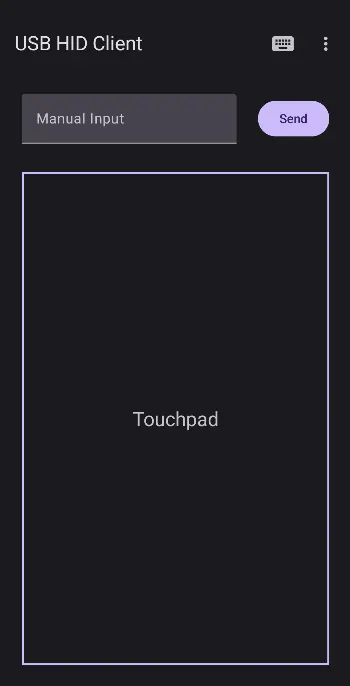
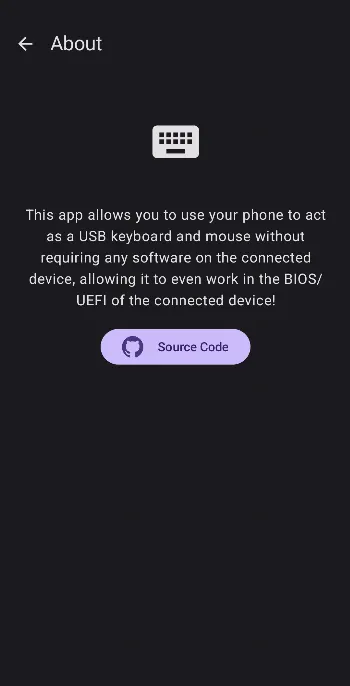
This Android app allows you your phone to present itself to a connected device as a keyboard and mouse. Since this happens at a very low level, the connected device sees it exactly as a normal keyboard and mouse, meaning you don't need to install any software on the connected computer! For this reason, it will even work if the connected device is in its BIOS/UEFI. Even multimedia keys are supported, meaning you can send volume up/down keys to the connected computer to control media. I strongly recommend using Unexpected Keyboard to use special keys such as modifier and function keys, but most functionality will work with any standard Android keyboard.
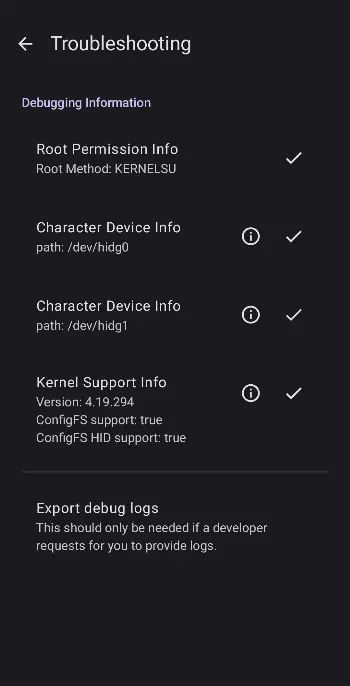
Bonus description for nerds: This app adds (and provides a simple UI for you to communicate with) two character devices (/dev/hidg0 and /dev/hidg1 respectively) by adding HID functions to the default Android USB gadget. If you wanted to, you could just use this app to create the character devices, then communicate solely through some C program, shell script, or whatever else you wanted as long as it had the right permissions to access the character devices and knew how to send proper reports to them. Beware of SELinux policies if you do that though. If anyone is actually doing that, let me know, I'd be glad to help if necessary.
For more details on setup and usage, please consult the project's Readme.
Bonus description for nerds: This app adds (and provides a simple UI for you to communicate with) two character devices (/dev/hidg0 and /dev/hidg1 respectively) by adding HID functions to the default Android USB gadget. If you wanted to, you could just use this app to create the character devices, then communicate solely through some C program, shell script, or whatever else you wanted as long as it had the right permissions to access the character devices and knew how to send proper reports to them. Beware of SELinux policies if you do that though. If anyone is actually doing that, let me know, I'd be glad to help if necessary.
For more details on setup and usage, please consult the project's Readme.
All versions
| Version | Released | Minimum Android | Size |
|---|---|---|---|
| v3.1.0 | Aug 17, 2026 | Android 8.0 | 2.7 MB |
| v3.0.1 | Aug 29, 2025 | Android 8.0 | 2.4 MB |
| v3.0.0 | Aug 29, 2025 | Android 8.0 | 2.4 MB |
How to install an older version of an Android app · How to install an APK file on Android
From the developer (GitHub)
APK files published by the developer on GitHub. They are signed by the developer and may not install over the other builds on this page (different signature). Links open github.com.
Similar apps
-
 Screenshot Tile (NoRoot)
Customizable screenshot tool with quick settings shortcut and floating button
-
 Coffee
Keep display awake
-
 Mute reminder
Remind you to mute media
-
 Prepaid Balance
Keep track your prepaid balance
-
 Auto Auto-Rotate
Automatically remembers your auto-rotate setting for every app
-
 Drowser
Simple background app killer
-
 Scrambled Exif
Remove the metadata from your pictures before sharing them
-
 WaveUp
Turn on the display by waving