

Clinometer
A simple app to measure the inclination of your device using the accelerometers
- Developer
- BasicAirData
- License
- GPL-3.0-only
- Package
eu.basicairdata.clinometer- Category
- Science & Education
- Latest version
- 1.2.4 · Sep 1, 2024
- Minimum Android
- Android 4.4
Screenshots
Description
Basic Air Data Clinometer is a simple App to measure your device’s inclination angles with respect to gravity’s direction using the onboard accelerometers. It is a basic and lightweight App with geometric-inspired graphics that can be used as Clinometer or Bubble Level. It is intended to measure, not store data.
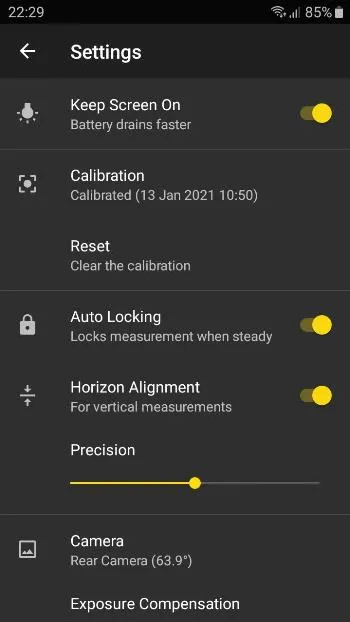
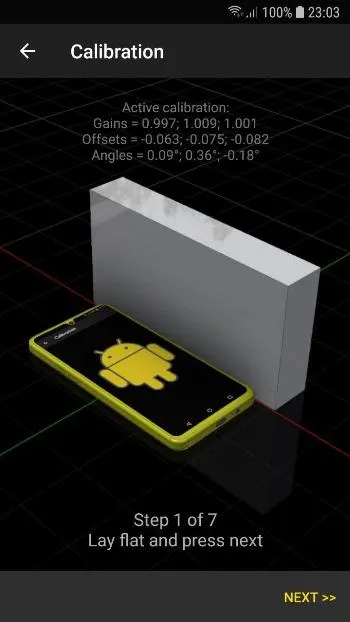
A „Getting Started“ guide can be found here.IMPORTANT NOTE: Please go to Settings and calibrate it before use. The measurement’s precision mainly depends on the accuracy of the calibration: use a good horizontal and vertical reference.
USAGES:
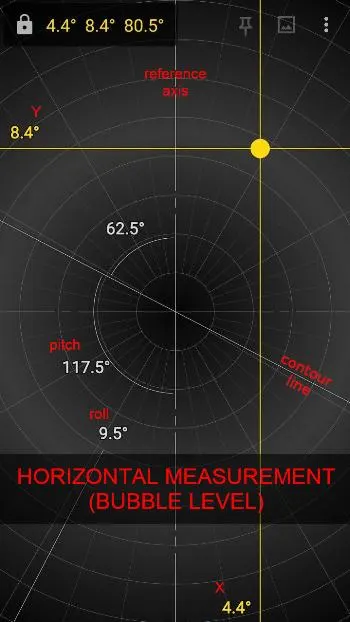
• Bubble Level (horizontal)
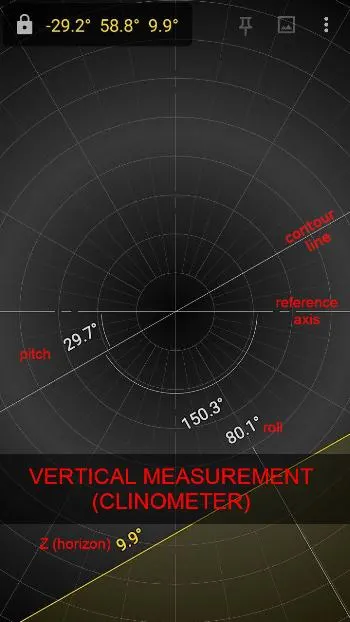
• Clinometer (vertical)
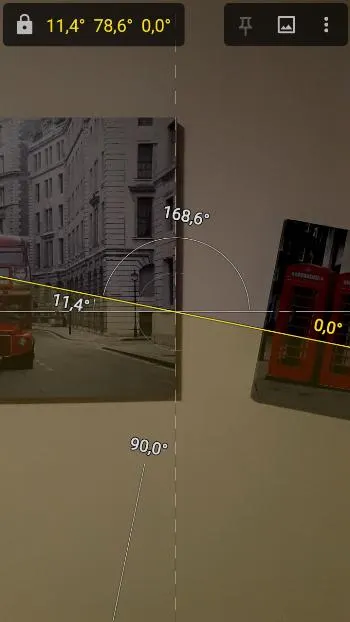
• Measure with the Camera (vertical only)
MEASUREMENT:
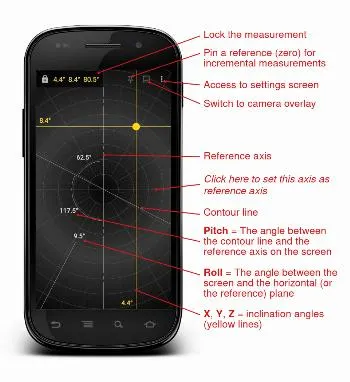
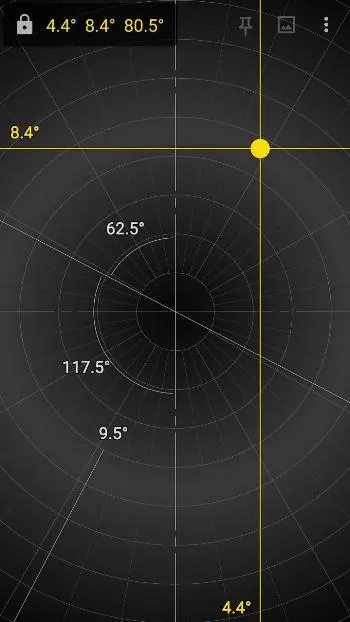
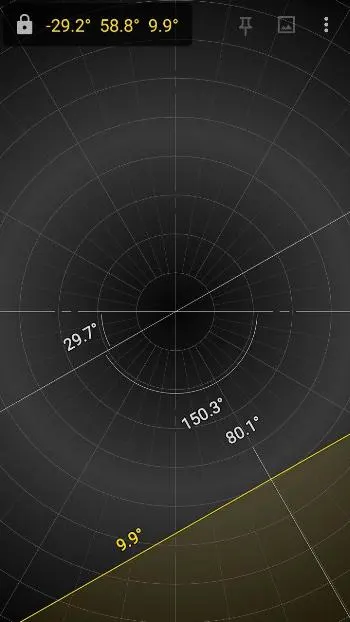
• X (Yellow) = The angle between the horizontal plane and the horizontal axis of the screen
• Y (Yellow) = The angle between the horizontal plane and the vertical axis of the screen
• Z (Yellow) = The angle between the horizontal plane and the axis that comes out perpendicular to the screen
• Pitch (White) = The angle between the contour line (inclined, white) and the reference axis (horizontal or vertical, dashed white) on the screen plane
• Roll (White) = The angle between the screen and the horizontal plane
A „Getting Started“ guide can be found here.IMPORTANT NOTE: Please go to Settings and calibrate it before use. The measurement’s precision mainly depends on the accuracy of the calibration: use a good horizontal and vertical reference.
USAGES:
• Bubble Level (horizontal)
• Clinometer (vertical)
• Measure with the Camera (vertical only)
MEASUREMENT:
• X (Yellow) = The angle between the horizontal plane and the horizontal axis of the screen
• Y (Yellow) = The angle between the horizontal plane and the vertical axis of the screen
• Z (Yellow) = The angle between the horizontal plane and the axis that comes out perpendicular to the screen
• Pitch (White) = The angle between the contour line (inclined, white) and the reference axis (horizontal or vertical, dashed white) on the screen plane
• Roll (White) = The angle between the screen and the horizontal plane
All versions
| Version | Released | Minimum Android | Size |
|---|---|---|---|
| 1.2.4 | Sep 1, 2024 | Android 4.4 | 5.7 MB |
| 1.2.2 | Oct 15, 2022 | Android 4.4 | 5.7 MB |
| 1.2.1 | Sep 13, 2022 | Android 4.4 | 5.6 MB |
How to install an older version of an Android app · How to install an APK file on Android
From the developer (GitHub)
APK files published by the developer on GitHub. They are signed by the developer and may not install over the other builds on this page (different signature). Links open github.com.
Similar apps
-
 Converter NOW: Unit Converter
A simple, immediate and fast unit converter!
-
 Braincup - Brain Training
Train your focus, memory and math skills.
-
 microMathematics Plus
Computer algebra system
-
 GCompris
Multi-Activity Educational game for children 2 to 10
-
 TimeTable
Timetable viewer for VULCAN
-
 Open Note Scanner
Scan documents, handwritten notes or arts
- Democracy Droid Watch "Democracy Now The war and peace report"
-
 QuickDic
Offline translation dictionary