

Middor
Mirror applications for HUD display with horizontal flip.
- Developer
- Khiet Tam Nguyen
- License
- AGPL-3.0-or-later
- Package
org.nktnet.middor- Category
- System
- Latest version
- 0.2.0 · Oct 25, 2026
- Minimum Android
- Android 14
Screenshots
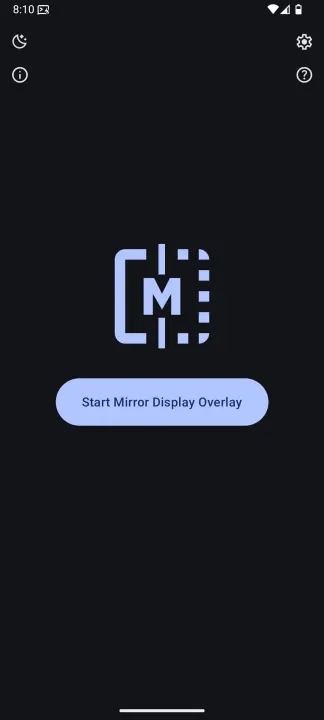
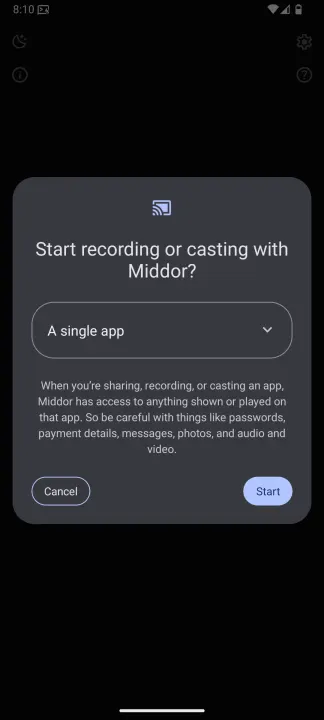
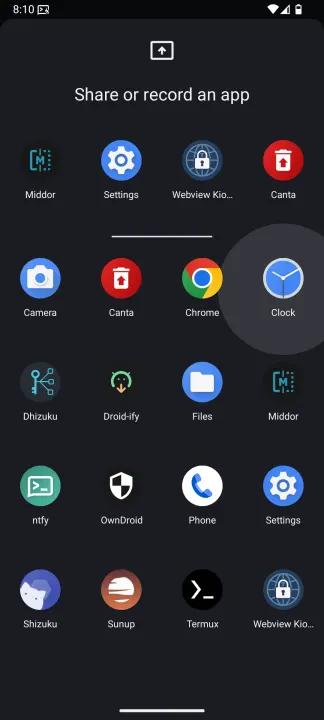
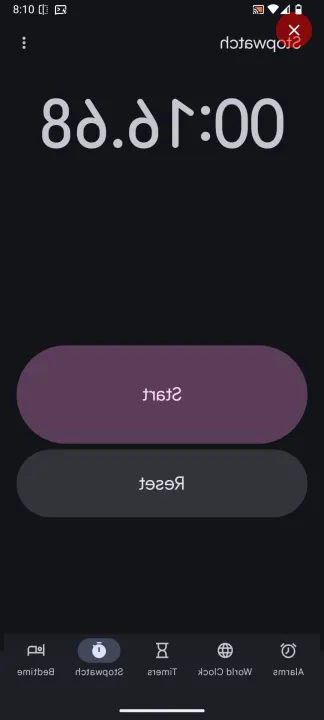
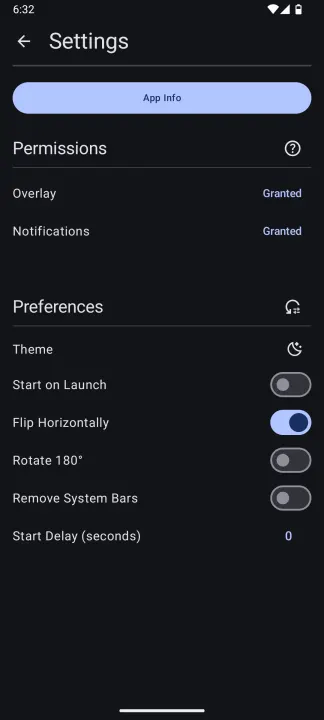
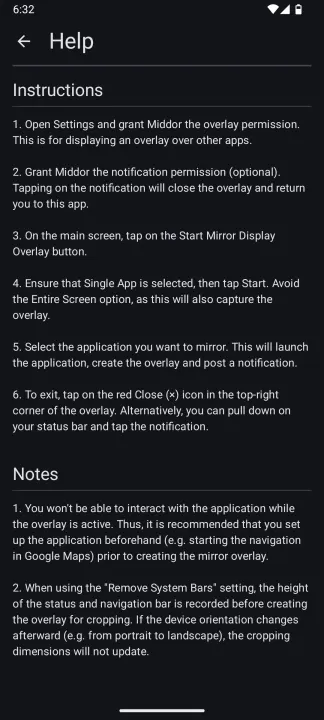
Description
Middor is a free and open-source Android application for mirroring apps on your device.
With built-in support for horizontal flip and 180° rotation, Middor can be used to:
• Display apps on a HUD
• Project content onto a car windscreen (e.g. Google Maps navigation)
• View mirrored images and videos
Middor only supports devices running Android 14 QPR2 or higher, as it relies on the single app screen sharing feature.
For more details, see Android 14 - App Screen Sharing: https://developer.android.com/about/versions/14/features/app-screen-sharing
Touch controls
To tap, swipe, or use multitouch on the mirror, turn on Enable Touch Controls
in Settings and enable Middor Touch in Android Accessibility settings.
Gestures follow flips and rotations and replay when you lift your fingers.
Touch controls are optional for view-only mirroring.
For usage instructions, see https://github.com/nktnet1/middor/discussions/2
Permissions
• SYSTEM_ALERT_WINDOW: to draw a mirror overlay on top of other apps
• FOREGROUND_SERVICE: to run the mirror service continuously while the overlay is active
• FOREGROUND_SERVICE_MEDIA_PROJECTION: for capturing the screen content of the underlying app
• BIND_ACCESSIBILITY_SERVICE: for the optional Middor Touch service
• POST_NOTIFICATIONS: (optional) to display the mirror service notification with additional actions
Contact
Questions/Feature Requests
Create a Q&A for questions and Ideas for feature requests on GitHub discussions: https://github.com/nktnet1/middor/discussions
Bugs/Issues
Report bugs by creating a GitHub issue describing the problem and how it can be reproduced: https://github.com/nktnet1/middor/issues
Please also include your device model, app version and android version.
Other
For all other inquiries, please reach out to: [email protected]
With built-in support for horizontal flip and 180° rotation, Middor can be used to:
• Display apps on a HUD
• Project content onto a car windscreen (e.g. Google Maps navigation)
• View mirrored images and videos
Middor only supports devices running Android 14 QPR2 or higher, as it relies on the single app screen sharing feature.
For more details, see Android 14 - App Screen Sharing: https://developer.android.com/about/versions/14/features/app-screen-sharing
Touch controls
To tap, swipe, or use multitouch on the mirror, turn on Enable Touch Controls
in Settings and enable Middor Touch in Android Accessibility settings.
Gestures follow flips and rotations and replay when you lift your fingers.
Touch controls are optional for view-only mirroring.
For usage instructions, see https://github.com/nktnet1/middor/discussions/2
Permissions
• SYSTEM_ALERT_WINDOW: to draw a mirror overlay on top of other apps
• FOREGROUND_SERVICE: to run the mirror service continuously while the overlay is active
• FOREGROUND_SERVICE_MEDIA_PROJECTION: for capturing the screen content of the underlying app
• BIND_ACCESSIBILITY_SERVICE: for the optional Middor Touch service
• POST_NOTIFICATIONS: (optional) to display the mirror service notification with additional actions
Contact
Questions/Feature Requests
Create a Q&A for questions and Ideas for feature requests on GitHub discussions: https://github.com/nktnet1/middor/discussions
Bugs/Issues
Report bugs by creating a GitHub issue describing the problem and how it can be reproduced: https://github.com/nktnet1/middor/issues
Please also include your device model, app version and android version.
Other
For all other inquiries, please reach out to: [email protected]
All versions
| Version | Released | Minimum Android | Size |
|---|---|---|---|
| 0.2.0 | Oct 25, 2026 | Android 14 | 2.4 MB |
| 0.1.7 | Feb 7, 2026 | Android 14 | 2.6 MB |
| 0.1.6 | Jan 28, 2026 | Android 14 | 2.6 MB |
| 0.1.5 | Jan 23, 2026 | Android 14 | 2.6 MB |
| 0.1.4 | Jan 12, 2026 | Android 14 | 2.6 MB |
| 0.1.3 | Jan 11, 2026 | Android 14 | 2.6 MB |
| 0.1.2 | Jan 9, 2026 | Android 14 | 2.6 MB |
How to install an older version of an Android app · How to install an APK file on Android
From the developer (GitHub)
APK files published by the developer on GitHub. They are signed by the developer and may not install over the other builds on this page (different signature). Links open github.com.
Similar apps
-
 Screenshot Tile (NoRoot)
Customizable screenshot tool with quick settings shortcut and floating button
-
 Coffee
Keep display awake
-
 Mute reminder
Remind you to mute media
-
 Prepaid Balance
Keep track your prepaid balance
-
 Auto Auto-Rotate
Automatically remembers your auto-rotate setting for every app
-
 Drowser
Simple background app killer
-
 Scrambled Exif
Remove the metadata from your pictures before sharing them
-
 WaveUp
Turn on the display by waving