

Headphone indicator
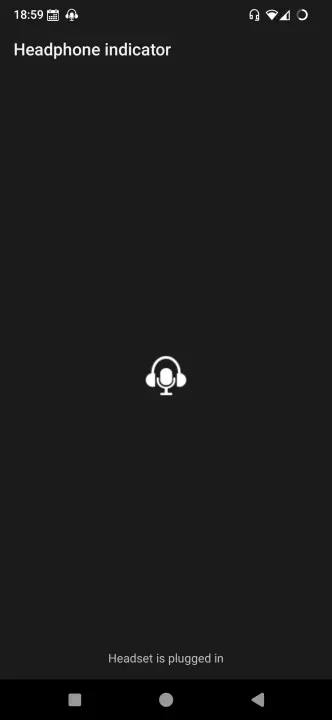
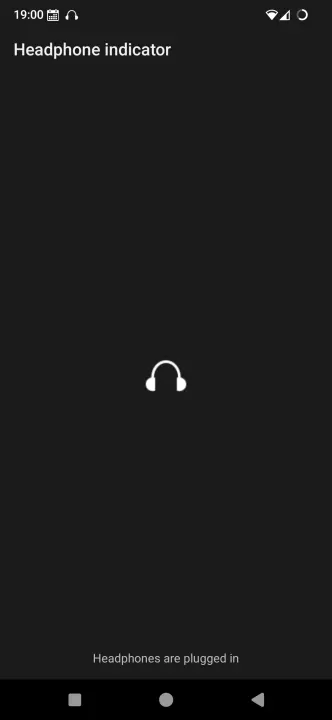
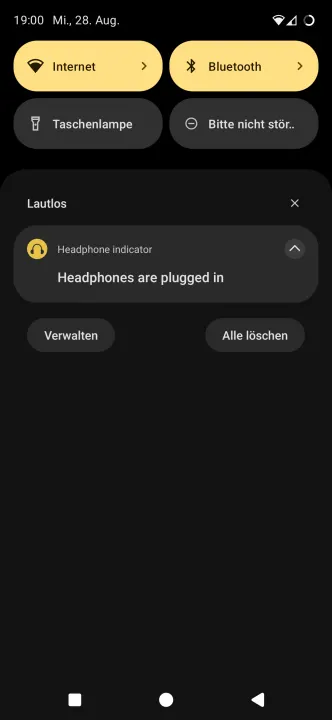
Shows a notification icon in the status bar when headphones are plugged in
- Developer
- Christian Weiske
- License
- GPL-3.0-or-later
- Package
de.cweiske.headphoneindicator- Category
- Connectivity, System
- Latest version
- 1.1.1 · Jan 10, 2025
- Minimum Android
- Android 4.4
Screenshots
Description
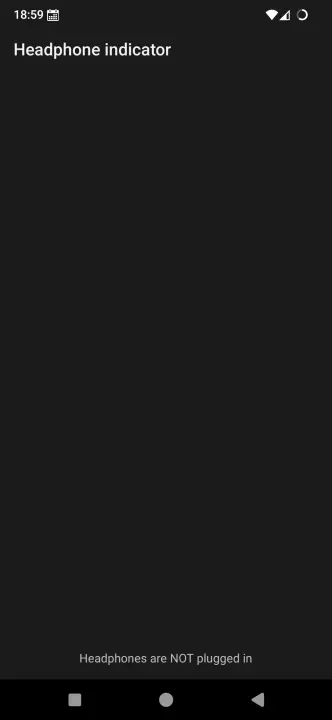
Shows a notification icon in the status bar when headphones are plugged into the phone.
Shows a different icon when a headset is attached.
Both 3.5mm audio jack devices and USB headphones/headsets are supported.
The app aims to be a tiny as possible. No ads, no analytics - just its core functionality.
After installation, you have to start the application at least once. Then it will be running as a background service that shows the headset status icon whenever the headphones are plugged in.
I wrote the headphone indicator app because I was immensely unsatisfied with apps like (google forced me to remove the name) which are over 2 MiB in size, but 99% of their code is only related to advertisement.
Open Source - licensed under the GPLv3+. The source code can be inspected by anyone.
Shows a different icon when a headset is attached.
Both 3.5mm audio jack devices and USB headphones/headsets are supported.
The app aims to be a tiny as possible. No ads, no analytics - just its core functionality.
After installation, you have to start the application at least once. Then it will be running as a background service that shows the headset status icon whenever the headphones are plugged in.
I wrote the headphone indicator app because I was immensely unsatisfied with apps like (google forced me to remove the name) which are over 2 MiB in size, but 99% of their code is only related to advertisement.
Open Source - licensed under the GPLv3+. The source code can be inspected by anyone.
All versions
| Version | Released | Minimum Android | Size |
|---|---|---|---|
| 1.1.1 | Jan 10, 2025 | Android 4.4 | 20.8 KB |
| 1.1.0 | Oct 1, 2024 | Android 4.4 | 20.8 KB |
| 1.0.0 | Mar 28, 2016 | Android 4.4 | 12.5 KB |
How to install an older version of an Android app · How to install an APK file on Android
From the developer (GitHub)
APK files published by the developer on GitHub. They are signed by the developer and may not install over the other builds on this page (different signature). Links open github.com.
Similar apps
-
 Screenshot Tile (NoRoot)
Customizable screenshot tool with quick settings shortcut and floating button
-
 Coffee
Keep display awake
-
 Mute reminder
Remind you to mute media
-
 Prepaid Balance
Keep track your prepaid balance
-
 Auto Auto-Rotate
Automatically remembers your auto-rotate setting for every app
-
 Drowser
Simple background app killer
-
 Scrambled Exif
Remove the metadata from your pictures before sharing them
-
 WaveUp
Turn on the display by waving