

Rouse Context
Turn your phone into a secure, on-demand MCP server for AI clients
Depends on a specific server
- Developer
- Jason Monk
- License
- Apache-2.0
- Package
com.rousecontext- Category
- Internet, System
- Latest version
- 1.0.14 · Oct 27, 2026
- Minimum Android
- Android 7.0
Screenshots
Description
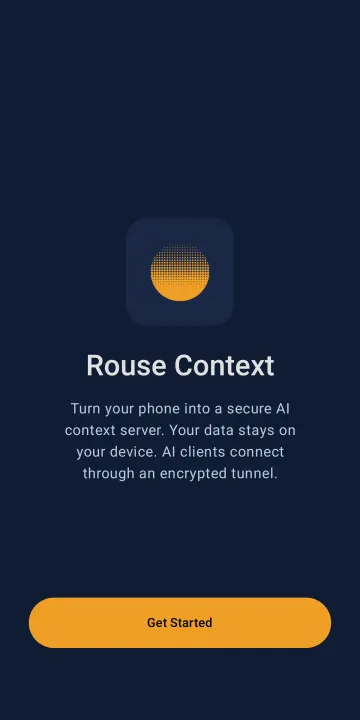
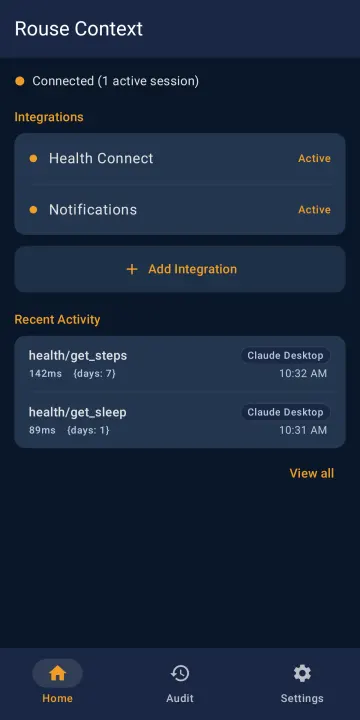
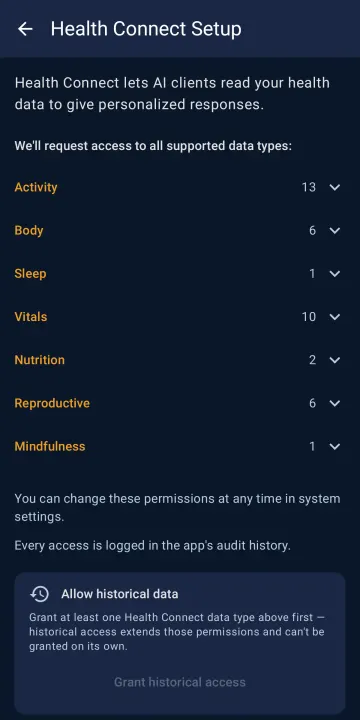
Rouse Context turns your Android phone into an on-demand MCP (Model Context Protocol) server. An AI client connects to a URL, your phone wakes up, and a direct encrypted session is established. The client asks for what it needs — health data, notifications, app usage — your phone answers, then goes back to sleep.
Your data stays on the device. The session runs end-to-end encrypted between the AI client and your phone; the relay that connects them only forwards that encrypted traffic and can't read it.
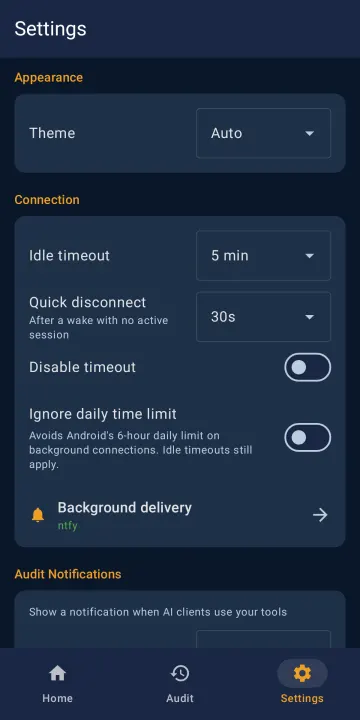
Wake-ups use UnifiedPush, so install a UnifiedPush distributor (for example ntfy) to be reached while the app is in the background.
Features:
• On-demand — your phone is only reachable while a client is connected, then sleeps again. No always-on background service draining the battery.
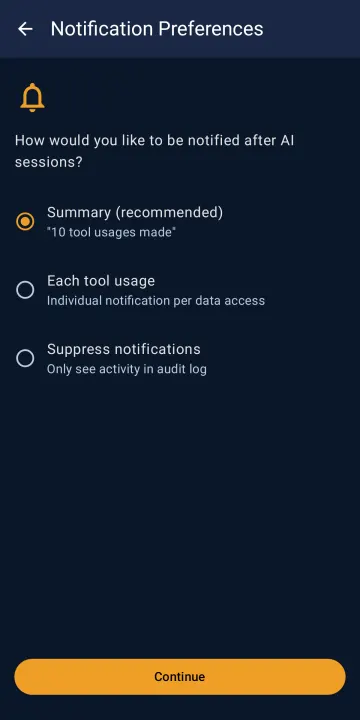
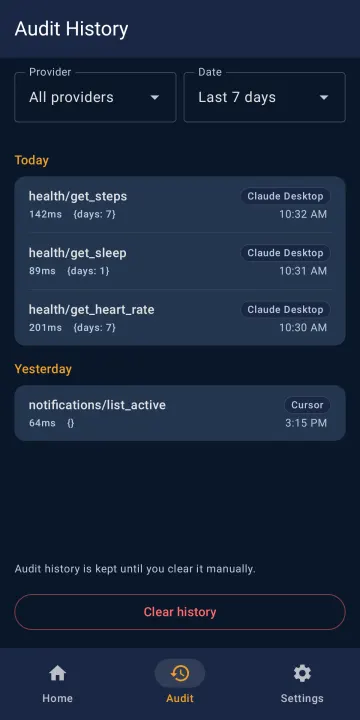
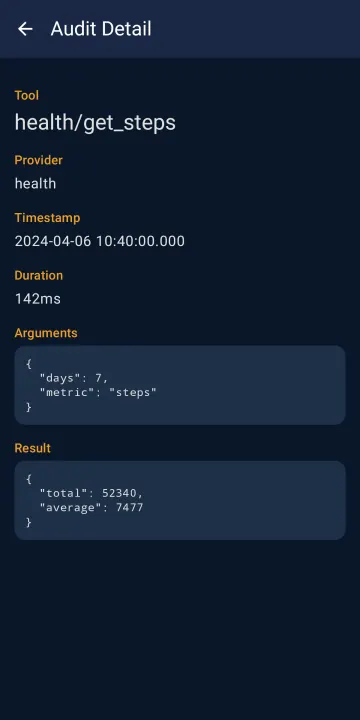
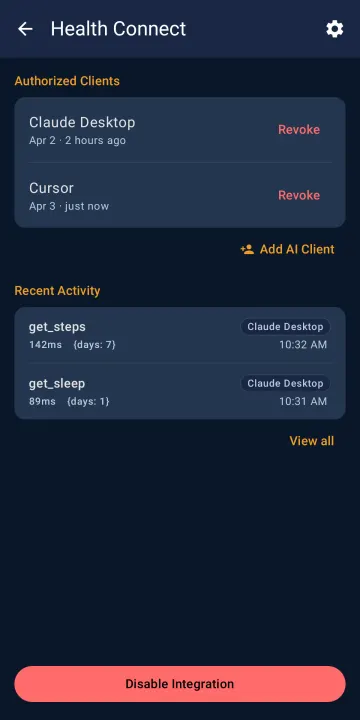
• You stay in control — you enable each integration explicitly, and every tool call an AI client makes is recorded in an on-device audit history you can review.
• Private by design — data never leaves the device except through a live, user-approved session.
• Certificate monitoring — the app checks public transparency logs (crt.sh, or Certspotter as backup) for certificates issued to your device's address, so a forged one doesn't go unnoticed. Runs every 12 hours by default; change the interval or turn it off in Settings.
• Free and open source, with no analytics or tracking in the app.
Your data stays on the device. The session runs end-to-end encrypted between the AI client and your phone; the relay that connects them only forwards that encrypted traffic and can't read it.
Wake-ups use UnifiedPush, so install a UnifiedPush distributor (for example ntfy) to be reached while the app is in the background.
Features:
• On-demand — your phone is only reachable while a client is connected, then sleeps again. No always-on background service draining the battery.
• You stay in control — you enable each integration explicitly, and every tool call an AI client makes is recorded in an on-device audit history you can review.
• Private by design — data never leaves the device except through a live, user-approved session.
• Certificate monitoring — the app checks public transparency logs (crt.sh, or Certspotter as backup) for certificates issued to your device's address, so a forged one doesn't go unnoticed. Runs every 12 hours by default; change the interval or turn it off in Settings.
• Free and open source, with no analytics or tracking in the app.
All versions
| Version | Released | Minimum Android | Size |
|---|---|---|---|
| 1.0.14 | Oct 27, 2026 | Android 7.0 | 5.5 MB |
| 1.0.13 | Oct 25, 2026 | Android 7.0 | 5.5 MB |
| 1.0.12 | Oct 14, 2026 | Android 7.0 | 5.5 MB |
How to install an older version of an Android app · How to install an APK file on Android
From the developer (GitHub)
APK files published by the developer on GitHub. They are signed by the developer and may not install over the other builds on this page (different signature). Links open github.com.
Similar apps
-
 Trigger
Open doors via Wi-Fi using HTTPS/SSH.
-
 Dokuwiki Android
Access in local to your dokuwiki
-
 K-9 Mail
Full-featured email client
-
 Screenshot Tile (NoRoot)
Customizable screenshot tool with quick settings shortcut and floating button
-
 Coffee
Keep display awake
-
 Mute reminder
Remind you to mute media
-
 Prepaid Balance
Keep track your prepaid balance
-
 Auto Auto-Rotate
Automatically remembers your auto-rotate setting for every app