

Ox Shell
A launcher that recreates the feel of a classic video game system
- Developer
- Oxters Wyzgowski
- License
- GPL-3.0-only
- Package
com.OxGames.OxShell- Category
- System, Theming
- Latest version
- 1.3.2 · Jan 11, 2024
- Minimum Android
- Android 8.0
Screenshots
Description
Introducing Ox Shell for Android, a sleek and intuitive home screen experience inspired by the iconic look of a classic video game system. With Ox Shell, you can enjoy easy access to all your favorite apps and games, all while enjoying a visually stunning interface that’s sure to impress.
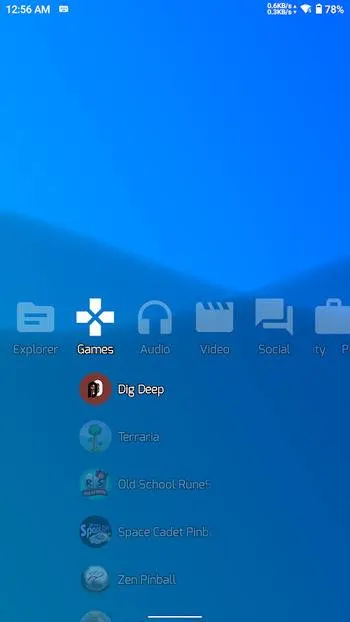
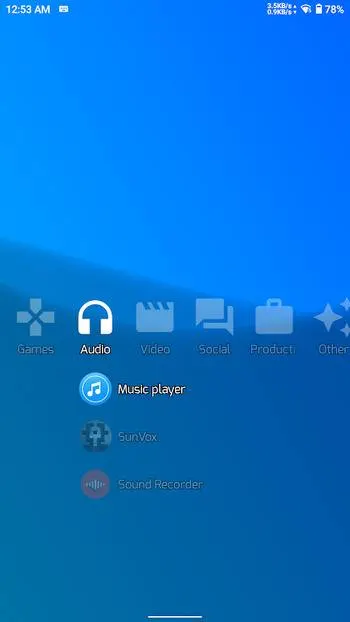
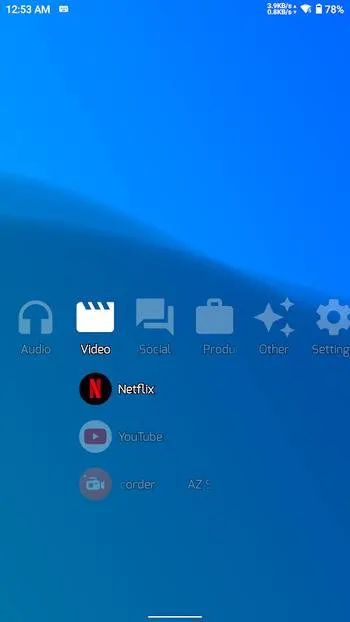
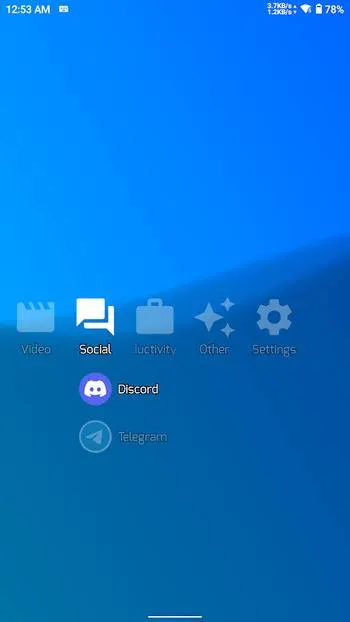
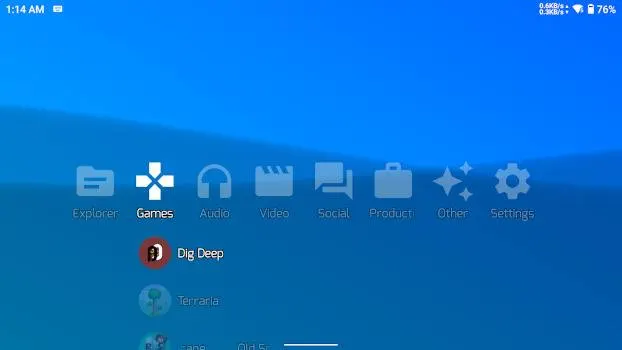
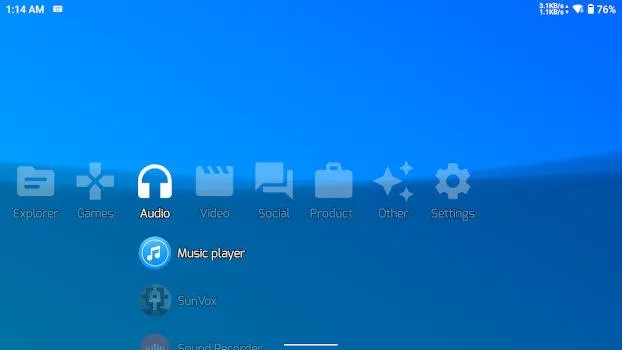
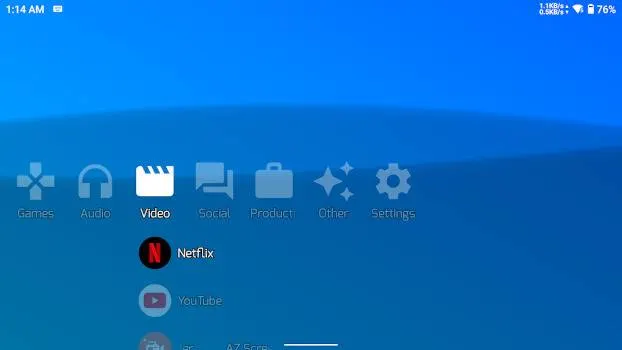
Ox Shell features a horizontal scrolling menu that allows you to quickly navigate through your apps and games. You can easily customize your home screen with your favorite apps and emulators, and the launcher’s intuitive design ensures that everything is easy to find and access.
One of the core features of Ox Shell is its ability to be navigated through with a gamepad. You can even open the app switcher using a gamepad (accessibility permission must be enabled for this feature). The launcher also supports intuitive touch controls.
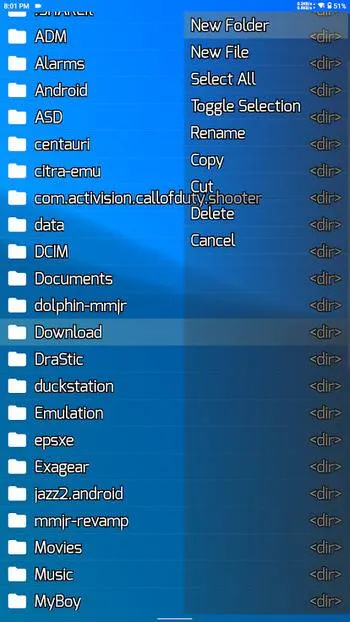
Ox Shell can be used as a live wallpaper service. It allows you to pick from a couple of built-in options or even to set up your own shaders as your device’s background. On top of that Ox Shell also doubles as a file explorer. Allowing you to copy, cut, rename files, and more.
So if you’re looking for a home screen experience that’s both beautiful and functional, Ox Shell is the perfect choice. With its sleek design, customizable options, and powerful performance, it’s the perfect way to take your Android experience to the next level.
Ox Shell features a horizontal scrolling menu that allows you to quickly navigate through your apps and games. You can easily customize your home screen with your favorite apps and emulators, and the launcher’s intuitive design ensures that everything is easy to find and access.
One of the core features of Ox Shell is its ability to be navigated through with a gamepad. You can even open the app switcher using a gamepad (accessibility permission must be enabled for this feature). The launcher also supports intuitive touch controls.
Ox Shell can be used as a live wallpaper service. It allows you to pick from a couple of built-in options or even to set up your own shaders as your device’s background. On top of that Ox Shell also doubles as a file explorer. Allowing you to copy, cut, rename files, and more.
So if you’re looking for a home screen experience that’s both beautiful and functional, Ox Shell is the perfect choice. With its sleek design, customizable options, and powerful performance, it’s the perfect way to take your Android experience to the next level.
All versions
| Version | Released | Minimum Android | Size |
|---|---|---|---|
| 1.3.2 | Jan 11, 2024 | Android 8.0 | 16 MB |
| 1.3.1 | Aug 28, 2023 | Android 8.0 | 16 MB |
How to install an older version of an Android app · How to install an APK file on Android
From the developer (GitHub)
APK files published by the developer on GitHub. They are signed by the developer and may not install over the other builds on this page (different signature). Links open github.com.
Similar apps
-
 Screenshot Tile (NoRoot)
Customizable screenshot tool with quick settings shortcut and floating button
-
 Coffee
Keep display awake
-
 Mute reminder
Remind you to mute media
-
 Prepaid Balance
Keep track your prepaid balance
-
 Auto Auto-Rotate
Automatically remembers your auto-rotate setting for every app
-
 Drowser
Simple background app killer
-
 Scrambled Exif
Remove the metadata from your pictures before sharing them
-
 WaveUp
Turn on the display by waving