

Aer - Fork of Anemo
Private storage utility for android with support for external storage media
- License
- GPL-3.0-only
- Package
alt.nainapps.aer- Category
- File Encryption & Vault, Multimedia, Security, System
- Latest version
- 2024.12.25 · Jan 6, 2025
- Minimum Android
- Android 8.0
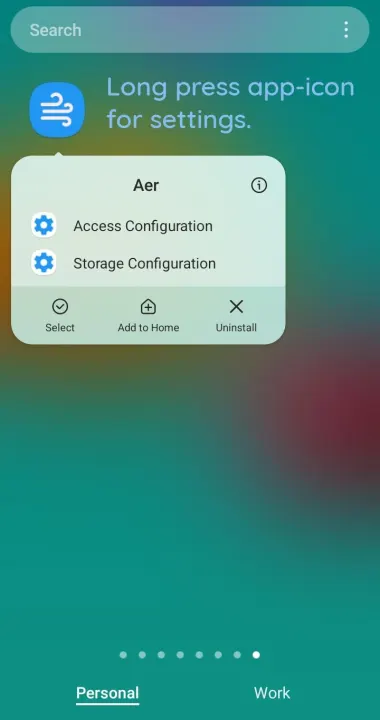
Screenshots
Description
Aer is a private local (+secondary) storage utility application for android.
Do you worry about your private pictures or files appearing in other apps?
That's where Aer private storage comes in. Files in Aer storage won't appear in the other apps.
Note: Aer is in development 🏗️. Accidents happen. Please keeps backups 👷♀️ for your protection.
Instead of being a stand-alone file manager, Aer hooks into various components of Android,
making it feel like a native part of the operating system. Moreover, it provides ways for the user
to export contents from other apps and save them in Aer storage.
Features
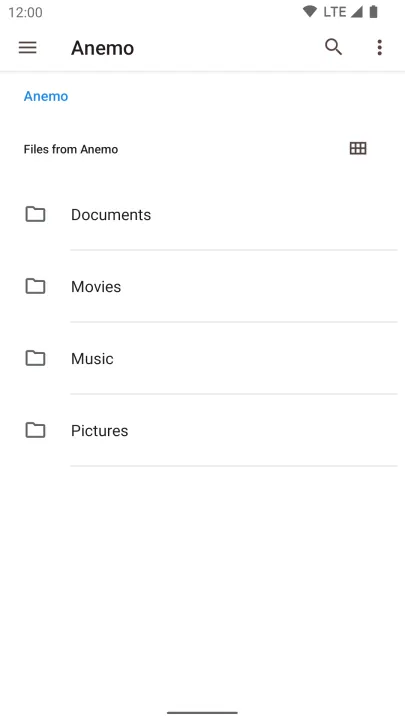
• Create folders and organize files freely
• All files in the Aer private storage won't appear in the other apps
• Access using the system Files application (the DocumentsProviderUI)
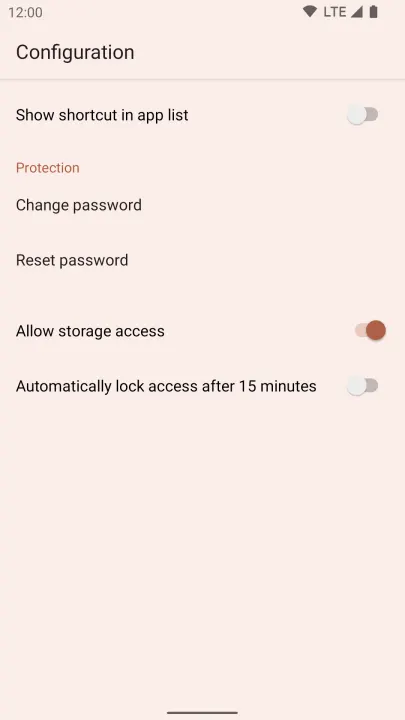
• An optional shortcut is offered for devices that do not expose the system Files app
• The system Files app is also used as file picker, so you can pick Aer files to share
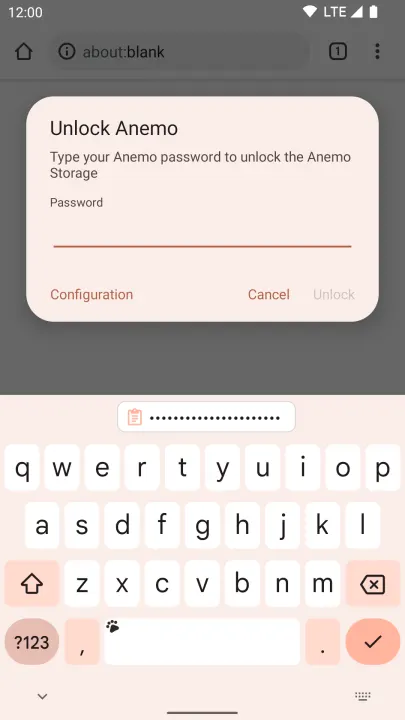
• Lock access to the private storage
• Quick tile
• Auto lock after set delay (experimental)
• Password for locking access to the files
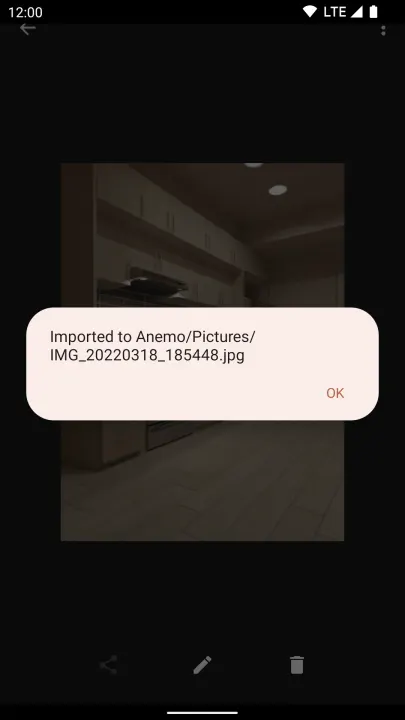
• Import content into Aer using the Android share functionality
Aer vs Anemo
In addition to Anemo features above, Aer adds support for external storage, like encrypted SD cards.
When available Aer will store your files on external storage (which tend to have larger capacity).
This also allows accessing your private files on your computer when connected using USB cable (MTP).
The storage backend used is also manually configurable.
Do you worry about your private pictures or files appearing in other apps?
That's where Aer private storage comes in. Files in Aer storage won't appear in the other apps.
Note: Aer is in development 🏗️. Accidents happen. Please keeps backups 👷♀️ for your protection.
Instead of being a stand-alone file manager, Aer hooks into various components of Android,
making it feel like a native part of the operating system. Moreover, it provides ways for the user
to export contents from other apps and save them in Aer storage.
Features
• Create folders and organize files freely
• All files in the Aer private storage won't appear in the other apps
• Access using the system Files application (the DocumentsProviderUI)
• An optional shortcut is offered for devices that do not expose the system Files app
• The system Files app is also used as file picker, so you can pick Aer files to share
• Lock access to the private storage
• Quick tile
• Auto lock after set delay (experimental)
• Password for locking access to the files
• Import content into Aer using the Android share functionality
Aer vs Anemo
In addition to Anemo features above, Aer adds support for external storage, like encrypted SD cards.
When available Aer will store your files on external storage (which tend to have larger capacity).
This also allows accessing your private files on your computer when connected using USB cable (MTP).
The storage backend used is also manually configurable.
All versions
| Version | Released | Minimum Android | Size |
|---|---|---|---|
| 2024.12.25 | Jan 6, 2025 | Android 8.0 | 1.3 MB |
| 2024.10.31 | Nov 5, 2024 | Android 8.0 | 1.3 MB |
| 2024.10.10 | Oct 17, 2024 | Android 8.0 | 1.3 MB |
| 2024.10.03 | Oct 7, 2024 | Android 8.0 | 1.3 MB |
How to install an older version of an Android app · How to install an APK file on Android
From the developer (GitHub)
APK files published by the developer on GitHub. They are signed by the developer and may not install over the other builds on this page (different signature). Links open github.com.
Similar apps
-
 Trigger
Open doors via Wi-Fi using HTTPS/SSH.
-
 Screenshot Tile (NoRoot)
Customizable screenshot tool with quick settings shortcut and floating button
-
 Coffee
Keep display awake
-
 Mute reminder
Remind you to mute media
-
 Prepaid Balance
Keep track your prepaid balance
-
 Auto Auto-Rotate
Automatically remembers your auto-rotate setting for every app
-
 Drowser
Simple background app killer
-
 Scrambled Exif
Remove the metadata from your pictures before sharing them