

PDF Docket
Keep PDF tickets and passes at hand and show their barcodes in fullscreen
- Developer
- D3SOX
- License
- GPL-3.0-only
- Package
me.d3sox.pdfwallet- Category
- Pass Wallet
- Latest version
- 1.5.0 · Oct 31, 2026
- Minimum Android
- Android 7.0
Screenshots
Description
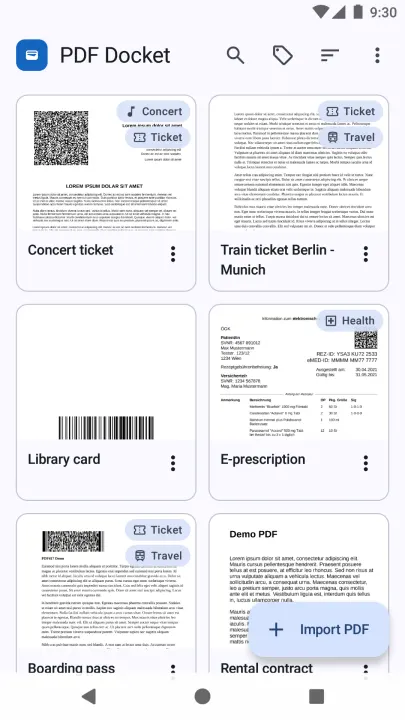
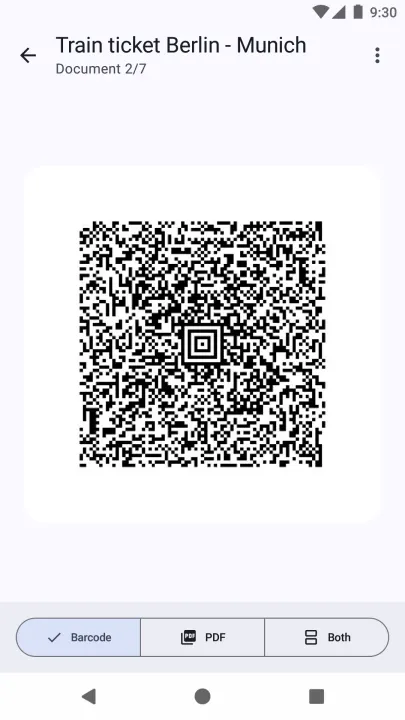
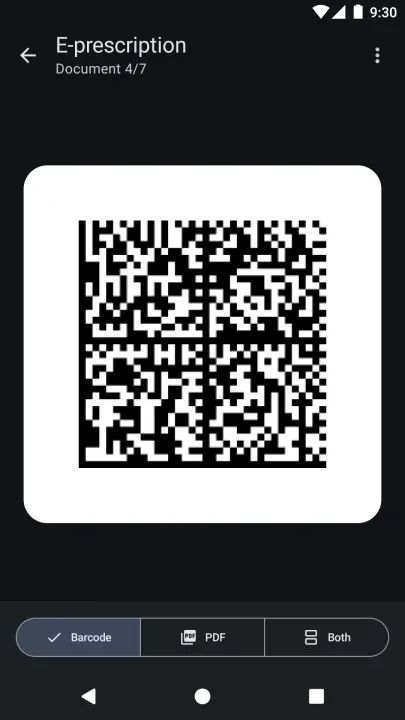
PDF Docket stores and displays your most important PDFs, such as tickets, passes and certificates. It includes a convenient fullscreen barcode rendering, if a barcode is present in the PDF.
Brief Instruction
• Open "PDF Docket"
• Import PDF
• Done
Alternative Brief Instruction
• Go to your file browser, email, web browser or PDF reader app
• Open/Share the PDF with "PDF Docket"
• Done
Description
A very simple app that does nothing more than conveniently store and display PDF certificates. You can use it for public transport tickets, bills, contracts, certificates and any other PDF file.
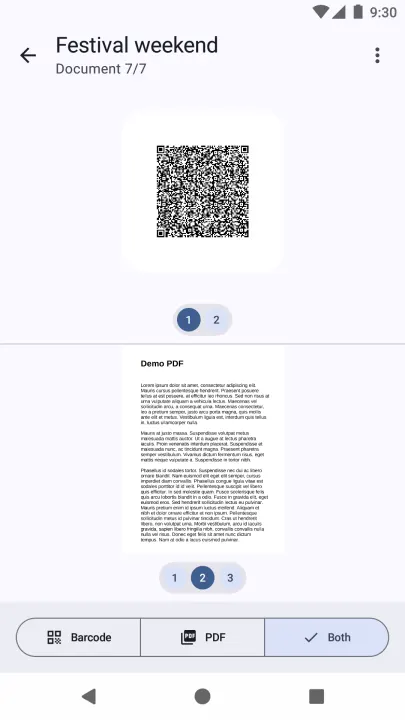
The PDF file has to be imported into the app. Following that, the barcode is displayed in fullscreen, as well as the PDF document itself. That's already it.
Currently supported barcode formats are:
• Matrix (2D) codes: QR, Aztec, DataMatrix and PDF417
• Linear (1D) codes: UPC-A, UPC-E, EAN-8, EAN-13, CODE-39, CODE-93, CODE-128, ITF and Codabar
More Features
• Can detect and extract barcodes in PDFs
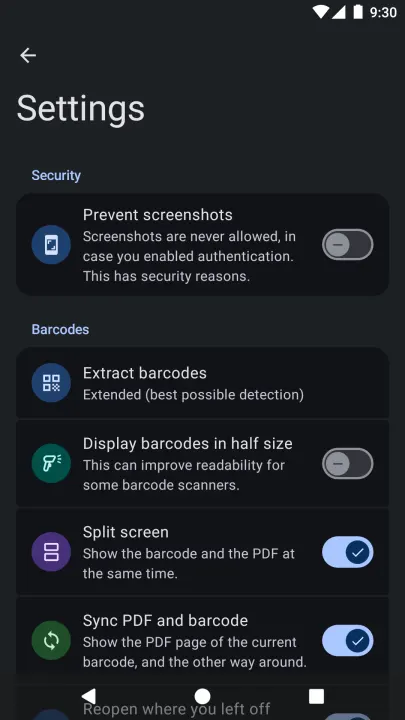
• Split screen shows the barcode and the PDF at the same time, and the PDF turns to the page of each barcode
• Documents reopen at the barcode and page they were left on
• (Optional) biometric authentication
• PDFs can be sorted by name, file size, or import date
• PDFs can be individually named
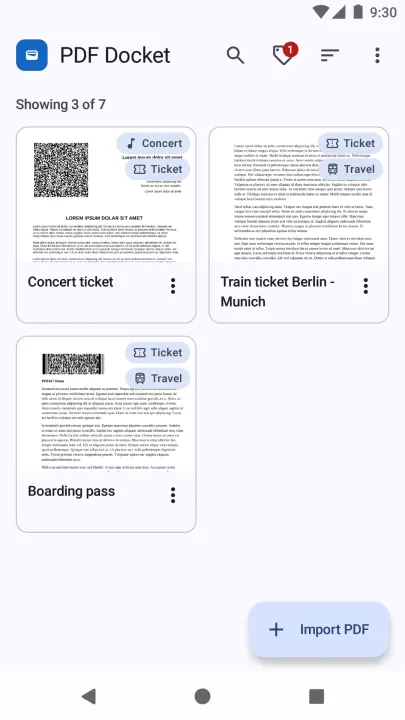
• Assign tags to documents and filter documents by tags
• Tags can have icons
• Documents can be shown as a grid or a list
• PDFs can be shared from other apps, also several at once
• Documents can be added to the home screen
• Encrypted backups of all documents and tags
• PDFs can be shared with other apps (indirectly allows printing)
• Dark Mode support (document stays in original color, optionally inverted)
• Also supports password protected PDFs
Privacy
This app values your privacy by working fully offline. No ads, no tracking.
Brief Instruction
• Open "PDF Docket"
• Import PDF
• Done
Alternative Brief Instruction
• Go to your file browser, email, web browser or PDF reader app
• Open/Share the PDF with "PDF Docket"
• Done
Description
A very simple app that does nothing more than conveniently store and display PDF certificates. You can use it for public transport tickets, bills, contracts, certificates and any other PDF file.
The PDF file has to be imported into the app. Following that, the barcode is displayed in fullscreen, as well as the PDF document itself. That's already it.
Currently supported barcode formats are:
• Matrix (2D) codes: QR, Aztec, DataMatrix and PDF417
• Linear (1D) codes: UPC-A, UPC-E, EAN-8, EAN-13, CODE-39, CODE-93, CODE-128, ITF and Codabar
More Features
• Can detect and extract barcodes in PDFs
• Split screen shows the barcode and the PDF at the same time, and the PDF turns to the page of each barcode
• Documents reopen at the barcode and page they were left on
• (Optional) biometric authentication
• PDFs can be sorted by name, file size, or import date
• PDFs can be individually named
• Assign tags to documents and filter documents by tags
• Tags can have icons
• Documents can be shown as a grid or a list
• PDFs can be shared from other apps, also several at once
• Documents can be added to the home screen
• Encrypted backups of all documents and tags
• PDFs can be shared with other apps (indirectly allows printing)
• Dark Mode support (document stays in original color, optionally inverted)
• Also supports password protected PDFs
Privacy
This app values your privacy by working fully offline. No ads, no tracking.
All versions
| Version | Released | Minimum Android | Size |
|---|---|---|---|
| 1.5.0 | Oct 31, 2026 | Android 7.0 | 10.1 MB |
| 1.4.0 | Oct 27, 2026 | Android 7.0 | 10 MB |
How to install an older version of an Android app · How to install an APK file on Android
From the developer (GitHub)
APK files published by the developer on GitHub. They are signed by the developer and may not install over the other builds on this page (different signature). Links open github.com.

