

YtReader
Read YouTube subtitles with AI-powered text cleaning
Promotes non-free network services
- License
- GPL-3.0-or-later
- Package
com.deedeedev.ytreader- Category
- Multimedia, Reading
- Latest version
- 0.8.7 · Nov 4, 2026
- Minimum Android
- Android 8.0
Screenshots
Description
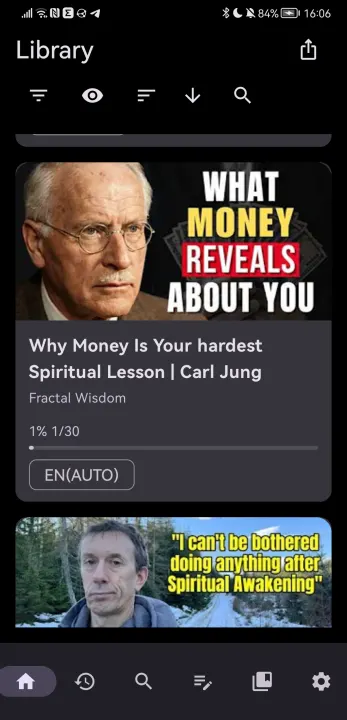
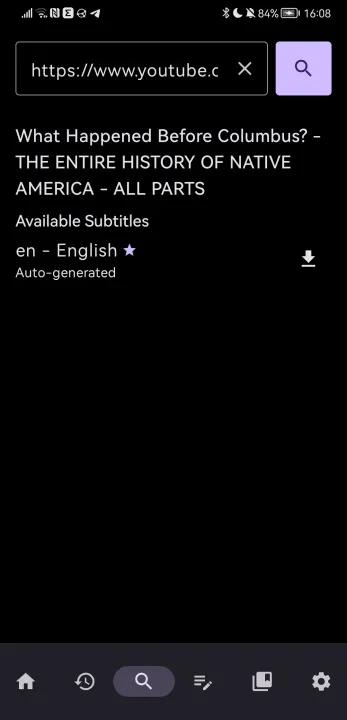
YtReader turns YouTube into a focused reading experience. Search for videos, follow subtitles with synchronized highlighting, and save the parts that matter.
Features
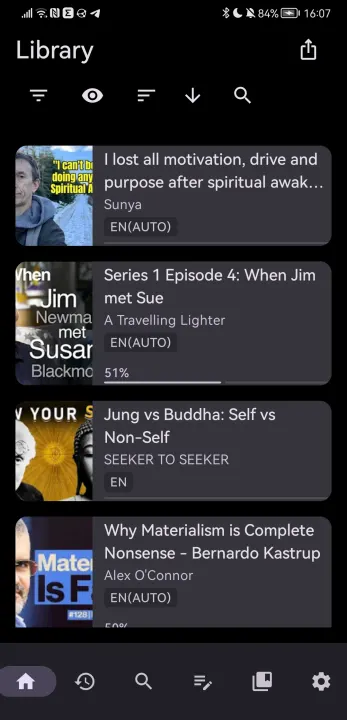
• Browse and search YouTube videos
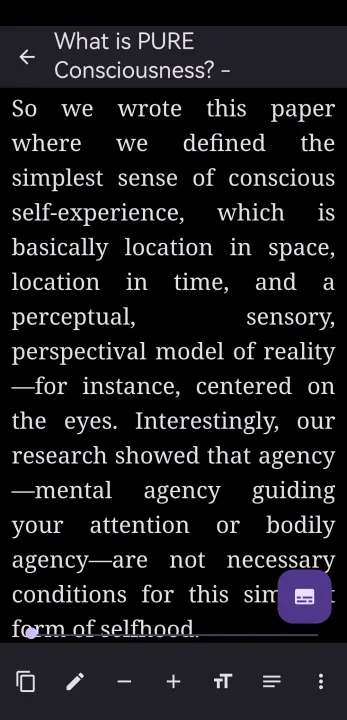
• Read subtitles with synchronized word highlighting
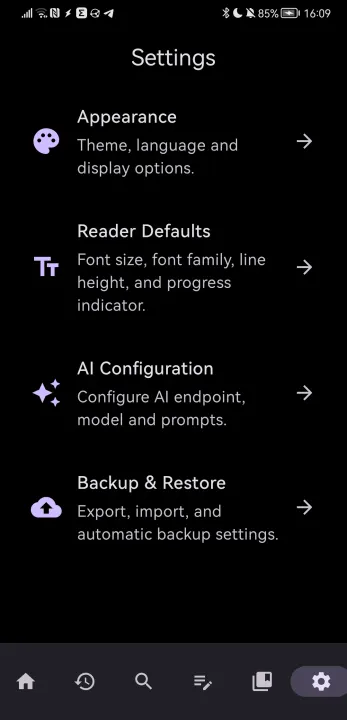
• AI-powered subtitle text cleaning (OpenAI-compatible API, bring your own key)
• Organize videos into collections
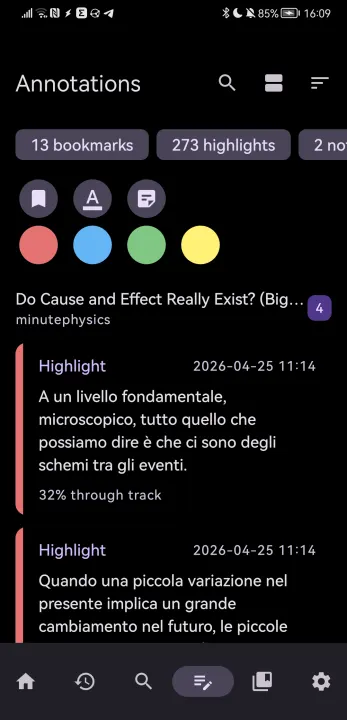
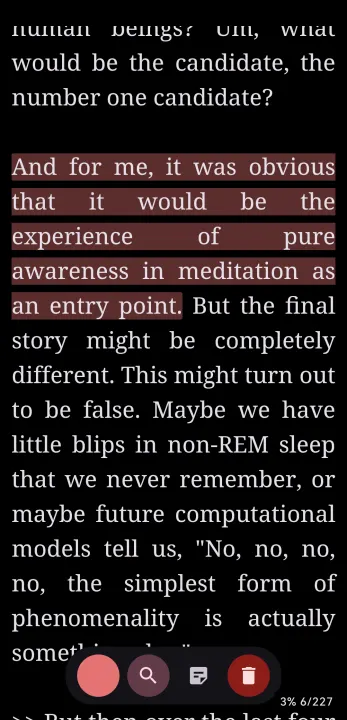
• Highlight and annotate text
• Adjustable font, size, and line height for comfortable reading
• Light, dark, and system themes
• Home screen widget for quick access to your library
Privacy
• No account required
• No tracking or analytics
• AI features are opt-in and use your own API key
• All data stored locally on your device
Source code
YtReader is free and open source software licensed under the GNU General Public License v3.0. The source code is available on GitHub.
Features
• Browse and search YouTube videos
• Read subtitles with synchronized word highlighting
• AI-powered subtitle text cleaning (OpenAI-compatible API, bring your own key)
• Organize videos into collections
• Highlight and annotate text
• Adjustable font, size, and line height for comfortable reading
• Light, dark, and system themes
• Home screen widget for quick access to your library
Privacy
• No account required
• No tracking or analytics
• AI features are opt-in and use your own API key
• All data stored locally on your device
Source code
YtReader is free and open source software licensed under the GNU General Public License v3.0. The source code is available on GitHub.
All versions
| Version | Released | Minimum Android | Size |
|---|---|---|---|
| 0.8.7 | Nov 4, 2026 | Android 8.0 | 3.2 MB |
| 0.8.5 | Jul 26, 2026 | Android 8.0 | 3.2 MB |
How to install an older version of an Android app · How to install an APK file on Android
From the developer (GitHub)
APK files published by the developer on GitHub. They are signed by the developer and may not install over the other builds on this page (different signature). Links open github.com.
Similar apps
-
 Screenshot Tile (NoRoot)
Customizable screenshot tool with quick settings shortcut and floating button
-
 Enhanced Music Controller Lite
Remote controller for Onkyo devices
-
 Classical Music Tagger
A plain audio file metadata editor especially for classical music
-
 Kreate
A multilingual YouTube Music frontend for Android, prioritize performance.
-
 AndBible: Bible Study
Powerful Bible study toolkit: commentaries, bookmarks, notes, AI tools
-
 Ultrasonic
A music streaming client for Subsonic servers
-
 WikiReader
Read Wikipedia pages distraction-free
-
 Sensors2OSC
Send sensor data via Open Sound Control (OSC).