

Screenshot Assistant
An assistant app for creating, cropping and sharing screenshots
- Developer
- catch-26
- License
- Apache-2.0
- Package
de.paradox.screenshotassistant- Category
- Graphics, System
- Latest version
- v26.11.0 · Nov 11, 2026
- Minimum Android
- Android 14
Screenshots
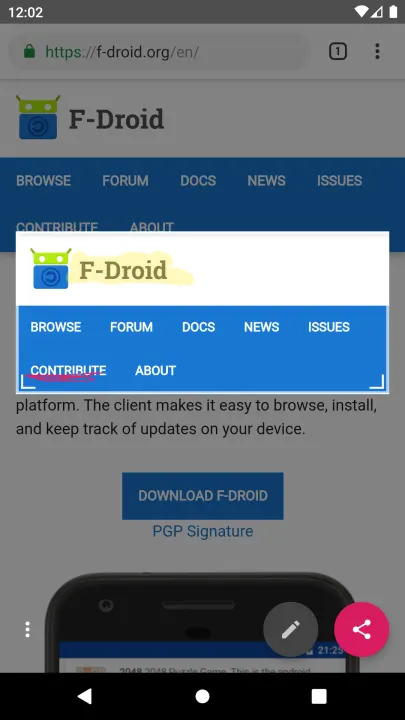


Description
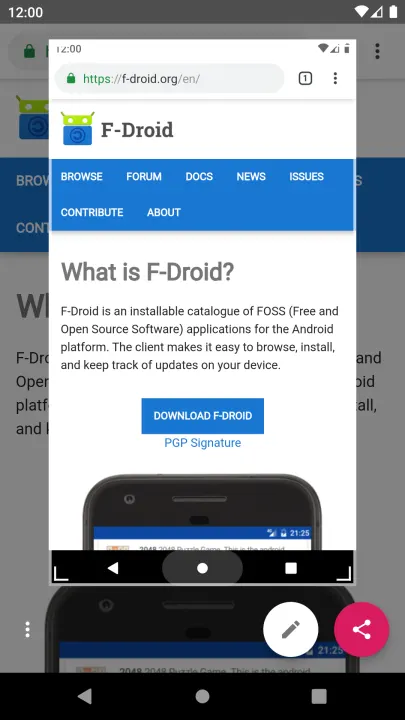
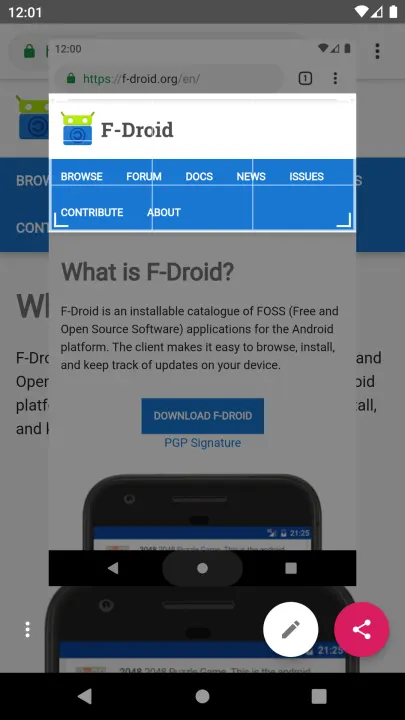
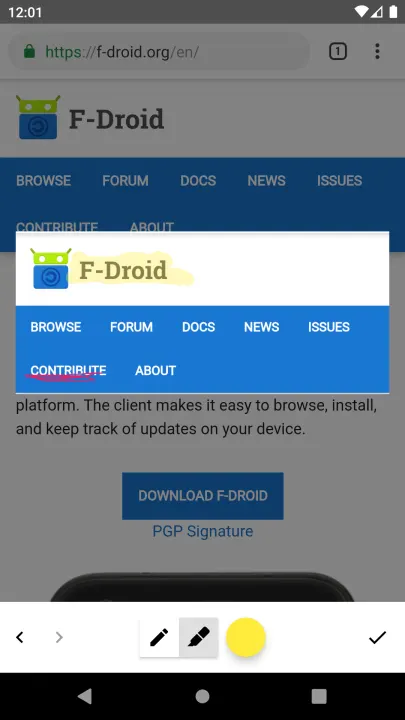
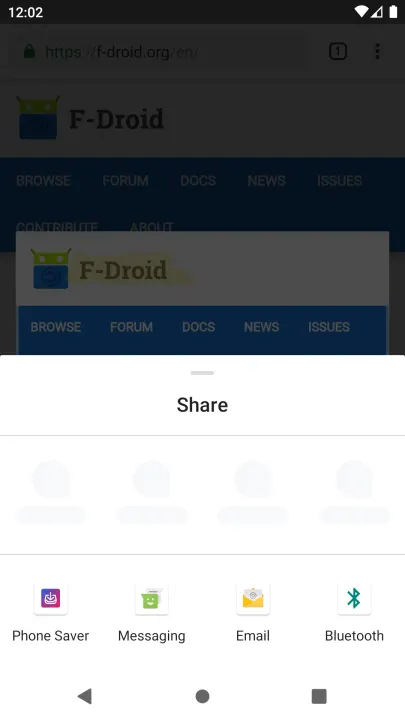
Screenshot Assistant replaces the digital assistant app with one job: take a screenshot when you use the assist gesture, then let you crop, draw on and share it.
Setup:
1. Install the app and open it.
2. Pick it under Settings > Apps > Default apps > Digital assistant app, and turn on "Use screenshot" there.
3. Use the assist gesture (for example, long-press the home button or swipe up from a bottom corner).
Features:
• Screenshot through the Android Assist API, no screen recording permission
• Crop, draw with a pen or highlighter, undo and redo
• Share straight to any app, with a choice of PNG, JPG or WEBP
• Nothing is saved to storage, so old screenshots don't pile up
• Optional reminder after a restart or app update if Android reset the digital assistant app (needs the notification permission)
• No internet access, no ads, no tracking
Requires Android 14 or newer.
Setup:
1. Install the app and open it.
2. Pick it under Settings > Apps > Default apps > Digital assistant app, and turn on "Use screenshot" there.
3. Use the assist gesture (for example, long-press the home button or swipe up from a bottom corner).
Features:
• Screenshot through the Android Assist API, no screen recording permission
• Crop, draw with a pen or highlighter, undo and redo
• Share straight to any app, with a choice of PNG, JPG or WEBP
• Nothing is saved to storage, so old screenshots don't pile up
• Optional reminder after a restart or app update if Android reset the digital assistant app (needs the notification permission)
• No internet access, no ads, no tracking
Requires Android 14 or newer.
All versions
| Version | Released | Minimum Android | Size |
|---|---|---|---|
| v26.11.0 | Nov 11, 2026 | Android 14 | 2.1 MB |
| v26.10.40 | Nov 4, 2026 | Android 14 | 2.1 MB |
How to install an older version of an Android app · How to install an APK file on Android
From the developer (GitHub)
APK files published by the developer on GitHub. They are signed by the developer and may not install over the other builds on this page (different signature). Links open github.com.
Similar apps
-
 Screenshot Tile (NoRoot)
Customizable screenshot tool with quick settings shortcut and floating button
-
 Coffee
Keep display awake
-
 Mute reminder
Remind you to mute media
-
 Prepaid Balance
Keep track your prepaid balance
-
 Auto Auto-Rotate
Automatically remembers your auto-rotate setting for every app
-
 Drowser
Simple background app killer
-
 Scrambled Exif
Remove the metadata from your pictures before sharing them
-
 WaveUp
Turn on the display by waving