
Open Link With...
Open links in native apps when you're stuck in the browser! 🚀
- License
- Apache-2.0
- Package
com.tasomaniac.openwith.floss- Category
- Internet, System
- Latest version
- 2.10-floss · Sep 12, 2024
- Minimum Android
- Android 5.1
Screenshots
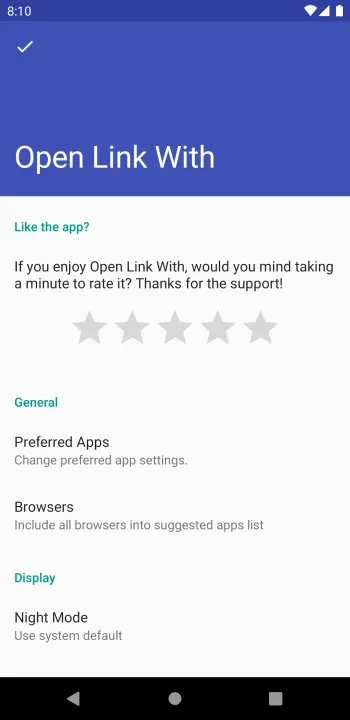
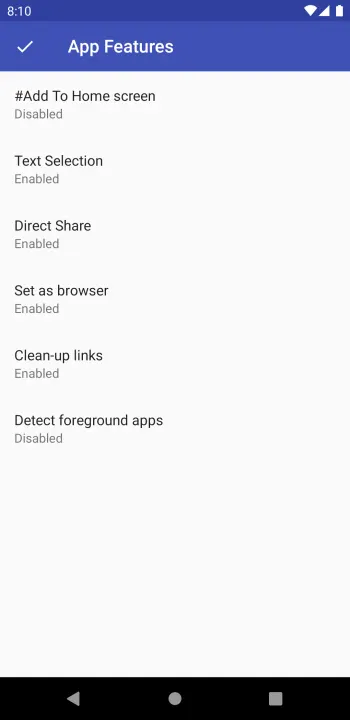
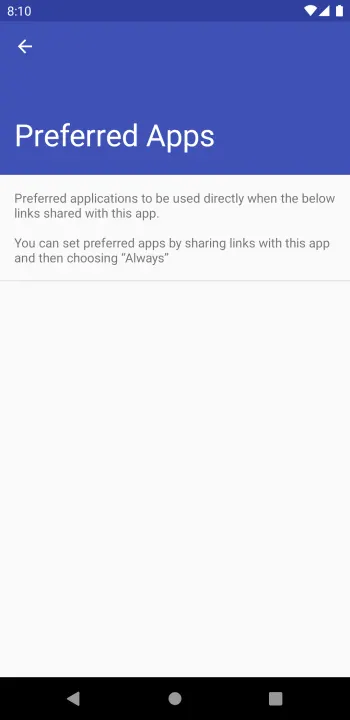
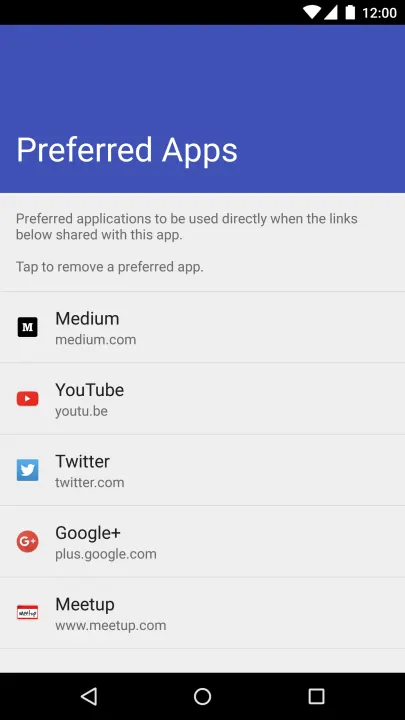
Description
Share the current web page when you are in a browser to open with another app!
Did it ever happen to you? You click a link (let's say a video link) and the system does not ask you anything and opens the link in the browser. And you are stuck in a web page instead of watching the video in the native app.
There are 2 options for you. You either watch the video in the web or you remember the name of the video and search it in the app. Well, not anymore.
With OpenLinkWith, you can share any webpage with it and it will ask you which applications to open the link with.
Although the original intent of the application is to direct web pages to apps, it can even be used to switch between apps. Imagine you have 2 Twitter clients in your phone. You can open a tweet in the official Twitter application and then switch to an another app with the same tweet opened. Cool, hah?
Although the problem discovered above is not huge, it is missing in the Android ecosystem. And I couldn't find anything doing this. So I wrote one. :)
If you find yourself sharing the same url over and over, you can use "Add to Home Screen" feature to add your favorite link from your favorite app to your home screen.
I hope you find this useful. Please help me by trying it and sending feedback to me.
Note:
Did it ever happen to you? You click a link (let's say a video link) and the system does not ask you anything and opens the link in the browser. And you are stuck in a web page instead of watching the video in the native app.
There are 2 options for you. You either watch the video in the web or you remember the name of the video and search it in the app. Well, not anymore.
With OpenLinkWith, you can share any webpage with it and it will ask you which applications to open the link with.
Although the original intent of the application is to direct web pages to apps, it can even be used to switch between apps. Imagine you have 2 Twitter clients in your phone. You can open a tweet in the official Twitter application and then switch to an another app with the same tweet opened. Cool, hah?
Although the problem discovered above is not huge, it is missing in the Android ecosystem. And I couldn't find anything doing this. So I wrote one. :)
If you find yourself sharing the same url over and over, you can use "Add to Home Screen" feature to add your favorite link from your favorite app to your home screen.
I hope you find this useful. Please help me by trying it and sending feedback to me.
Note:
All versions
| Version | Released | Minimum Android | Size |
|---|---|---|---|
| 2.10-floss | Sep 12, 2024 | Android 5.1 | 2.3 MB |
| 2.9-floss | Oct 15, 2021 | Android 5.1 | 2.1 MB |
| 2.5-floss | Jan 2, 2019 | Android 4.4 | 2.1 MB |
| 2.3-floss | Oct 15, 2018 | Android 4.4 | 2.1 MB |
| 2.0-floss | Apr 27, 2018 | Android 4.4 | 1.7 MB |
| 1.9-floss (2 builds) | Apr 27, 2018 | Android 4.4 | 1.7 MB |
| 1.8-floss | Feb 13, 2018 | Android 4.4 | 2 MB |
| 1.4-floss (2 builds) | Mar 17, 2017 | Android API 15 | 1.9 MB |
| 1.2-floss | Aug 21, 2016 | Android API 15 | 1.8 MB |
| 1.0.7-floss | Jan 23, 2016 | Android API 15 | 1.5 MB |
How to install an older version of an Android app · How to install an APK file on Android
From the developer (GitHub)
APK files published by the developer on GitHub. They are signed by the developer and may not install over the other builds on this page (different signature). Links open github.com.
Similar apps
-
 Trigger
Open doors via Wi-Fi using HTTPS/SSH.
-
 Dokuwiki Android
Access in local to your dokuwiki
-
 K-9 Mail
Full-featured email client
-
 Screenshot Tile (NoRoot)
Customizable screenshot tool with quick settings shortcut and floating button
-
 Coffee
Keep display awake
-
 Mute reminder
Remind you to mute media
-
 Prepaid Balance
Keep track your prepaid balance
-
 Auto Auto-Rotate
Automatically remembers your auto-rotate setting for every app