

Loophole
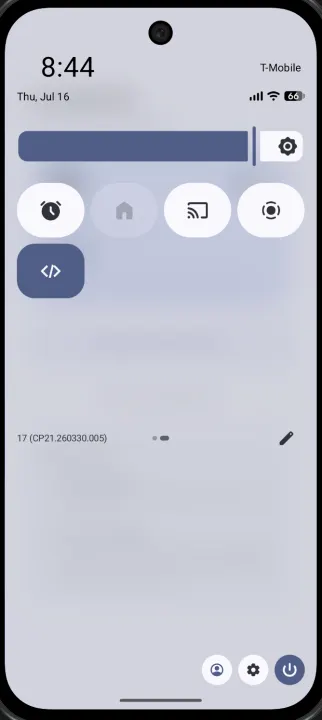
One-tap Quick Settings toggle for Android Developer Options.
- Developer
- Shubhang
- License
- MIT
- Package
com.shubhang.loophole- Category
- System
- Latest version
- 1.1.0 · Aug 21, 2026
- Minimum Android
- Android 7.0
Screenshots
Description
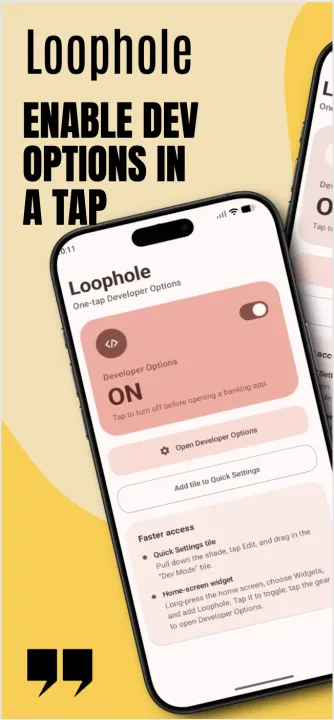
Loophole is a one-tap Quick Settings toggle for Android Developer Options.
If you're an Android developer, Developer Options is basically always on. But a lot of banking and fintech apps treat that as a red flag and refuse to open, or silently degrade, while it's enabled -- even though you're not doing anything shady, you're just building.
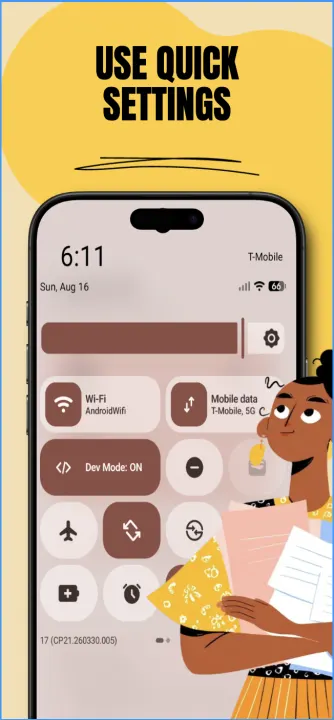
The normal fix is: open Settings, find Developer Options, toggle it off, open your banking app, then remember to turn it back on later. Loophole turns that into one tap from the notification shade.
Features:
• Reads and toggles Developer Options directly via a Quick Settings tile
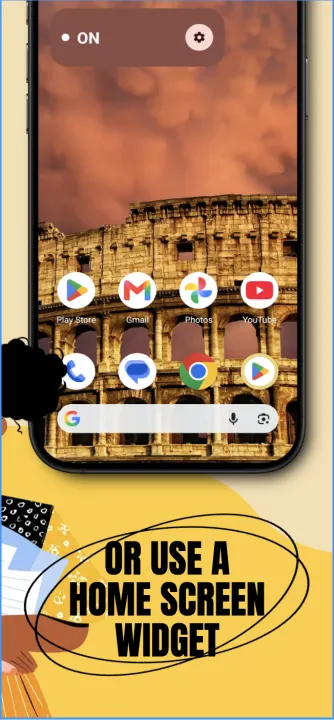
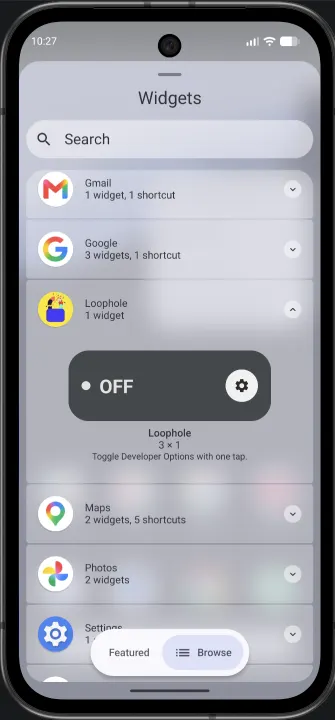
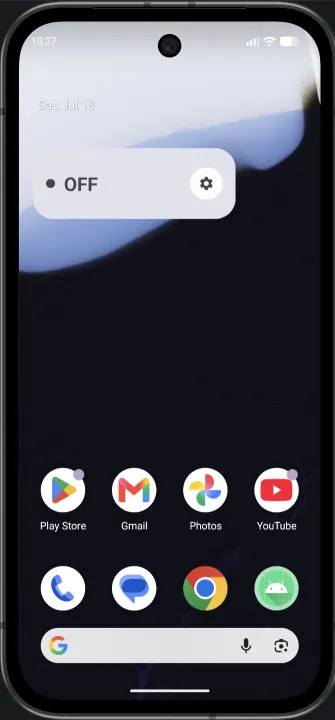
• Optional home screen widget as an alternative to the tile
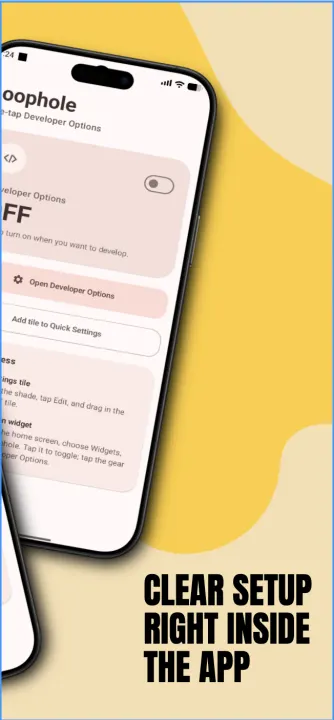
• Simple in-app switch as a fallback / status view
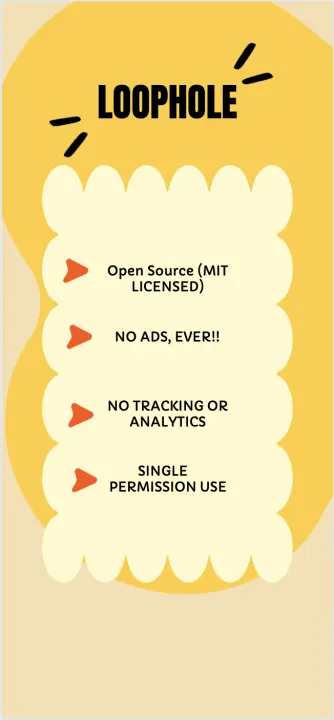
• No ads, no analytics, no tracking
Setup note: toggling Developer Options programmatically requires the WRITE_SECURE_SETTINGS permission, which Android only allows to be granted manually once via adb (it cannot be requested through a normal runtime permission dialog):
adb shell pm grant android.permission.WRITE_SECURE_SETTINGS
Full setup instructions are in the project README.
A note on permissions: the app does not make network requests and holds no INTERNET permission. However, the manifest does include ACCESS_NETWORK_STATE, WAKE_LOCK, RECEIVE_BOOT_COMPLETED, and FOREGROUND_SERVICE. These come from Jetpack Glance, the framework used to build the home screen widget, which relies on WorkManager internally to schedule widget updates and survive process death. They are a byproduct of the widget framework itself, not of any network or background activity Loophole performs.
If you're an Android developer, Developer Options is basically always on. But a lot of banking and fintech apps treat that as a red flag and refuse to open, or silently degrade, while it's enabled -- even though you're not doing anything shady, you're just building.
The normal fix is: open Settings, find Developer Options, toggle it off, open your banking app, then remember to turn it back on later. Loophole turns that into one tap from the notification shade.
Features:
• Reads and toggles Developer Options directly via a Quick Settings tile
• Optional home screen widget as an alternative to the tile
• Simple in-app switch as a fallback / status view
• No ads, no analytics, no tracking
Setup note: toggling Developer Options programmatically requires the WRITE_SECURE_SETTINGS permission, which Android only allows to be granted manually once via adb (it cannot be requested through a normal runtime permission dialog):
adb shell pm grant android.permission.WRITE_SECURE_SETTINGS
Full setup instructions are in the project README.
A note on permissions: the app does not make network requests and holds no INTERNET permission. However, the manifest does include ACCESS_NETWORK_STATE, WAKE_LOCK, RECEIVE_BOOT_COMPLETED, and FOREGROUND_SERVICE. These come from Jetpack Glance, the framework used to build the home screen widget, which relies on WorkManager internally to schedule widget updates and survive process death. They are a byproduct of the widget framework itself, not of any network or background activity Loophole performs.
All versions
| Version | Released | Minimum Android | Size |
|---|---|---|---|
| 1.1.0 | Aug 21, 2026 | Android 7.0 | 2.1 MB |
| 1.0.2 | Jul 26, 2026 | Android 7.0 | 2.1 MB |
How to install an older version of an Android app · How to install an APK file on Android
From the developer (GitHub)
APK files published by the developer on GitHub. They are signed by the developer and may not install over the other builds on this page (different signature). Links open github.com.
Similar apps
-
 Screenshot Tile (NoRoot)
Customizable screenshot tool with quick settings shortcut and floating button
-
 Coffee
Keep display awake
-
 Mute reminder
Remind you to mute media
-
 Prepaid Balance
Keep track your prepaid balance
-
 Auto Auto-Rotate
Automatically remembers your auto-rotate setting for every app
-
 Drowser
Simple background app killer
-
 Scrambled Exif
Remove the metadata from your pictures before sharing them
-
 WaveUp
Turn on the display by waving