

nfcGuard
Block distracting apps with NFC tags. Focus, screen time, digital wellbeing.
- Developer
- Andrei Gulin
- License
- MIT
- Package
com.andebugulin.nfcguard- Category
- Digital Wellbeing
- Latest version
- 1.3.2 · Oct 22, 2026
- Minimum Android
- Android 8.0
Screenshots
Description
Place an NFC tag somewhere inconvenient: another room, a drawer, the far end of the house. Then make yourself walk to it before you can scroll.
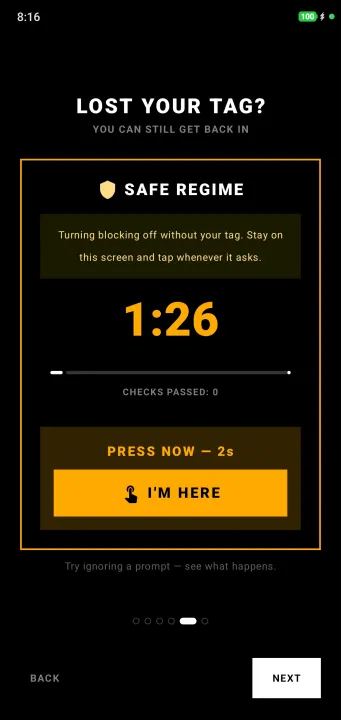
Most app blockers are one tap away from being switched off. This one isn't. Unlocking means getting up, or deleting the app.
Accessibility Service disclosure:
nfcGuard uses the Android AccessibilityService API for a single purpose: to detect which app is currently in the foreground, so that an app you have chosen to block can be closed when you open it. This is required because some devices do not reliably report the foreground app by any other means.
The service is declared so that it cannot retrieve window content, and it listens only for window-state-change events. It is technically incapable of reading what is on your screen, and it never does. Before it is turned on, nfcGuard shows a consent screen explaining this, with ALLOW and DON'T ALLOW buttons.
nfcGuard collects, stores and transmits no personal or sensitive user data of any kind, and works entirely offline.
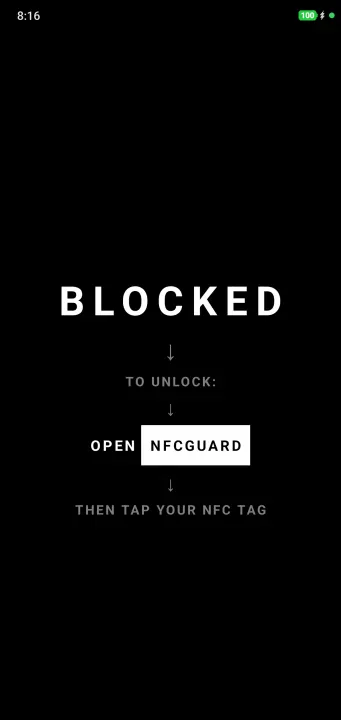
The service is optional on most phones. With it off, nfcGuard instead shows a block screen on top of the blocked app.
Fully offline: no ads, no tracking, no accounts, no sign-up. Open source under the MIT license.
Features:
• Block mode - block the specific apps that distract you
• Allow mode - block everything except the essentials
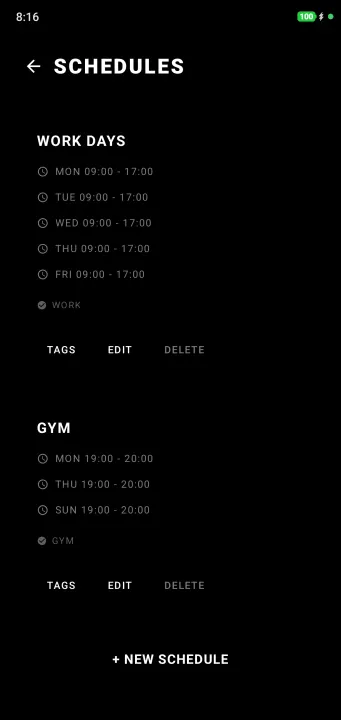
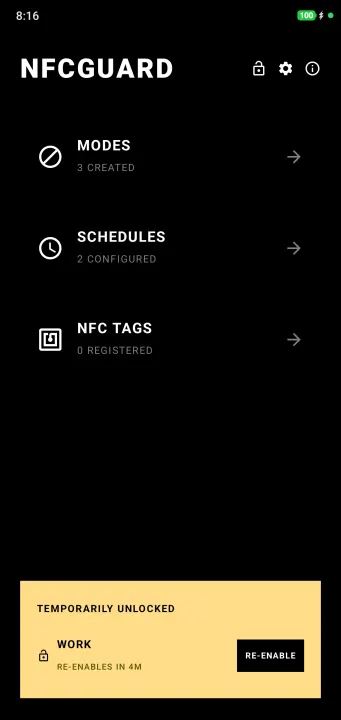
• Per-day schedules that activate and deactivate on their own
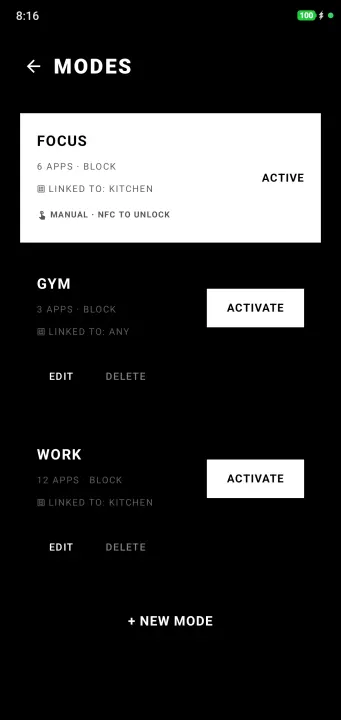
• Multiple modes, each with its own NFC tag
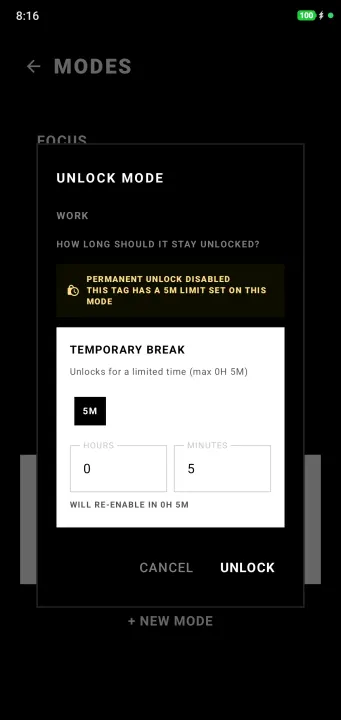
• Timed unlocks, capped by a limit you set in advance
• Home screen widget for switching modes without opening the app
• Emergency reset with a configurable cooldown
• Config export and import in JSON or YAML
Requires a phone with NFC and any inexpensive NTAG sticker, or anything else with an NFC chip.
Source code: https://github.com/Andebugulin/nfcGuard
Most app blockers are one tap away from being switched off. This one isn't. Unlocking means getting up, or deleting the app.
Accessibility Service disclosure:
nfcGuard uses the Android AccessibilityService API for a single purpose: to detect which app is currently in the foreground, so that an app you have chosen to block can be closed when you open it. This is required because some devices do not reliably report the foreground app by any other means.
The service is declared so that it cannot retrieve window content, and it listens only for window-state-change events. It is technically incapable of reading what is on your screen, and it never does. Before it is turned on, nfcGuard shows a consent screen explaining this, with ALLOW and DON'T ALLOW buttons.
nfcGuard collects, stores and transmits no personal or sensitive user data of any kind, and works entirely offline.
The service is optional on most phones. With it off, nfcGuard instead shows a block screen on top of the blocked app.
Fully offline: no ads, no tracking, no accounts, no sign-up. Open source under the MIT license.
Features:
• Block mode - block the specific apps that distract you
• Allow mode - block everything except the essentials
• Per-day schedules that activate and deactivate on their own
• Multiple modes, each with its own NFC tag
• Timed unlocks, capped by a limit you set in advance
• Home screen widget for switching modes without opening the app
• Emergency reset with a configurable cooldown
• Config export and import in JSON or YAML
Requires a phone with NFC and any inexpensive NTAG sticker, or anything else with an NFC chip.
Source code: https://github.com/Andebugulin/nfcGuard
All versions
| Version | Released | Minimum Android | Size |
|---|---|---|---|
| 1.3.2 | Oct 22, 2026 | Android 8.0 | 2.5 MB |
How to install an older version of an Android app · How to install an APK file on Android
From the developer (GitHub)
APK files published by the developer on GitHub. They are signed by the developer and may not install over the other builds on this page (different signature). Links open github.com.
Similar apps
-
 ProcrastiLearn
Block distracting apps until you review a spaced-repetition flashcard
-
 App Blocker: Curbox Detox
App blocker and screen time tracker. Block apps, websites, reels and shorts.
-
 DetoxDroid: Digital Detox by Default
Grayscale, doomscrolling breaker, app blocker: a boring phone by default
-
 Screen Time
Easily track the time you spend on your device and apps.
-
 Why? – mindful unlocks
Asks why you unlock your phone. See your habits. No internet. No tracking.
-
 PlugBrain
 blocks apps and uses math challenges to reduce screen time.
-
 Defang
Launcher that puts speed bumps between you and the apps engineered against you
-
 usageDirect
Display screen time statistics