

Safe Notes - Encrypted Notepad
Encrypted, Private note manager
- Developer
- Keshav Priyadarshi
- License
- GPL-3.0-or-later
- Package
com.trisven.safenotes- Category
- Note, Security, Writing
- Latest version
- 2.3.0 · May 5, 2023
- Minimum Android
- Android 7.1
Screenshots
Description
★ Safe Notes is an open-source project that aims to provide an encrypted, private note manager.
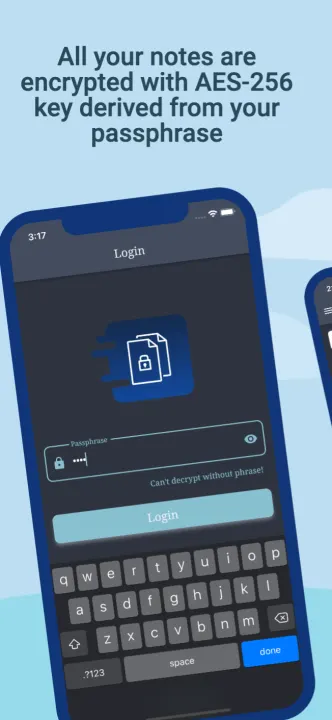
★ Employs rigorously tested AES-256 encryption standards to encrypt your notes.
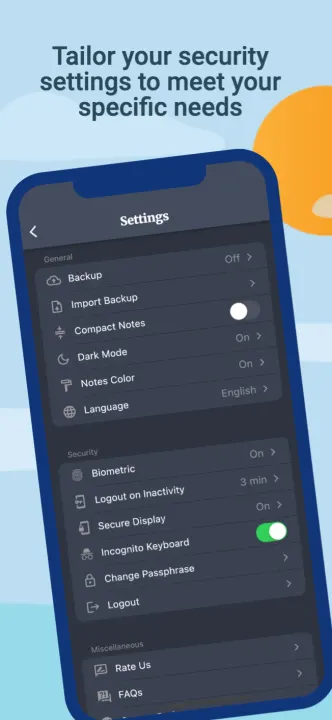
★ Incognito Keyboard
★ Brute-force protection
★ Protection against data snooping via adb
★ Android background snapshot protection
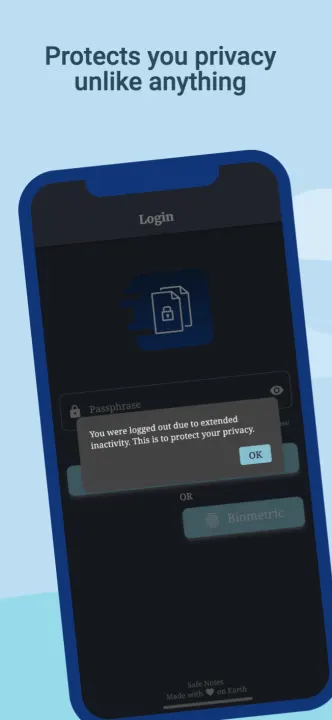
★ Inactivity guard
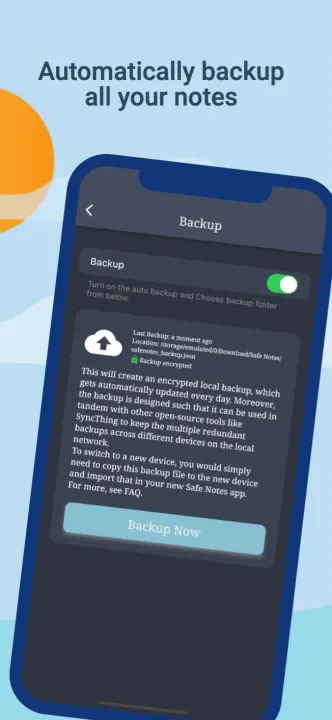
★ Automated encrypted backup
★ Arctic Nord style dark and light theme
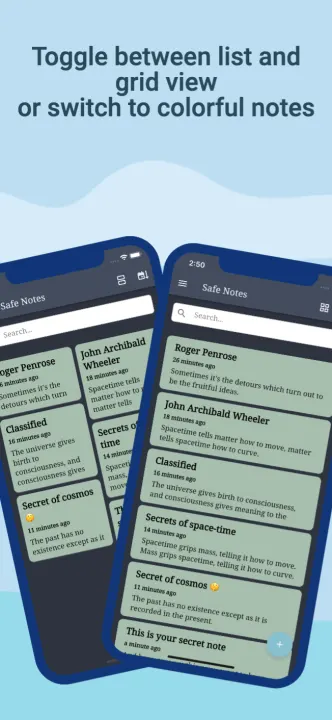
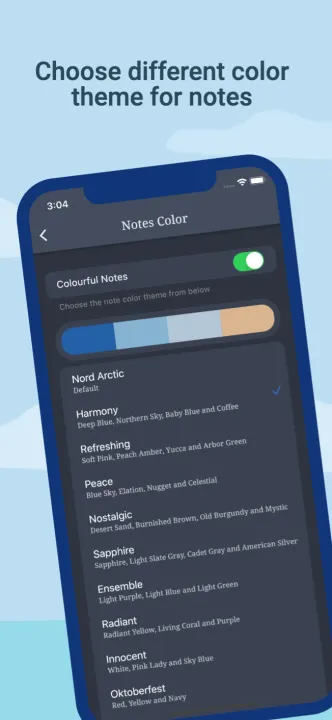
★ Customization for colorful notes
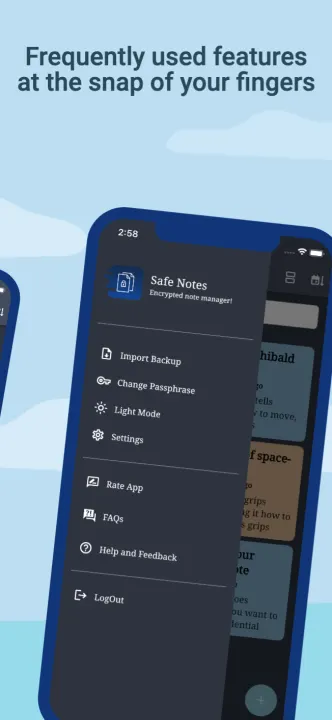
★ Seamless migration to new device. Use the backup to move your data from one device to another device.
★ Safe Notes provides ultimate security - you don't have to trust us, or any other third party because everything is done locally on your phone.
★ Contrary to the ongoing frenzy of "move everything to cloud" we believe in "localization of user data" giving you the control of your data and not some third-party cloud service provider.
★ Completely anonymous, no inbound and outbound requests.
--- How it works ---
★ Safe Notes encrypt each note with a unique AES-256 symmetric key derived from your passphrase and randomly generated salt.
★ If an attacker tries to brute-force your encrypted notes it will take "Trillions Upon Trillions years" in contrast, the universe has only existed for 15 billion years. (You must use strong and long passphrase).
★ AES-256 is symmetric key encryption that is quantum-resistant, i.e. it isn't vulnerable to quantum computers.
★ Everything is stored locally on the user's device.
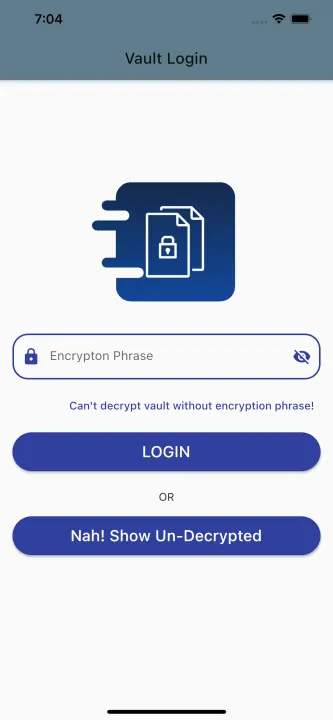
★ Your passphrase is never stored on the device, it gets purged as soon as you exit the app.
★ We can't decrypt your notes even if we wanted to. That gives you the ultimate security, but it also means that a lost passphrase can never be recovered.
★ Safe Notes is an open-source, not-for-profit project.
★ Employs rigorously tested AES-256 encryption standards to encrypt your notes.
★ Incognito Keyboard
★ Brute-force protection
★ Protection against data snooping via adb
★ Android background snapshot protection
★ Inactivity guard
★ Automated encrypted backup
★ Arctic Nord style dark and light theme
★ Customization for colorful notes
★ Seamless migration to new device. Use the backup to move your data from one device to another device.
★ Safe Notes provides ultimate security - you don't have to trust us, or any other third party because everything is done locally on your phone.
★ Contrary to the ongoing frenzy of "move everything to cloud" we believe in "localization of user data" giving you the control of your data and not some third-party cloud service provider.
★ Completely anonymous, no inbound and outbound requests.
--- How it works ---
★ Safe Notes encrypt each note with a unique AES-256 symmetric key derived from your passphrase and randomly generated salt.
★ If an attacker tries to brute-force your encrypted notes it will take "Trillions Upon Trillions years" in contrast, the universe has only existed for 15 billion years. (You must use strong and long passphrase).
★ AES-256 is symmetric key encryption that is quantum-resistant, i.e. it isn't vulnerable to quantum computers.
★ Everything is stored locally on the user's device.
★ Your passphrase is never stored on the device, it gets purged as soon as you exit the app.
★ We can't decrypt your notes even if we wanted to. That gives you the ultimate security, but it also means that a lost passphrase can never be recovered.
★ Safe Notes is an open-source, not-for-profit project.
All versions
| Version | Released | Minimum Android | Size |
|---|---|---|---|
| 2.3.0 | May 5, 2023 | Android 7.1 | 50.6 MB |
| 2.2.0 | Dec 28, 2022 | Android 7.1 | 50.5 MB |
| 2.1.0 | Nov 23, 2022 | Android 7.1 | 49 MB |
| 2.0.1 | Nov 5, 2022 | Android 7.1 | 47.5 MB |
| 2.0.0 | Oct 27, 2022 | Android 7.1 | 47.4 MB |
| 1.0.0 | Oct 2, 2022 | Android 7.1 | 45.5 MB |
How to install an older version of an Android app · How to install an APK file on Android
From the developer (GitHub)
APK files published by the developer on GitHub. They are signed by the developer and may not install over the other builds on this page (different signature). Links open github.com.
v2.3.0
· Apr 30, 2023
safenotes-2.3.0-all.apk
50.6 MB safenotes-2.3.0-arm64-v8a.apk
19.6 MB safenotes-2.3.0-armeabi-v7a.apk
17.5 MB safenotes-2.3.0-x86_64.apk
20.4 MB v2.2.0
· Dec 26, 2022
safenotes-2.2.0-all.apk
50.5 MB safenotes-2.2.0-arm64-v8a.apk
19.4 MB safenotes-2.2.0-armeabi-v7a.apk
17.4 MB safenotes-2.2.0-x86_64.apk
20.3 MB v2.1.0
· Nov 19, 2022
safenotes-2.1.0-all.apk
49 MB safenotes-2.1.0-arm64-v8a.apk
18.2 MB safenotes-2.1.0-armeabi-v7a.apk
16.2 MB safenotes-2.1.0-x86_64.apk
19.1 MB Similar apps
-
 Trigger
Open doors via Wi-Fi using HTTPS/SSH.
-
 KeePassDX Passkey Vault
Manage Passkey / Password in a local and open-source vault
-
 NoNonsense Notes
A simple notepad and to-do app with an excellent navigation
-
 Butterfly
Take notes, draw freely, and organize ideas across an endless workspace
-
 Linwood Butterfly Nightly
Take notes, draw freely, and organize ideas across an endless workspace
-
 Thunderbird: Free Your Inbox
Thunderbird is a 100% open source, privacy focused email app.
-
 Thunderbird Beta for Testers
Thunderbird is a 100% open source, privacy focused email app.
-
 Nextcloud Notes
View and edit notes on Nextcloud