

Ojo RTSP IP Camera viewer
Ojo is a basic IP Camera surveillance wall.
- Developer
- Daniele Verducci
- License
- GPL-3.0-only
- Package
it.danieleverducci.ojo- Category
- Camera, Connectivity, Multimedia, Security
- Latest version
- 0.1.4 · Apr 24, 2024
- Minimum Android
- Android API 15
Screenshots
Description
Ojo is a basic IP Camera surveillance wall.
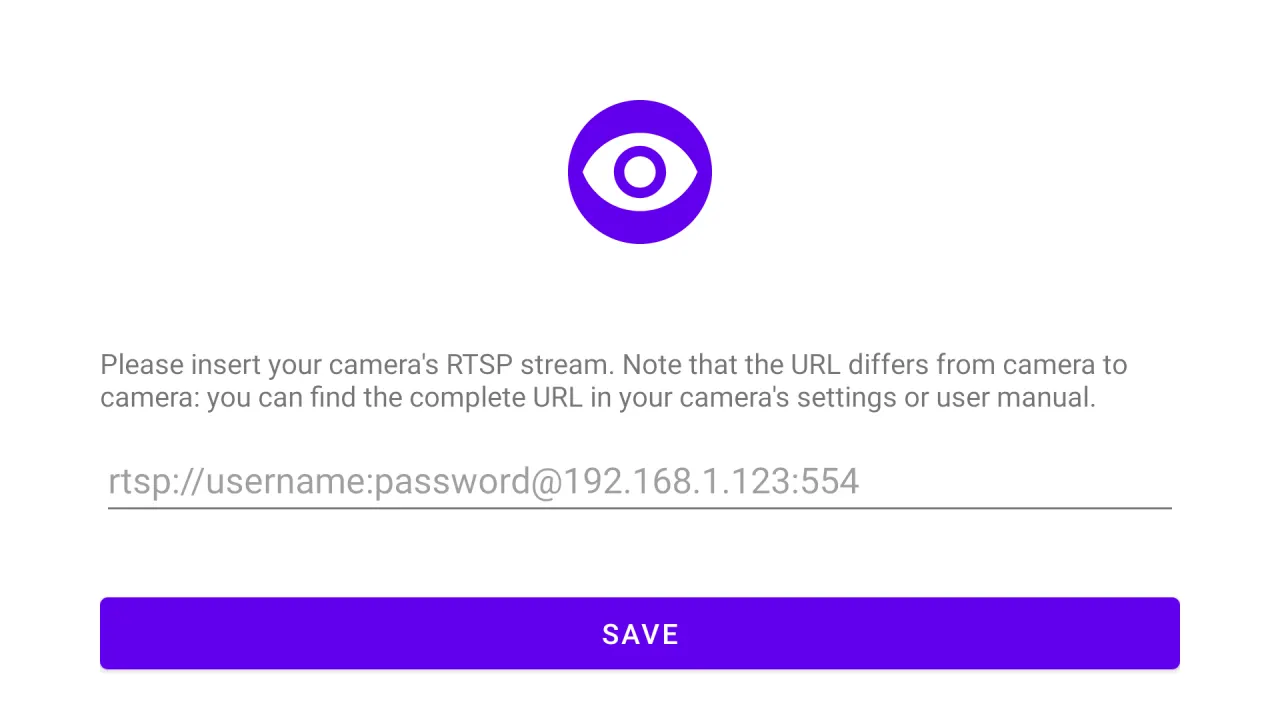
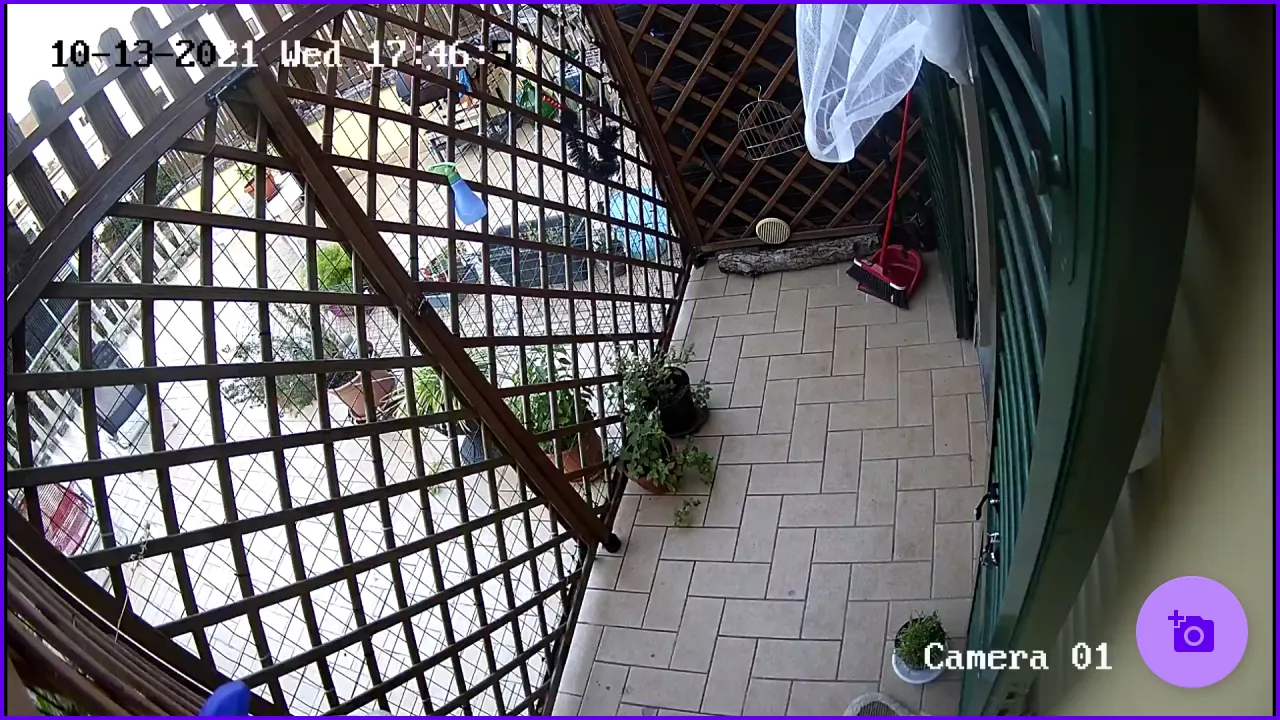
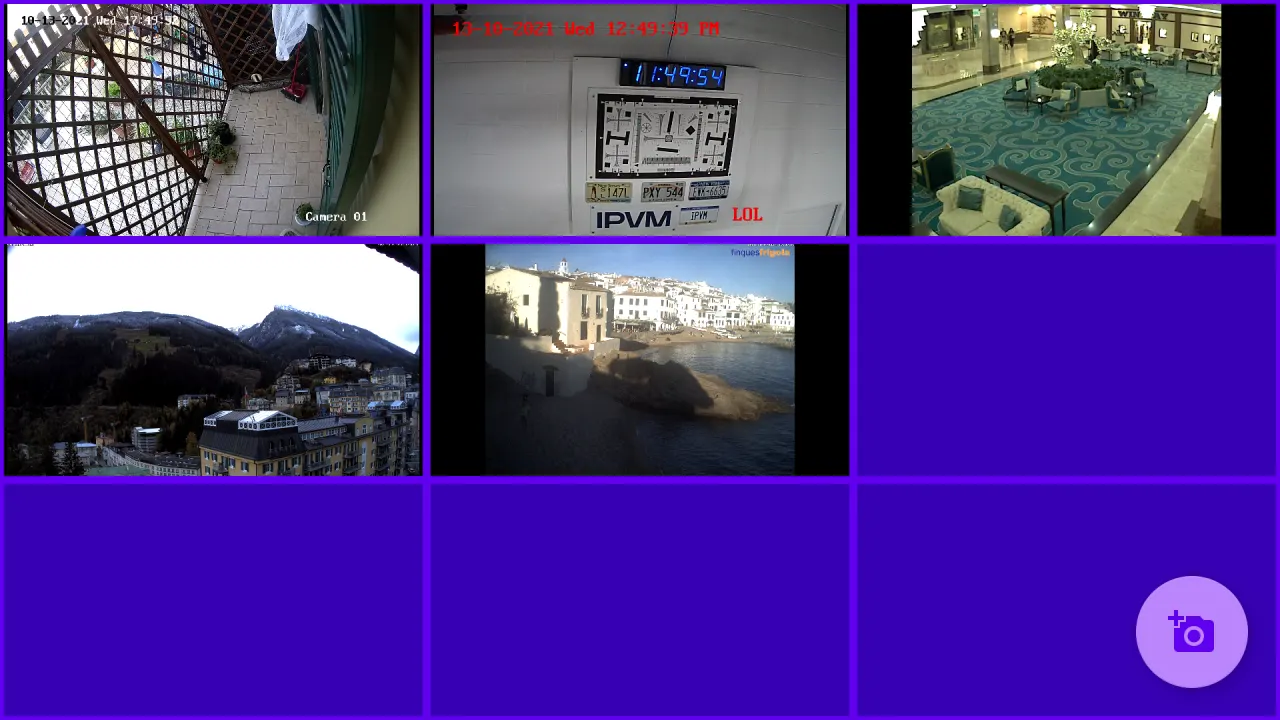
IP camera's RTSP streams are added via its url and shown in the classic tile configuration. The number of tiles is automatically chosen based on the number of configured cameras: a single camera goes full screen, adding more cameras the app switches to a grid view: 2x2, 3x3, 4x4 and so on.
The maximum number of cameras is determined by the device's capabilities.
The stream decoding and rendering is demanded to VLC's library: without their effort this app wouldn't be possible.
This app was specifically developed for F-Droid, as I couldn't find any open source RTSP viewers in the main repository.
The app can be opened deeplinking to url ojo://view
To open the app with focus on a specific camera, you can use an intent (it.danieleverducci.ojo.OPEN_CAMERA) to specify which camera you want to view.
The extra argument it.danieleverducci.ojo.CAMERA_NAME will open the app with the camera with the name you specified while adding the camera.
The extra argument it.danieleverducci.ojo.CAMERA_NUMBER starting at 1 could be used as well, if you have multiple cameras with the same name.
See below an example how to use the intent. The flag (-f 268468224) could be useful if you want to switch to another camera while the app is running:
adb -s shell am start -a it.danieleverducci.ojo.OPEN_CAMERA -f 268468224 --es it.danieleverducci.ojo.CAMERA_NAME
adb -s shell am start -a it.danieleverducci.ojo.OPEN_CAMERA -f 268468224 --es it.danieleverducci.ojo.CAMERA_NUMBER
IP camera's RTSP streams are added via its url and shown in the classic tile configuration. The number of tiles is automatically chosen based on the number of configured cameras: a single camera goes full screen, adding more cameras the app switches to a grid view: 2x2, 3x3, 4x4 and so on.
The maximum number of cameras is determined by the device's capabilities.
The stream decoding and rendering is demanded to VLC's library: without their effort this app wouldn't be possible.
This app was specifically developed for F-Droid, as I couldn't find any open source RTSP viewers in the main repository.
The app can be opened deeplinking to url ojo://view
To open the app with focus on a specific camera, you can use an intent (it.danieleverducci.ojo.OPEN_CAMERA) to specify which camera you want to view.
The extra argument it.danieleverducci.ojo.CAMERA_NAME will open the app with the camera with the name you specified while adding the camera.
The extra argument it.danieleverducci.ojo.CAMERA_NUMBER starting at 1 could be used as well, if you have multiple cameras with the same name.
See below an example how to use the intent. The flag (-f 268468224) could be useful if you want to switch to another camera while the app is running:
adb -s shell am start -a it.danieleverducci.ojo.OPEN_CAMERA -f 268468224 --es it.danieleverducci.ojo.CAMERA_NAME
adb -s shell am start -a it.danieleverducci.ojo.OPEN_CAMERA -f 268468224 --es it.danieleverducci.ojo.CAMERA_NUMBER
All versions
| Version | Released | Minimum Android | Size |
|---|---|---|---|
| 0.1.4 | Apr 24, 2024 | Android API 15 | 52.3 MB |
| 0.1.3 | Jan 30, 2024 | Android API 15 | 52.3 MB |
| 0.1.2 | May 2, 2023 | Android 5.0 | 52.1 MB |
| 0.1.0 | Feb 4, 2022 | Android 5.0 | 50.5 MB |
| 0.0.3 | Oct 26, 2021 | Android 4.2 | 50.3 MB |
| 0.0.2 | Oct 22, 2021 | Android 4.2 | 78.5 MB |
How to install an older version of an Android app · How to install an APK file on Android
From the developer (GitHub)
APK files published by the developer on GitHub. They are signed by the developer and may not install over the other builds on this page (different signature). Links open github.com.
Similar apps
-
 Trigger
Open doors via Wi-Fi using HTTPS/SSH.
-
 Screenshot Tile (NoRoot)
Customizable screenshot tool with quick settings shortcut and floating button
-
 KeePassDX Passkey Vault
Manage Passkey / Password in a local and open-source vault
-
 Enhanced Music Controller Lite
Remote controller for Onkyo devices
-
 URLCheck
Allows analyzing (or sharing) URLs before opening them.
-
 Classical Music Tagger
A plain audio file metadata editor especially for classical music
-
 Kreate
A multilingual YouTube Music frontend for Android, prioritize performance.
-
 Thunderbird: Free Your Inbox
Thunderbird is a 100% open source, privacy focused email app.