

AppVaultX
App Control Made Easy
- Developer
- sunilpaulmathew
- License
- GPL-3.0-or-later
- Package
in.sunilpaulmathew.appvaultx- Category
- System
- Latest version
- v0.6 · Nov 6, 2026
- Minimum Android
- Android 7.0
Screenshots
Description
Features
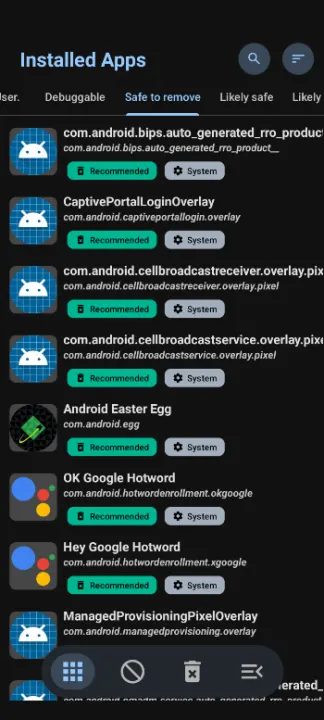
• 🔍 Smart App Recommendations
• Categorizes installed apps as Recommended, Advanced, Expert, or Unsafe
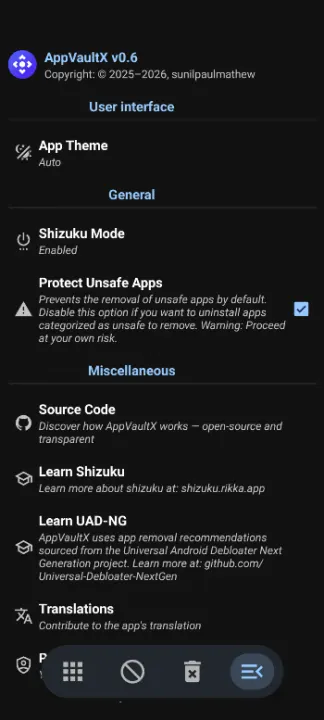
• Powered by trusted data from the Universal Android Debloater Next Generation project
• 🛠️ App Management with Shizuku Support
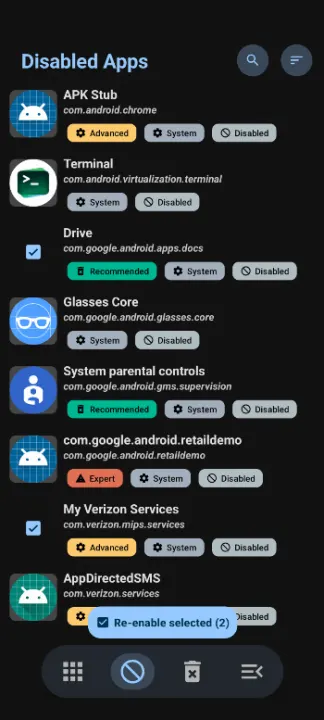
• Enable or Disable Apps –quickly toggle system and user apps on or off
• Force Close Apps – safely stop any running app
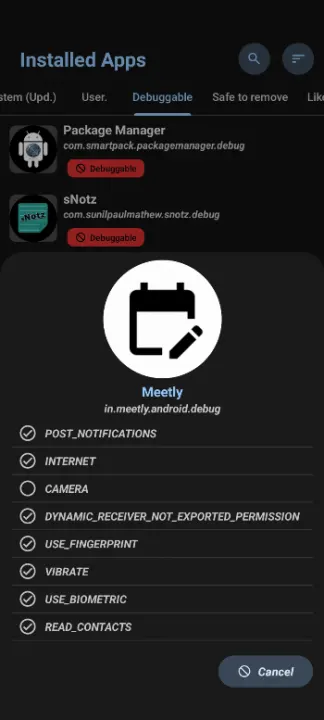
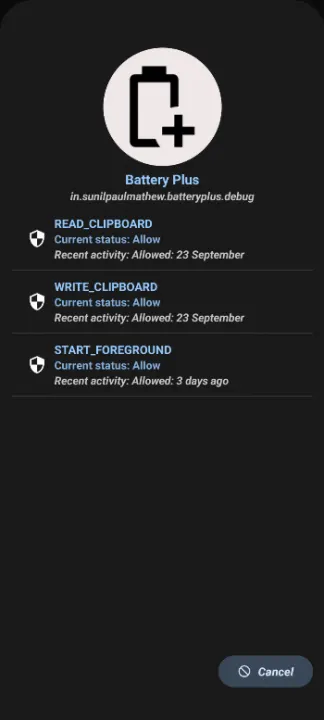
• Manage AppOps - Tweak system-level operations and restrict background behaviors easily
• Clear Data & Cache – free storage and reset apps
• Backup APKs & Icons – save app files and icons for future use
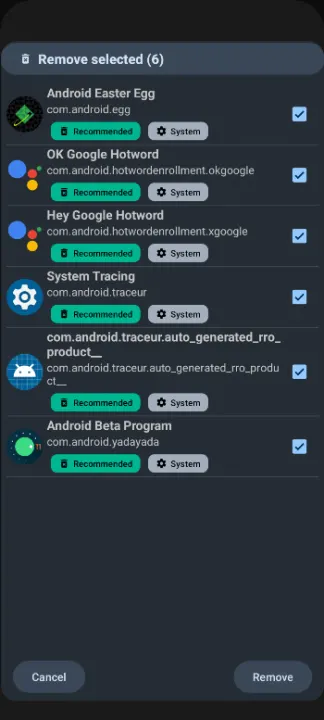
• Uninstall Apps (Individual or Batch) – remove unwanted apps efficiently
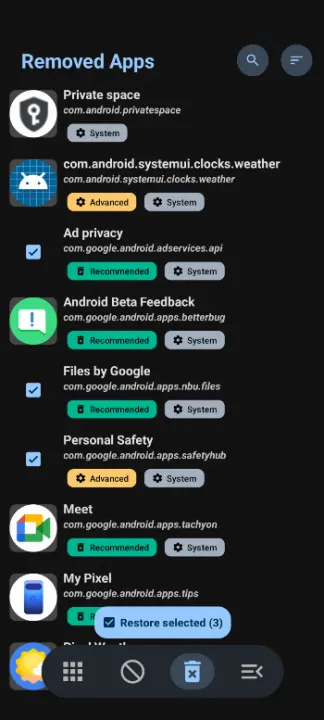
• Restore Removed System Apps – safely recover system apps
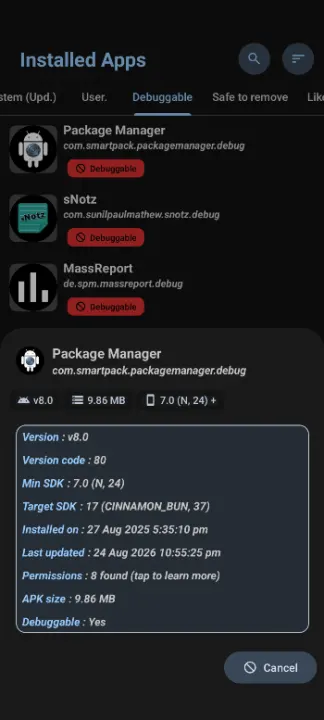
• APK Installer – Seamlessly install, update, or downgrade APKs — including debug builds — directly from your file manager
• 📱 Standard App Management (Without Shizuku)
• Package Viewer – explore installed apps and details
• Open Apps – launch any installed app directly
• Save APKs & Icons – backup apps locally
• Access System Settings – quick shortcuts to app-related settings
• 💎 User Experience
• Modern Material Design UI – sleek, clean, and intuitive
• Batch Operations – manage multiple apps effortlessly
Translations
Please help me to translate this application via POEditor.
• 🔍 Smart App Recommendations
• Categorizes installed apps as Recommended, Advanced, Expert, or Unsafe
• Powered by trusted data from the Universal Android Debloater Next Generation project
• 🛠️ App Management with Shizuku Support
• Enable or Disable Apps –quickly toggle system and user apps on or off
• Force Close Apps – safely stop any running app
• Manage AppOps - Tweak system-level operations and restrict background behaviors easily
• Clear Data & Cache – free storage and reset apps
• Backup APKs & Icons – save app files and icons for future use
• Uninstall Apps (Individual or Batch) – remove unwanted apps efficiently
• Restore Removed System Apps – safely recover system apps
• APK Installer – Seamlessly install, update, or downgrade APKs — including debug builds — directly from your file manager
• 📱 Standard App Management (Without Shizuku)
• Package Viewer – explore installed apps and details
• Open Apps – launch any installed app directly
• Save APKs & Icons – backup apps locally
• Access System Settings – quick shortcuts to app-related settings
• 💎 User Experience
• Modern Material Design UI – sleek, clean, and intuitive
• Batch Operations – manage multiple apps effortlessly
Translations
Please help me to translate this application via POEditor.
All versions
| Version | Released | Minimum Android | Size |
|---|---|---|---|
| v0.6 | Nov 6, 2026 | Android 7.0 | 2.2 MB |
| v0.5 | May 20, 2026 | Android 7.0 | 2 MB |
| v0.4 | May 19, 2026 | Android 7.0 | 2.2 MB |
How to install an older version of an Android app · How to install an APK file on Android
From the developer (GitHub)
APK files published by the developer on GitHub. They are signed by the developer and may not install over the other builds on this page (different signature). Links open github.com.
Similar apps
-
 Screenshot Tile (NoRoot)
Customizable screenshot tool with quick settings shortcut and floating button
-
 Coffee
Keep display awake
-
 Mute reminder
Remind you to mute media
-
 Prepaid Balance
Keep track your prepaid balance
-
 Auto Auto-Rotate
Automatically remembers your auto-rotate setting for every app
-
 Drowser
Simple background app killer
-
 Scrambled Exif
Remove the metadata from your pictures before sharing them
-
 WaveUp
Turn on the display by waving