

Flashlight Tiramisu
An application that allows you to smoothly adjust the brightness of the flashlig
- License
- Apache-2.0
- Package
com.pdb82.flashlighttiramisu- Category
- Flashlight, System
- Latest version
- 2.0 · Nov 28, 2022
- Minimum Android
- Android 13
Screenshots
Description
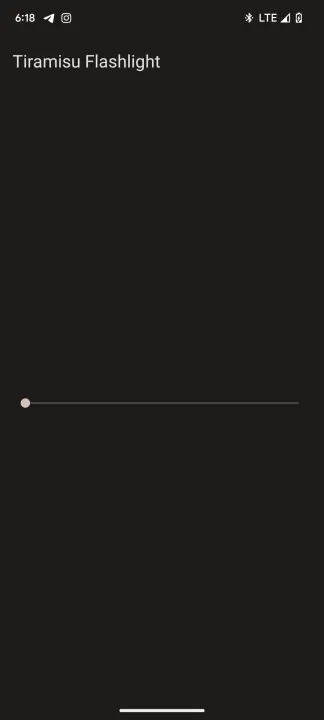
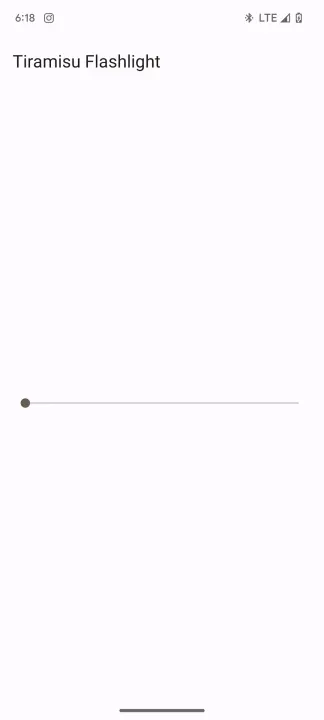
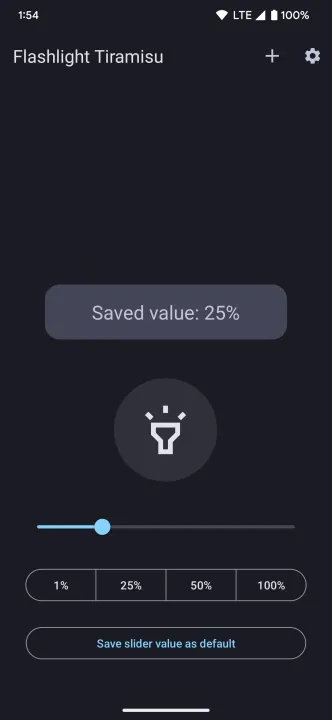
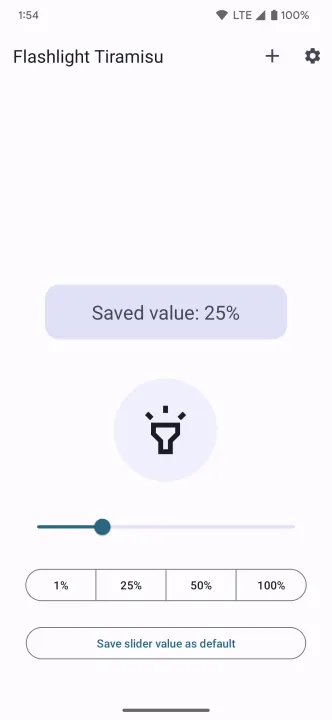
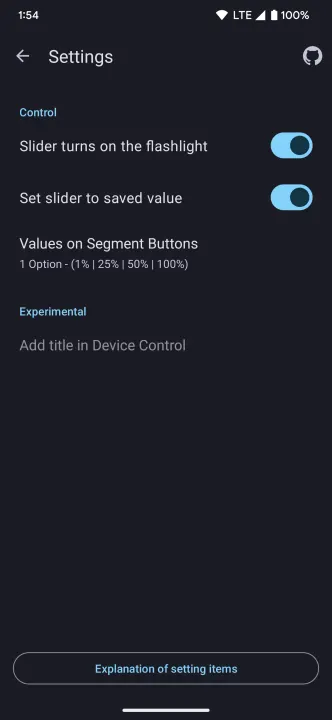
This application can smoothly adjust the brightness of your flashlight. In the navigation, you have a large convenient button to turn the flashlight on and off, a slider and 4 small buttons to quickly set the value to the N position. You can also save the value of the slider and after each launch of the application, the slider will be set to the saved state. You can also activate the flashlight on the saved value from the curtain by clicking on the tile.
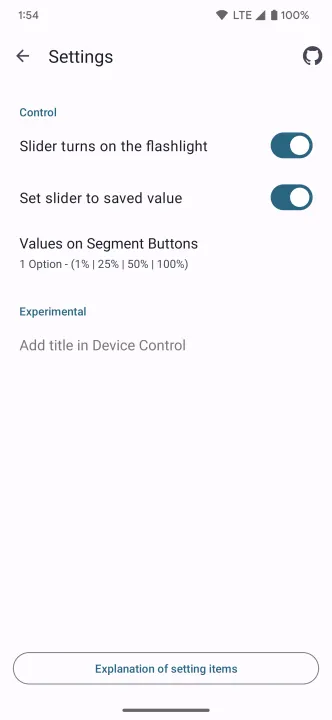
The settings screen will help you choose different ways to interact with the flashlight. By clicking on the button "Explanation of setting items" - you will see a description of the menu items.
The settings screen will help you choose different ways to interact with the flashlight. By clicking on the button "Explanation of setting items" - you will see a description of the menu items.
All versions
| Version | Released | Minimum Android | Size |
|---|---|---|---|
| 2.0 | Nov 28, 2022 | Android 13 | 2.8 MB |
| 1.0 | Nov 7, 2022 | Android 13 | 2.4 MB |
How to install an older version of an Android app · How to install an APK file on Android
From the developer (GitHub)
APK files published by the developer on GitHub. They are signed by the developer and may not install over the other builds on this page (different signature). Links open github.com.
Similar apps
-
 Screenshot Tile (NoRoot)
Customizable screenshot tool with quick settings shortcut and floating button
-
 Coffee
Keep display awake
-
 Mute reminder
Remind you to mute media
-
 Prepaid Balance
Keep track your prepaid balance
-
 Auto Auto-Rotate
Automatically remembers your auto-rotate setting for every app
-
 Drowser
Simple background app killer
-
 Scrambled Exif
Remove the metadata from your pictures before sharing them
-
 WaveUp
Turn on the display by waving