

Extended emulator of МК 61/54
Emulator of "Electronika МК 61/54" RPN programmable calculators.
- Developer
- Vadym Khokhlov
- License
- GPL-3.0-only
- Package
com.cax.pmk.ext- Category
- Calculator, Science & Education
- Latest version
- 3.3.1 · Mar 10, 2022
- Minimum Android
- Android 4.4
Screenshots
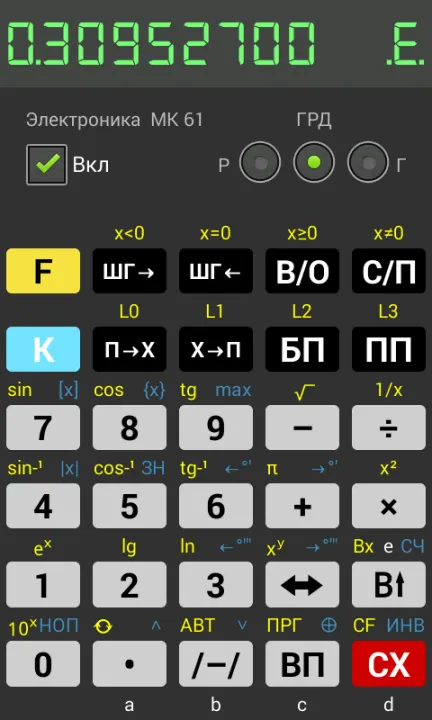
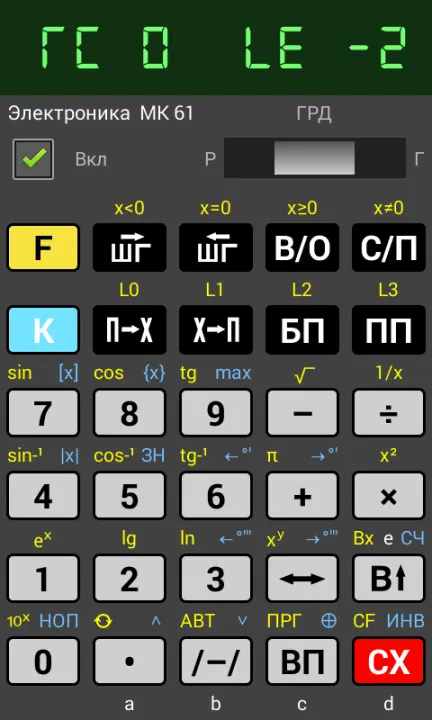
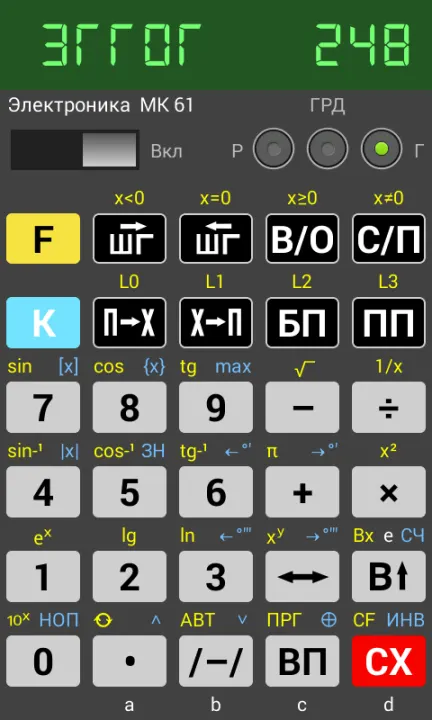
Description
МК 61 was the best seller of all USSR programmable calculators of 1980-s (B3-34, MK-54, MK-56, MK-61, MK-52).
Calculators are emulated on microcode level so they behave exactly like the original devices, including all non-documented features and inaccurate calculations. For ease of use application features saving and loading emulation states.
This app's emulation engine Java code is based on C++ source of Felix Lazarev's emu145 project.
Emulation was highly optimized for speed and should run in real time on any phone.
It's an extended version of the original emulator МК 61/54 by Stanislav Borutsky
(https://play.google.com/store/apps/details?id=com.cax.pmk). This version allows to export/import programs from external files and contains some UI improvements.
Hint 0: you can found the list of all tips in the About dialog
Hint 1: touch calculator's indicator to toggle slow/fast mode. Indicator's blinking looks better in slow mode.
Hint 2: you can choose between MK-61 and MK-54 using menu option that becomes visible when calculator is switched off.
Hint 3: with the menu "Import" you can import programs from external files, several such programs you can find in https://xvadim.github.io/xbasoft/pmk/pmk.html
Hit 4: you can open menu by long tap on the "Вкл" label.
Calculators are emulated on microcode level so they behave exactly like the original devices, including all non-documented features and inaccurate calculations. For ease of use application features saving and loading emulation states.
This app's emulation engine Java code is based on C++ source of Felix Lazarev's emu145 project.
Emulation was highly optimized for speed and should run in real time on any phone.
It's an extended version of the original emulator МК 61/54 by Stanislav Borutsky
(https://play.google.com/store/apps/details?id=com.cax.pmk). This version allows to export/import programs from external files and contains some UI improvements.
Hint 0: you can found the list of all tips in the About dialog
Hint 1: touch calculator's indicator to toggle slow/fast mode. Indicator's blinking looks better in slow mode.
Hint 2: you can choose between MK-61 and MK-54 using menu option that becomes visible when calculator is switched off.
Hint 3: with the menu "Import" you can import programs from external files, several such programs you can find in https://xvadim.github.io/xbasoft/pmk/pmk.html
Hit 4: you can open menu by long tap on the "Вкл" label.
All versions
| Version | Released | Minimum Android | Size |
|---|---|---|---|
| 3.3.1 | Mar 10, 2022 | Android 4.4 | 263.1 KB |
How to install an older version of an Android app · How to install an APK file on Android
Similar apps
-
 Converter NOW: Unit Converter
A simple, immediate and fast unit converter!
-
 Braincup - Brain Training
Train your focus, memory and math skills.
-
 microMathematics Plus
Computer algebra system
-
 GCompris
Multi-Activity Educational game for children 2 to 10
-
 TimeTable
Timetable viewer for VULCAN
-
 Open Note Scanner
Scan documents, handwritten notes or arts
- Democracy Droid Watch "Democracy Now The war and peace report"
-
 QuickDic
Offline translation dictionary