

SpaceBeam
Kaleidoscope Camera Fun with Shaders for live visual performances!
- License
- GPL-3.0-only
- Package
com.calmyjane.spacebeam- Category
- Graphics, Multimedia
- Latest version
- 5.1 · Oct 27, 2026
- Minimum Android
- Android 10
Screenshots
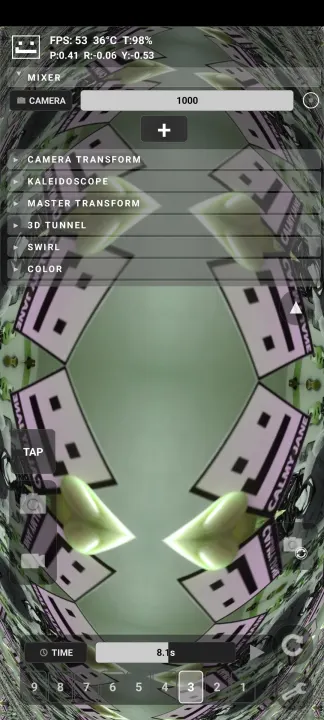
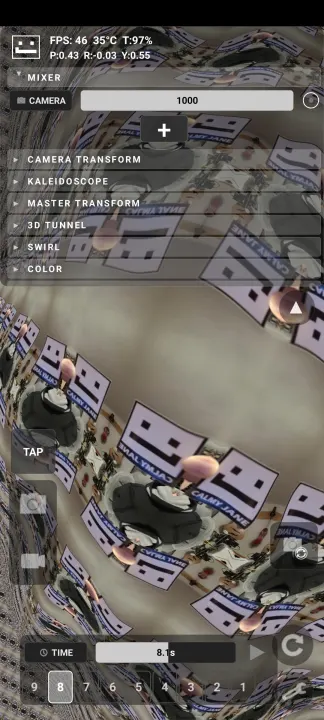
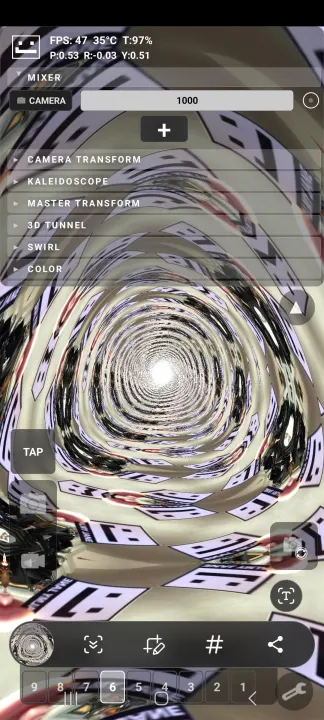
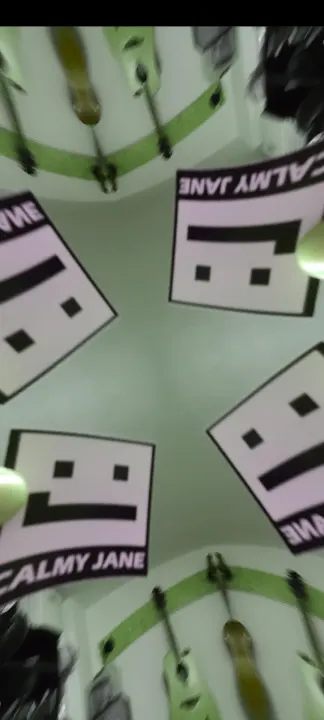
Description
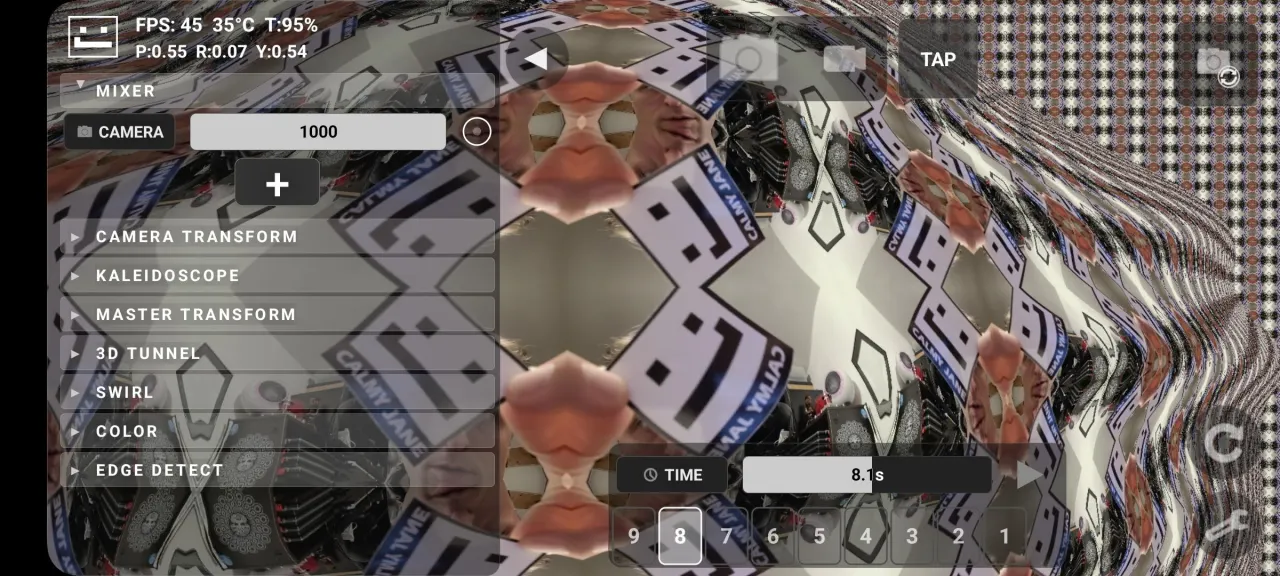
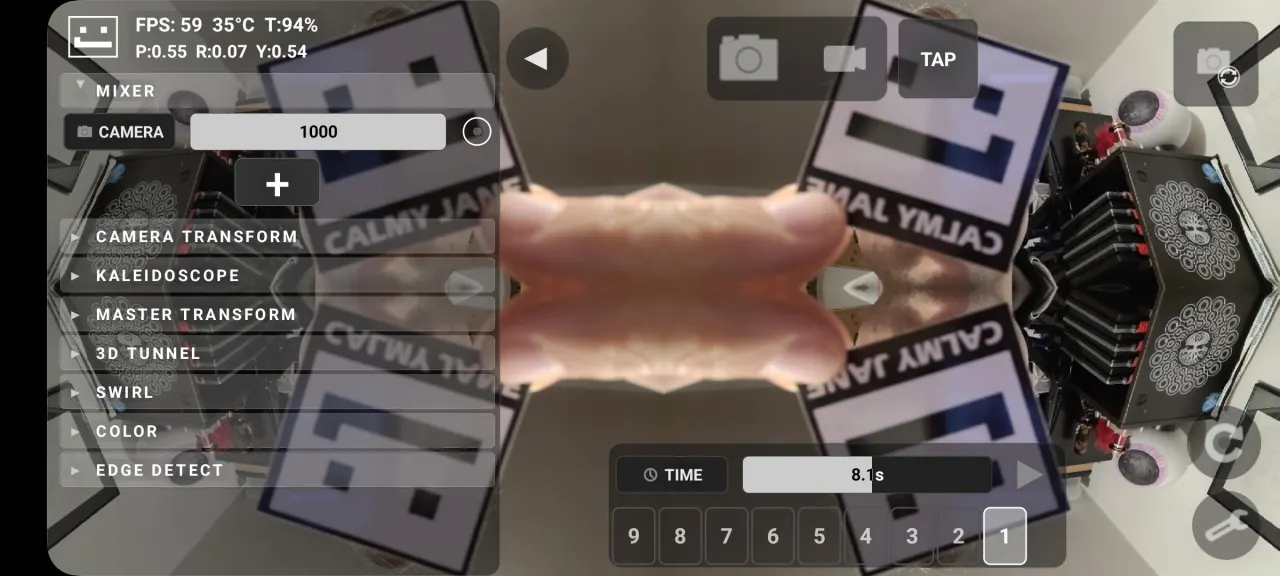
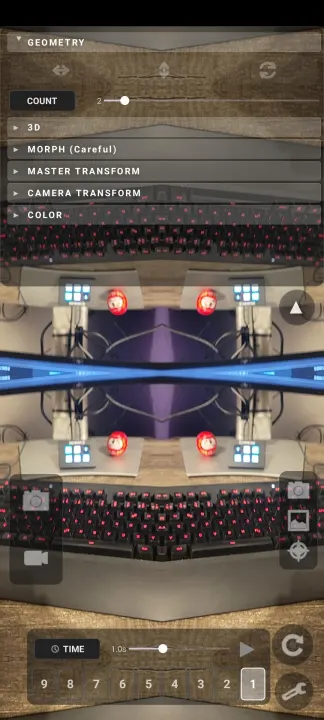
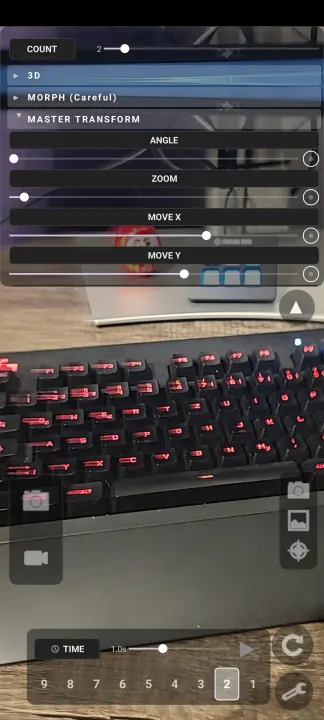
SpaceBeam transforms your camera feed into a psychedelic, real-time geometry pattern generator. It transmits the image as a second screen
to be shared over miracast or hdmi.
Features:
• kaleidoscope, Droste spiral, 3D tunnel and swirl effects
• Front/Back Camera as Input source
• RTSP as input-source
• Image/Video (playlists) as input-source
• Generative Shaders as input-source
• Feedback as input-source
• Different merge modes (add, subtract, multiply ...)
• Hand tracking: control parameters with finger pinch, hand tilt and hand distance
• Face tracking: control parameters with head tilt, distance and mouth width
• Accelerometer/Gyroscope as modulation for parameters, look around in the tunnel effects
• Bluetooth MIDI controller as modulation source
• BPM tap and beat synced LFOs
• 9 presets slots with smooth transitions between presets
• Auto-Play mode
• Undo/Redo buttons
Recommended Setup:
Run this app on a Samsung Android device (e.g. Samsung S20 FE). Samsung is the only system still supporting miracast. Look for the option "Smart View".
Connect to any smart TV/Projector that supports miracast. Or connect to a miracast-hdmi-dongle.
Optional: Use a second phone as remote camera. Take the second phone, install "IP Webcam" app.
On main phone, host a wifi hotspot, or bring both phones into the same external wifi.
Select the rtsp input in the app and enter the address "rtsp://192.168.30.40:8080/h264_ulaw.sdp" (the IP adress is shown on the remote cam phone when the server is running).
You should get a remote image from the second phone through quite some distance.
Alternatively to using IP Camera, you can use "Screen Stream" App to share another phones screen and make visuals out of any app (recommended apps: Fluid, Frakls ..)
This way you can very easily create stunning visual art setups all just with a phone and not tons of cabling and heavy computers with expensive software.
Hope you enjoy this, if you do, send me a mail :)
[email protected]
www.calmyjane.com
Permission Notes:
Camera is the live input. Hand and face tracking analyze the camera image on the device only, nothing is stored or sent anywhere.
Network Usage is needed for streaming Videos from other devices into the app. The app does not communicate with the internet. If your OS allows, you can block Network Usage for the app, this will cause error message when trying to add RTSP sources, but otherwise won't affect the apps performance.
Modifying System Settings is needed to force the screen timeout to infinite. The "keep screen on" flag doesnt work on all devices, if your screen turns black you can force it on in the settings menu. This needs permission to modify system settings. No other settings except screen timeout are touched by the app.
to be shared over miracast or hdmi.
Features:
• kaleidoscope, Droste spiral, 3D tunnel and swirl effects
• Front/Back Camera as Input source
• RTSP as input-source
• Image/Video (playlists) as input-source
• Generative Shaders as input-source
• Feedback as input-source
• Different merge modes (add, subtract, multiply ...)
• Hand tracking: control parameters with finger pinch, hand tilt and hand distance
• Face tracking: control parameters with head tilt, distance and mouth width
• Accelerometer/Gyroscope as modulation for parameters, look around in the tunnel effects
• Bluetooth MIDI controller as modulation source
• BPM tap and beat synced LFOs
• 9 presets slots with smooth transitions between presets
• Auto-Play mode
• Undo/Redo buttons
Recommended Setup:
Run this app on a Samsung Android device (e.g. Samsung S20 FE). Samsung is the only system still supporting miracast. Look for the option "Smart View".
Connect to any smart TV/Projector that supports miracast. Or connect to a miracast-hdmi-dongle.
Optional: Use a second phone as remote camera. Take the second phone, install "IP Webcam" app.
On main phone, host a wifi hotspot, or bring both phones into the same external wifi.
Select the rtsp input in the app and enter the address "rtsp://192.168.30.40:8080/h264_ulaw.sdp" (the IP adress is shown on the remote cam phone when the server is running).
You should get a remote image from the second phone through quite some distance.
Alternatively to using IP Camera, you can use "Screen Stream" App to share another phones screen and make visuals out of any app (recommended apps: Fluid, Frakls ..)
This way you can very easily create stunning visual art setups all just with a phone and not tons of cabling and heavy computers with expensive software.
Hope you enjoy this, if you do, send me a mail :)
[email protected]
www.calmyjane.com
Permission Notes:
Camera is the live input. Hand and face tracking analyze the camera image on the device only, nothing is stored or sent anywhere.
Network Usage is needed for streaming Videos from other devices into the app. The app does not communicate with the internet. If your OS allows, you can block Network Usage for the app, this will cause error message when trying to add RTSP sources, but otherwise won't affect the apps performance.
Modifying System Settings is needed to force the screen timeout to infinite. The "keep screen on" flag doesnt work on all devices, if your screen turns black you can force it on in the settings menu. This needs permission to modify system settings. No other settings except screen timeout are touched by the app.
All versions
| Version | Released | Minimum Android | Size |
|---|---|---|---|
| 5.1 | Oct 27, 2026 | Android 10 | 60.2 MB |
| 5.0 | Oct 14, 2026 | Android 10 | 60.1 MB |
| 4.3 | Apr 12, 2026 | Android 10 | 50.6 MB |
| 4.1 | Apr 12, 2026 | Android 10 | 17.3 MB |
| 4.0 | Apr 9, 2026 | Android 10 | 17.3 MB |
| 3.5 | Apr 8, 2026 | Android 10 | 17.3 MB |
| 3.4 | Apr 5, 2026 | Android 10 | 17.2 MB |
| 3.1 | Mar 30, 2026 | Android 10 | 17.2 MB |
| 2.2 | Mar 27, 2026 | Android 10 | 17.1 MB |
How to install an older version of an Android app · How to install an APK file on Android
From the developer (GitHub)
APK files published by the developer on GitHub. They are signed by the developer and may not install over the other builds on this page (different signature). Links open github.com.
Similar apps
-
 Screenshot Tile (NoRoot)
Customizable screenshot tool with quick settings shortcut and floating button
-
 Enhanced Music Controller Lite
Remote controller for Onkyo devices
-
 Classical Music Tagger
A plain audio file metadata editor especially for classical music
-
 Kreate
A multilingual YouTube Music frontend for Android, prioritize performance.
-
 Ultrasonic
A music streaming client for Subsonic servers
-
 Sensors2OSC
Send sensor data via Open Sound Control (OSC).
-
 SicMu Player
Folder based music player. Shows and follows folder hierarchy.
-
 RootlessJamesDSP
System-wide JamesDSP implementation for non-rooted devices