

Squircle CE - Code Editor
Fast and powerful code editor & file manager for over 30 programming languages
- Developer
- massivemadness
- License
- Apache-2.0
- Package
com.blacksquircle.ui- Category
- Development, Text Editor
- Latest version
- 2025.1.3 · May 18, 2025
- Minimum Android
- Android 7.0
Screenshots
Description
Squircle CE is a fast, lightweight code editor and file manager with support for over 30 programming languages, remote file access via SFTP/FTP(S) and Git VCS integration. Whether you're a student, hobbyist, or professional developer, Squircle CE lets you write, manage, and version your source code anywhere, anytime — right on your phone or tablet.
Here are some of the features that help you code more efficiently:
• Multi-language Support
Code in 30+ languages: Java, Kotlin, Python, C/C++, HTML, JavaScript, TypeScript, PHP, Rust, Go, and more.
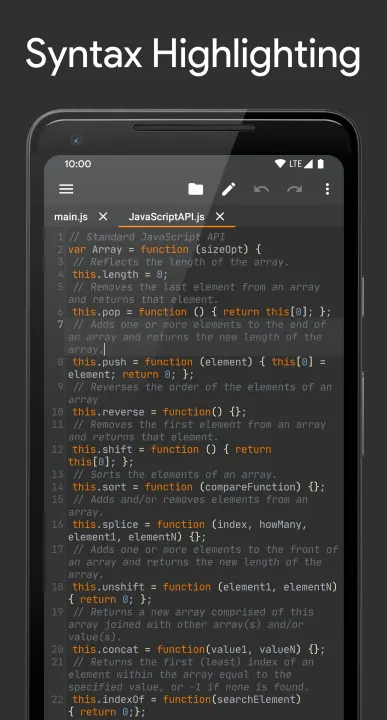
• Syntax Highlighting
Clean and colorful syntax highlighting helps you understand your code at a glance.
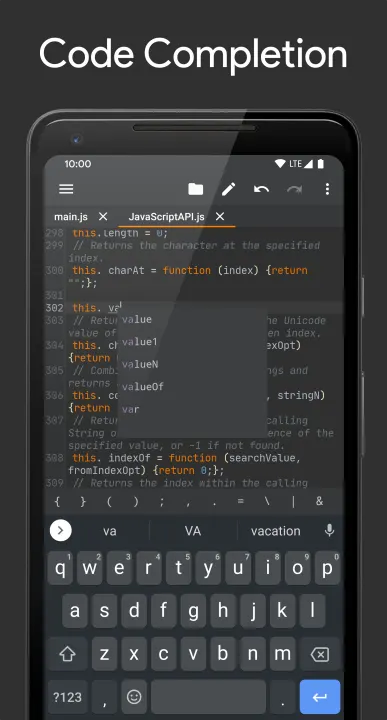
• Code Completion
Speed up coding with smart suggestions for variables, functions, and keywords based on your file content.
• Git Integration
Version control your code directly in the editor. Commit, push, pull, and manage branches with ease.
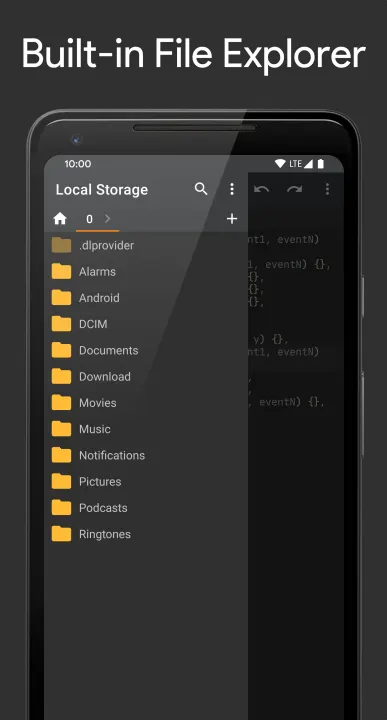
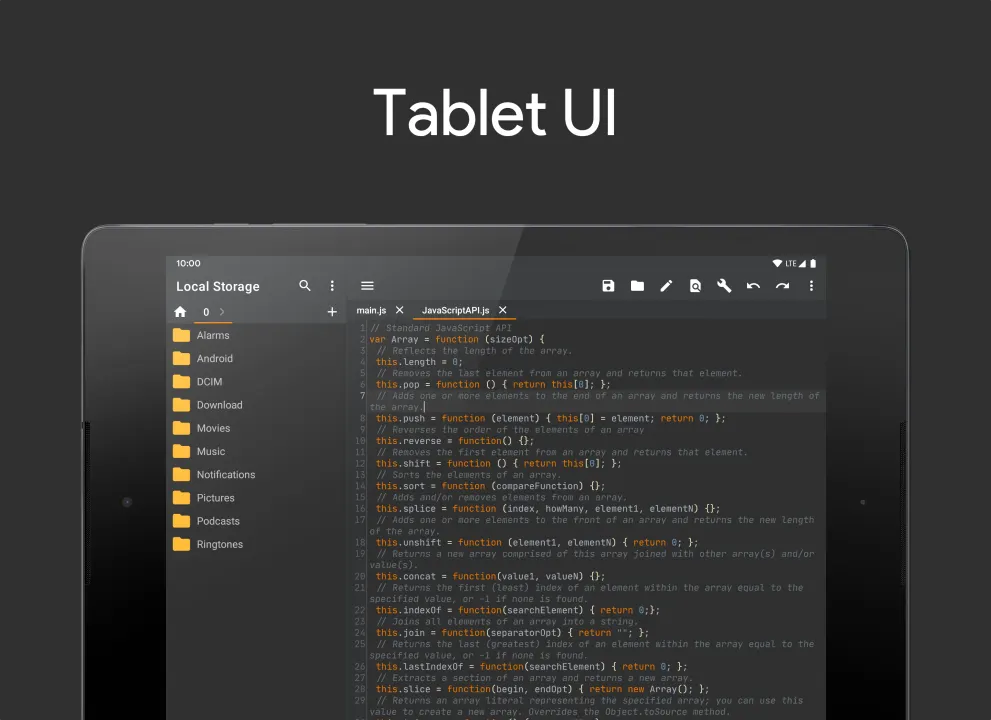
• File Manager
Manage files locally or remotely with SFTP/FTP(S) support - you don't need any other file managing app.
• Cross-session Editing
Never lose your work — all changes are saved automatically, so you can pick up right where you left off.
• Unlimited Undo/Redo
Correct mistakes easily with unlimited undo and redo, even after restarting the app.
• Bracket Matching
Quickly understand code structure with automatic highlighting of matching brackets (), [], and {}.
• Code Style
Write cleaner code with automatic indentation and smart closing of brackets, braces, and quotes.
• Advanced Editing Tools
Easily select, delete, or duplicate lines with convenient editing options.
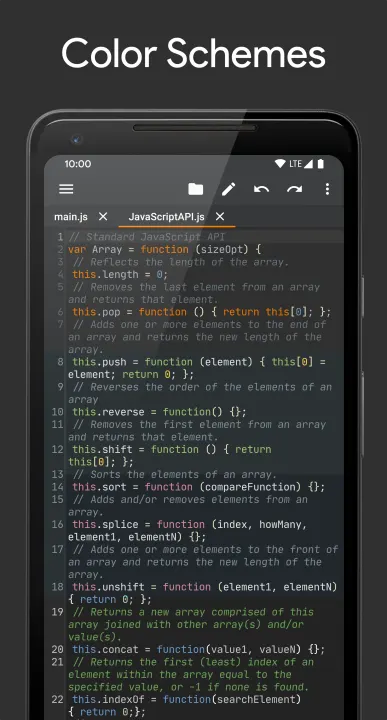
• Color Schemes
Choose from a variety of themes that match your preferred coding environment.
• Open Source
Explore and contribute: https://github.com/massivemadness/Squircle-CE
Here are some of the features that help you code more efficiently:
• Multi-language Support
Code in 30+ languages: Java, Kotlin, Python, C/C++, HTML, JavaScript, TypeScript, PHP, Rust, Go, and more.
• Syntax Highlighting
Clean and colorful syntax highlighting helps you understand your code at a glance.
• Code Completion
Speed up coding with smart suggestions for variables, functions, and keywords based on your file content.
• Git Integration
Version control your code directly in the editor. Commit, push, pull, and manage branches with ease.
• File Manager
Manage files locally or remotely with SFTP/FTP(S) support - you don't need any other file managing app.
• Cross-session Editing
Never lose your work — all changes are saved automatically, so you can pick up right where you left off.
• Unlimited Undo/Redo
Correct mistakes easily with unlimited undo and redo, even after restarting the app.
• Bracket Matching
Quickly understand code structure with automatic highlighting of matching brackets (), [], and {}.
• Code Style
Write cleaner code with automatic indentation and smart closing of brackets, braces, and quotes.
• Advanced Editing Tools
Easily select, delete, or duplicate lines with convenient editing options.
• Color Schemes
Choose from a variety of themes that match your preferred coding environment.
• Open Source
Explore and contribute: https://github.com/massivemadness/Squircle-CE
All versions
| Version | Released | Minimum Android | Size |
|---|---|---|---|
| 2025.1.3 | May 18, 2025 | Android 7.0 | 18.7 MB |
| 2025.1.2 | May 11, 2025 | Android 7.0 | 18.3 MB |
| 2025.1.1 | May 2, 2025 | Android 7.0 | 18.2 MB |
| 2025.1.0 | Apr 17, 2025 | Android 7.0 | 17.9 MB |
| 2023.2.0 | Nov 15, 2023 | Android 7.0 | 16.7 MB |
| 2023.1.5 | Jun 21, 2023 | Android 7.0 | 16.6 MB |
| 2023.1.4 | May 12, 2023 | Android 7.0 | 19.3 MB |
| 2023.1.3 | Apr 1, 2023 | Android 7.0 | 15 MB |
| 2023.1.2 | Apr 1, 2023 | Android 7.0 | 15 MB |
| 2023.1.1 | Feb 25, 2023 | Android 7.0 | 15 MB |
| 2023.1.0 | Feb 16, 2023 | Android 7.0 | 15 MB |
| 2022.2.1 | Oct 9, 2022 | Android 5.0 | 20 MB |
| 2022.2.0 | Oct 5, 2022 | Android 5.0 | 19.9 MB |
| 2022.1.2 | Jun 17, 2022 | Android 5.0 | 19.4 MB |
| 2022.1.1 | Jun 1, 2022 | Android 5.0 | 19.3 MB |
| 2022.1.0 | Mar 10, 2022 | Android 5.0 | 19 MB |
| 2021.1.4 | Nov 11, 2021 | Android 5.0 | 18.6 MB |
| 2021.1.3 | Jun 16, 2021 | Android 5.0 | 18.1 MB |
How to install an older version of an Android app · How to install an APK file on Android
From the developer (GitHub)
APK files published by the developer on GitHub. They are signed by the developer and may not install over the other builds on this page (different signature). Links open github.com.
Similar apps
-
 Shader Editor
Create and edit GLSL shaders
-
 Man Man
View, download and search Linux manpages
-
 Termux
Terminal emulator with packages
- Termux:API Access Android functions from Termux
- Termux:Styling Customize your Termux terminal
-
 AnLinux
Run Linux On Android Without Root Access
-
 UserLAnd
Easiest way to run GNU/Linux Distros on Android - no root required
- Intent Intercept Dev tool to view inter-app communication