

EnforceDoze
Enable Doze mode immediately after screen off and turn off motion sensing
- License
- GPL-3.0-only
- Package
com.akylas.enforcedoze- Category
- System
- Latest version
- 1.10.2 · Apr 19, 2026
- Minimum Android
- Android 6
Screenshots
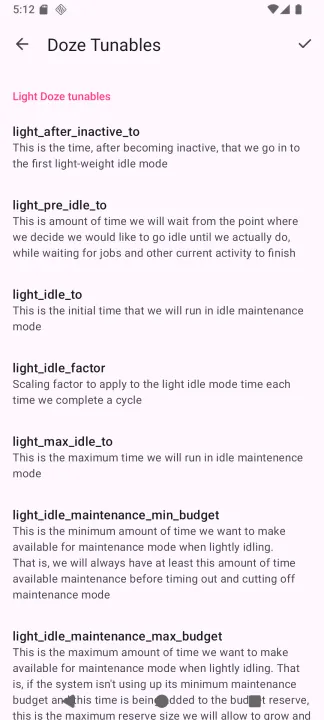
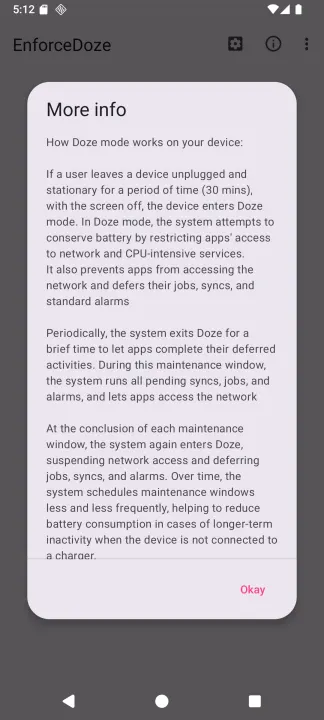
Description
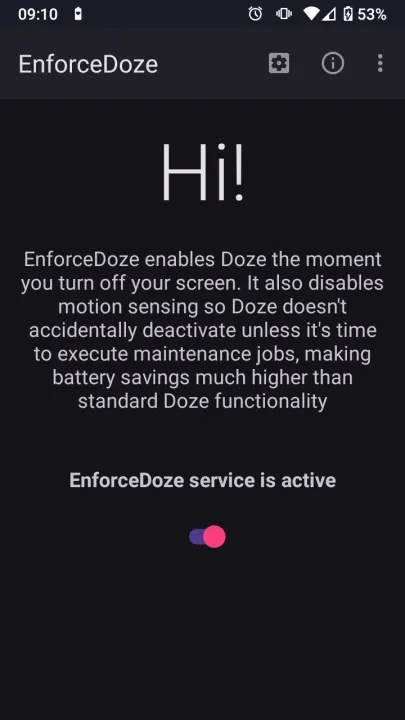
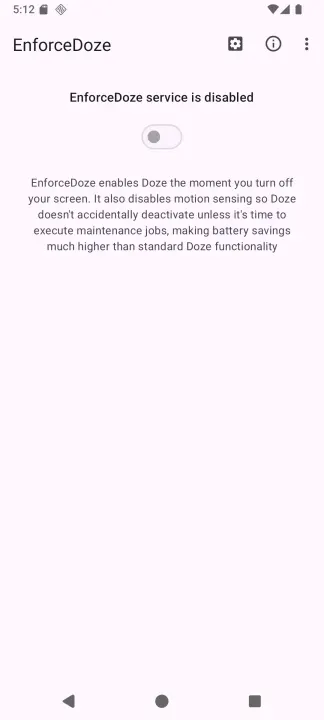
**EnforceDoze** allows you to forcefully enable Doze right after you turn off your
screen, and on top of that, it also disables motion sensors so Doze stays active
even if your device is not stationary while screen off. Doze will only deactivate
periodically to execute maintenance jobs (like getting notifications, etc),
otherwise it will remain active as long as your screen is off. This brings a lot
more battery savings than standard Doze functionality, because even with screen
off and Doze enabled, Doze is still periodically checking for movement, and
disabling motion sensing improves battery life further.
**Features**
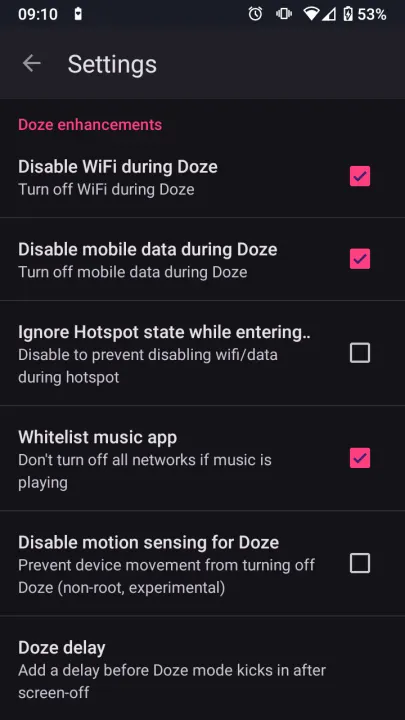
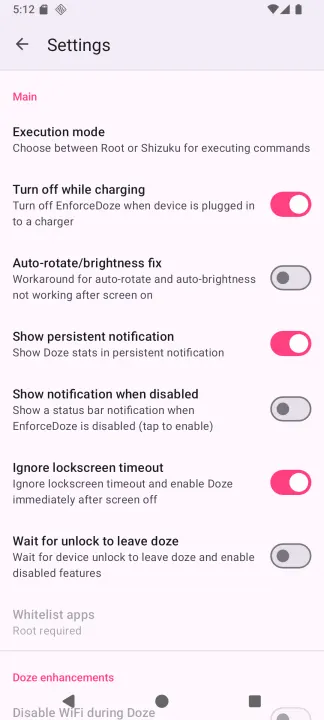
• Force Doze mode immediately after screen off or after a user specified delay
• Add/remove apps or packages directly to system Doze whitelist
• Disable motion sensors to prevent Doze from kicking in during movement
• Tasker support to turn on/off EnforceDoze and modify other features
• Disable WiFi and mobile data completely during Doze
• Ignore disabling Wifi/Data if music is playing
• Ignore disabling Wifi/Data if hotspot is enabled
• Enable Doze mode on devices where OEM has disabled it
• No root mode so you can enjoy the core benefits without rooting your device
screen, and on top of that, it also disables motion sensors so Doze stays active
even if your device is not stationary while screen off. Doze will only deactivate
periodically to execute maintenance jobs (like getting notifications, etc),
otherwise it will remain active as long as your screen is off. This brings a lot
more battery savings than standard Doze functionality, because even with screen
off and Doze enabled, Doze is still periodically checking for movement, and
disabling motion sensing improves battery life further.
**Features**
• Force Doze mode immediately after screen off or after a user specified delay
• Add/remove apps or packages directly to system Doze whitelist
• Disable motion sensors to prevent Doze from kicking in during movement
• Tasker support to turn on/off EnforceDoze and modify other features
• Disable WiFi and mobile data completely during Doze
• Ignore disabling Wifi/Data if music is playing
• Ignore disabling Wifi/Data if hotspot is enabled
• Enable Doze mode on devices where OEM has disabled it
• No root mode so you can enjoy the core benefits without rooting your device
All versions
| Version | Released | Minimum Android | Size |
|---|---|---|---|
| 1.10.2 | Apr 19, 2026 | Android 6 | 2.7 MB |
| 1.10.1 | Mar 18, 2026 | Android 6 | 2.8 MB |
| 1.10.0 | Jan 12, 2026 | Android 6 | 2.8 MB |
| 1.9.0 | Jan 3, 2026 | Android 6 | 2.8 MB |
| 1.8.2 | Jan 2, 2026 | Android 6 | 2.8 MB |
| 1.8.1 | Jan 1, 2026 | Android 6 | 2.8 MB |
| 1.8.0 | Dec 30, 2025 | Android 6 | 2.8 MB |
| 1.7.4 | Mar 1, 2025 | Android 6 | 2.8 MB |
| 1.7.3 | Feb 26, 2025 | Android 6 | 2.8 MB |
| 1.7.1 | Feb 23, 2025 | Android 6 | 2.8 MB |
| 1.7.0 | Feb 3, 2025 | Android 6 | 2.8 MB |
| 1.6.2 | Jan 13, 2025 | Android 6 | 2.7 MB |
| 1.6.1 | Dec 4, 2024 | Android 6 | 2.6 MB |
| 1.6.0 | Nov 19, 2024 | Android 6 | 2.6 MB |
| 1.5.1 | Sep 16, 2024 | Android 6 | 2.6 MB |
How to install an older version of an Android app · How to install an APK file on Android
From the developer (GitHub)
APK files published by the developer on GitHub. They are signed by the developer and may not install over the other builds on this page (different signature). Links open github.com.
Similar apps
-
 Screenshot Tile (NoRoot)
Customizable screenshot tool with quick settings shortcut and floating button
-
 Coffee
Keep display awake
-
 Mute reminder
Remind you to mute media
-
 Prepaid Balance
Keep track your prepaid balance
-
 Auto Auto-Rotate
Automatically remembers your auto-rotate setting for every app
-
 Drowser
Simple background app killer
-
 Scrambled Exif
Remove the metadata from your pictures before sharing them
-
 WaveUp
Turn on the display by waving