

Text Converter
search, replace, encrypt and more
- Developer
- TCreopargh
- License
- GPL-2.0-only
- Package
xyz.tcreopargh.textconverter- Category
- Writing
- Latest version
- 4.6.0 · Jul 23, 2020
- Minimum Android
- Android 6
Screenshots
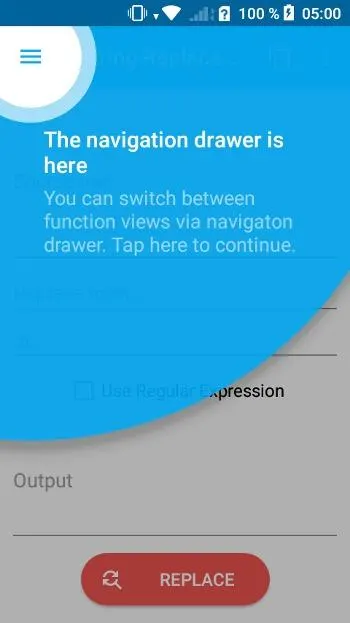
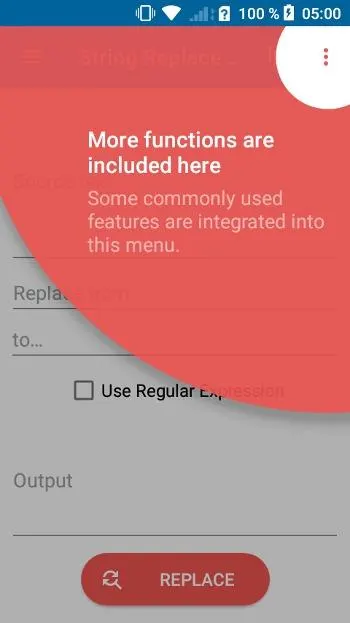
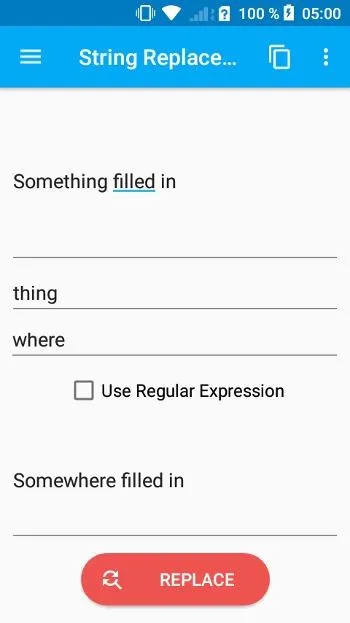
Description
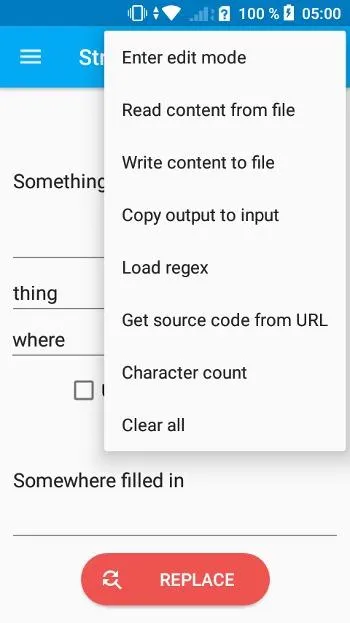
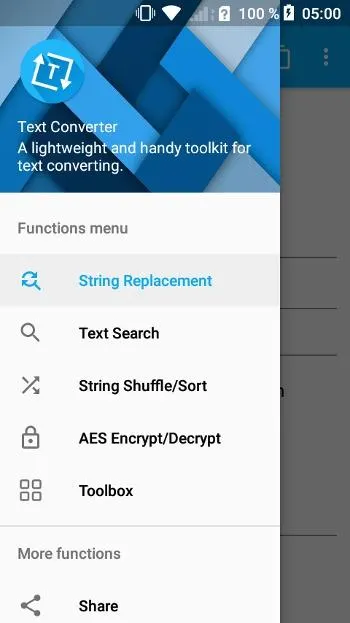
Text Converter is a utility to deal with texts – either manually entered, or loaded from a file. You can do simple search-and-replace (or use regular expressions for that), count characters, shuffle, inverse, encrypt and more. It even supports formatting of Java, JSON and HTML.
The text is typed manually in the app or copied from anywhere text/strings need processing. For example, select MD5 hashing in menu, enter a string, press the executing button and get the result. It’s mainly developers or digital enthusiasts that may use the app. Without this, the current open source solution on Android is terminal emulators with corresponding packages installed, which is obviously not friendly to end users.
The functions that have been implemented are:
• String search (optional regular expression matching)
• String replacement/removal (regular expression matching is optional)
• Text segmentation, scramble, and sort (if the text is a string of numbers, it can be sorted according to the size of the number)
• AES encryption and decryption
• Java code formatting, JSON formatting, HTML formatting
• Base64 encoding/decoding, MD5 digest generation
• Morse code encoding/decoding
• String reversal, segmentation, indentation, labeling, case conversion, batch copy
• Markdown preview
• Generate random numbers and text draws in custom formats
• HTML/XML/JSON/Java/CSV/ECMAScript escape and inversion
• Escape regular expression
• Read/write from file
• Get webpage source code
• Calculate string similarity
• Custom regular expression
• Generate random string
• Generate pinyin from Chinese characters
• Undoable edit
• Remove blank characters at both ends of the string
• Reference documents with regular expressions
Note: the app's repo is no longer maintained, so there won't be any further updates.
The text is typed manually in the app or copied from anywhere text/strings need processing. For example, select MD5 hashing in menu, enter a string, press the executing button and get the result. It’s mainly developers or digital enthusiasts that may use the app. Without this, the current open source solution on Android is terminal emulators with corresponding packages installed, which is obviously not friendly to end users.
The functions that have been implemented are:
• String search (optional regular expression matching)
• String replacement/removal (regular expression matching is optional)
• Text segmentation, scramble, and sort (if the text is a string of numbers, it can be sorted according to the size of the number)
• AES encryption and decryption
• Java code formatting, JSON formatting, HTML formatting
• Base64 encoding/decoding, MD5 digest generation
• Morse code encoding/decoding
• String reversal, segmentation, indentation, labeling, case conversion, batch copy
• Markdown preview
• Generate random numbers and text draws in custom formats
• HTML/XML/JSON/Java/CSV/ECMAScript escape and inversion
• Escape regular expression
• Read/write from file
• Get webpage source code
• Calculate string similarity
• Custom regular expression
• Generate random string
• Generate pinyin from Chinese characters
• Undoable edit
• Remove blank characters at both ends of the string
• Reference documents with regular expressions
Note: the app's repo is no longer maintained, so there won't be any further updates.
All versions
| Version | Released | Minimum Android | Size |
|---|---|---|---|
| 4.6.0 | Jul 23, 2020 | Android 6 | 6.4 MB |
How to install an older version of an Android app · How to install an APK file on Android
From the developer (GitHub)
APK files published by the developer on GitHub. They are signed by the developer and may not install over the other builds on this page (different signature). Links open github.com.
Similar apps
-
 NoNonsense Notes
A simple notepad and to-do app with an excellent navigation
-
 Butterfly
Take notes, draw freely, and organize ideas across an endless workspace
-
 Linwood Butterfly Nightly
Take notes, draw freely, and organize ideas across an endless workspace
-
 Thunderbird: Free Your Inbox
Thunderbird is a 100% open source, privacy focused email app.
-
 Thunderbird Beta for Testers
Thunderbird is a 100% open source, privacy focused email app.
-
 Nextcloud Notes
View and edit notes on Nextcloud
-
 Poet Assistant
Dictionary and TTS tools for editing poems
-
 BeeCount Knitting Counter
Knitting row counter