

Cryptographic ID
Attest the trustworthiness of a device using asymmetric cryptography
- License
- MIT
- Package
io.gitlab.cryptographic_id- Category
- Security
- Latest version
- 0.5.7 · Apr 14, 2026
- Minimum Android
- Android 7.0
Screenshots
Description
Use cases:
• Attest the state of a Linux computer
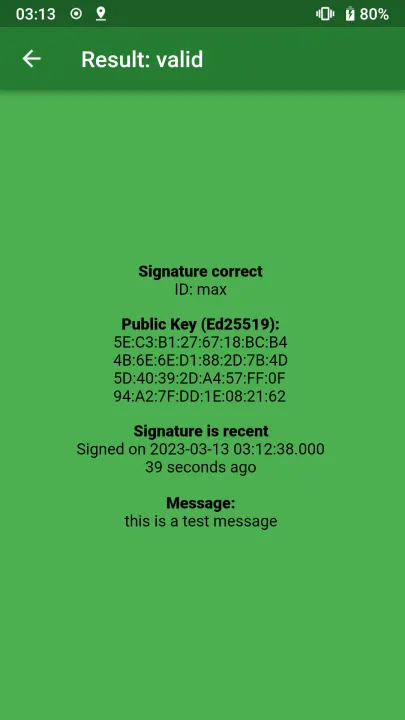
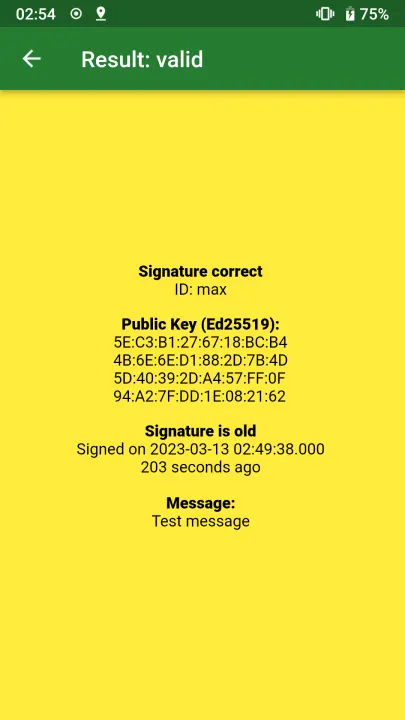
When your computer is in a trustworthy state, you can generate a private key hidden in the TPM2 of your computer. This private key can be sealed with the current state of the computer (PCRs). Then the computer can only sign a message with this key when it is in the correct state according to the PCRs. For example, you can seal the key against the secure boot state (PCR7). If your computer is booting an operating system signed by another vendor, the TPM2 cannot unseal the private key. So if your computer can generate a correct signature, it is in this known state. You can create a sealed private key and create such a signature with cryptographic-id-rs (https://gitlab.com/cryptographic_id/cryptographic-id-rs). This is similar to tpm2-totp (https://github.com/tpm2-software/tpm2-totp) but uses asymmetric cryptography. This means you do not need to keep the verification code secure. You can share it safely with the world.
• Verify the identity of a phone
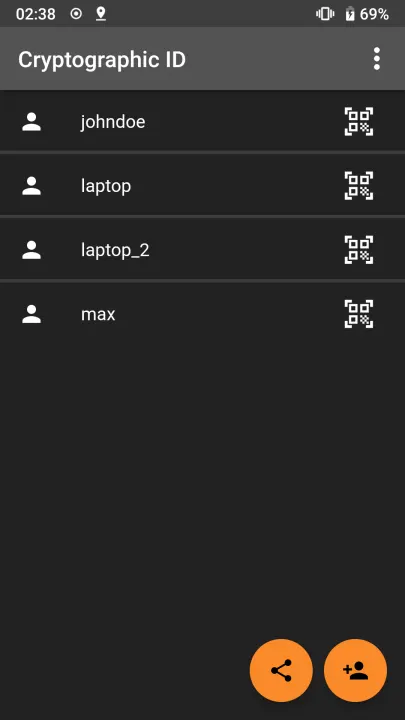
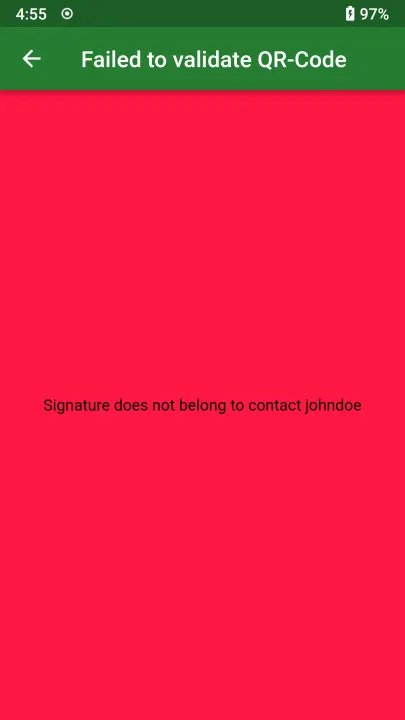
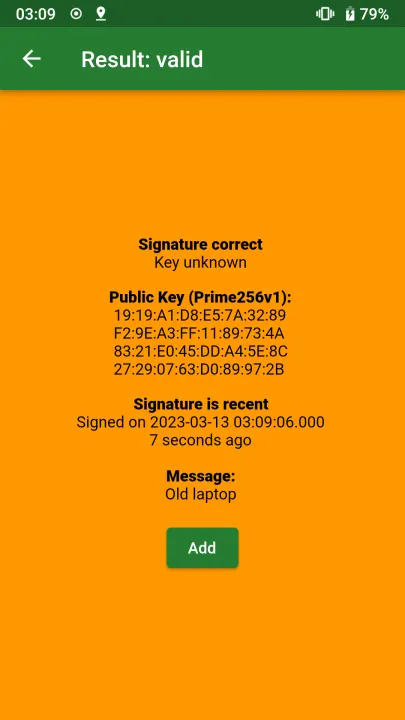
You can generate a private key when your phone is in a trustworthy state. If your phone can create a correct signature, you know it is the same phone. Since the operating system can access the private key, the security guarantees are much weaker than with a TPM2. So the verification is just as secure as your phone. If you use Graphene OS, also have a look at Auditor (https://attestation.app/tutorial).
• Verify that a person is in possession of a private key
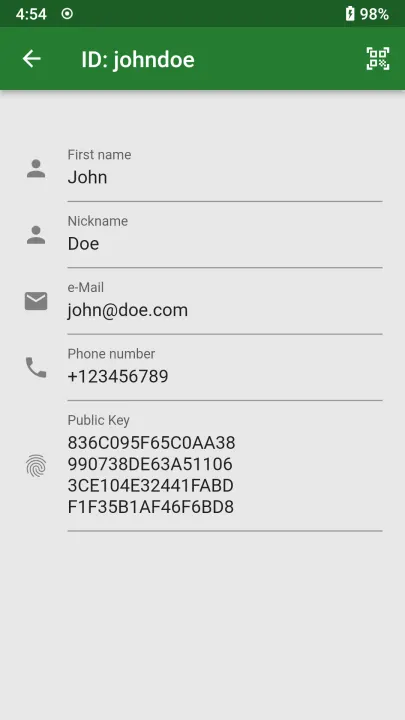
This works as well as the section above but has the same shortcomings. It can be used to verify someone in person when he sends his public key to you in advance over a secure channel.
• Attest the state of a Linux computer
When your computer is in a trustworthy state, you can generate a private key hidden in the TPM2 of your computer. This private key can be sealed with the current state of the computer (PCRs). Then the computer can only sign a message with this key when it is in the correct state according to the PCRs. For example, you can seal the key against the secure boot state (PCR7). If your computer is booting an operating system signed by another vendor, the TPM2 cannot unseal the private key. So if your computer can generate a correct signature, it is in this known state. You can create a sealed private key and create such a signature with cryptographic-id-rs (https://gitlab.com/cryptographic_id/cryptographic-id-rs). This is similar to tpm2-totp (https://github.com/tpm2-software/tpm2-totp) but uses asymmetric cryptography. This means you do not need to keep the verification code secure. You can share it safely with the world.
• Verify the identity of a phone
You can generate a private key when your phone is in a trustworthy state. If your phone can create a correct signature, you know it is the same phone. Since the operating system can access the private key, the security guarantees are much weaker than with a TPM2. So the verification is just as secure as your phone. If you use Graphene OS, also have a look at Auditor (https://attestation.app/tutorial).
• Verify that a person is in possession of a private key
This works as well as the section above but has the same shortcomings. It can be used to verify someone in person when he sends his public key to you in advance over a secure channel.
All versions
| Version | Released | Minimum Android | Size |
|---|---|---|---|
| 0.5.7 | Apr 14, 2026 | Android 7.0 | 52.2 MB |
| 0.5.6 | Jul 15, 2025 | Android 5.0 | 23.1 MB |
| 0.5.5 | Apr 9, 2025 | Android 5.0 | 22.9 MB |
| 0.5.4 | Apr 5, 2025 | Android 5.0 | 22.9 MB |
| 0.5.2 | Mar 23, 2025 | Android 5.0 | 22.8 MB |
| 0.5.1 | May 17, 2024 | Android 5.0 | 22.7 MB |
| 0.5.0 | Dec 25, 2023 | Android 5.0 | 22.7 MB |
| 0.4.5 | Nov 26, 2023 | Android 5.0 | 22.6 MB |
| 0.4.4 | Nov 20, 2023 | Android 5.0 | 22.4 MB |
| 0.4.3 | Aug 17, 2023 | Android 5.0 | 22.1 MB |
| 0.4.2 | May 23, 2023 | Android 5.0 | 22.2 MB |
| 0.4.1 | May 17, 2023 | Android 5.0 | 22.2 MB |
| 0.4.0 | Mar 11, 2023 | Android 5.0 | 21.9 MB |
| 0.3.1 | Jan 10, 2023 | Android 5.0 | 21.8 MB |
| 0.3.0 | Jan 8, 2023 | Android 5.0 | 21.8 MB |
| 0.2.3 | Dec 13, 2022 | Android 5.0 | 20.7 MB |
| 0.2.2 | Dec 9, 2022 | Android 5.0 | 20.7 MB |
How to install an older version of an Android app · How to install an APK file on Android
Similar apps
-
 Trigger
Open doors via Wi-Fi using HTTPS/SSH.
-
 KeePassDX Passkey Vault
Manage Passkey / Password in a local and open-source vault
-
 OONI Probe
Measure Internet Censorship, Speed & Performance
-
 PilferShush Jammer
Block unwanted use of onboard microphone
- Port Authority Port scanner
-
 KeePassDroid
KeePass-compatible password safe
-
 Rethink: DNS + Firewall + VPN
Firewall apps, use WireGuard VPN, monitor network, block malware, change DNS.
-
 PCAPdroid
No-root network monitor, firewall and PCAP dumper for Android