

Qetara
Share files and messages between nearby devices on your local network
- Developer
- IntelogNatanael
- License
- MIT
- Package
io.github.intelognatanael.qetara- Category
- Connectivity, File Transfer, Messaging
- Latest version
- 1.4.5 · Nov 4, 2026
- Minimum Android
- Android 7.0
Screenshots
Description
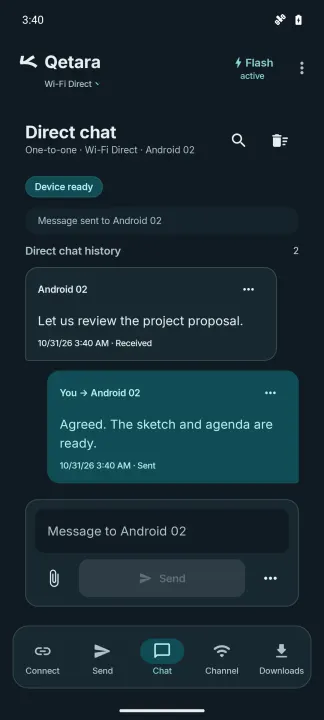
Qetara shares files and messages between Android devices and a computer on the same local network, without an account. Android devices can also connect through Wi-Fi Direct.
Available in English and Spanish. Qetara follows your device language; on Android 13 and later, you can choose its language in Android's app settings.
• Select several files and track, cancel or retry transfers.
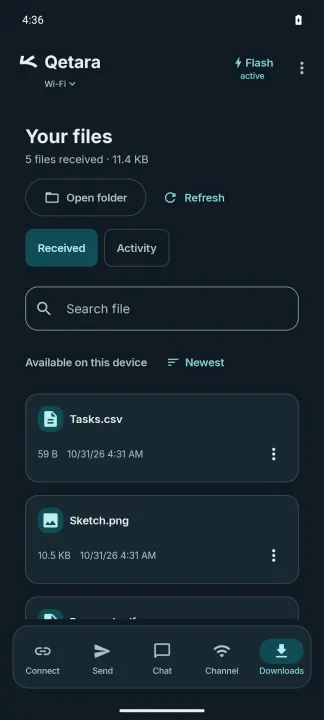
• Open, share and find received files in your downloads.
• Send files to Qetara from Android's share menu.
• Use a session code and PIN for regular sharing and messages.
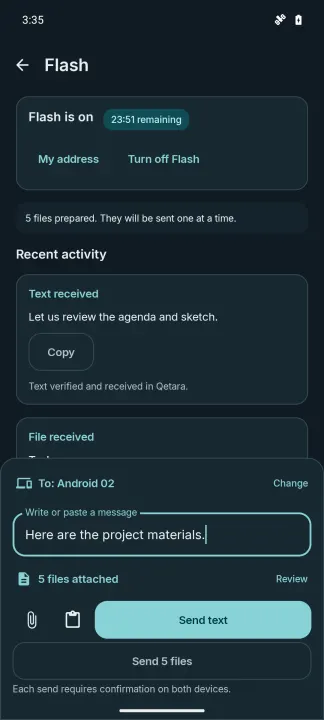
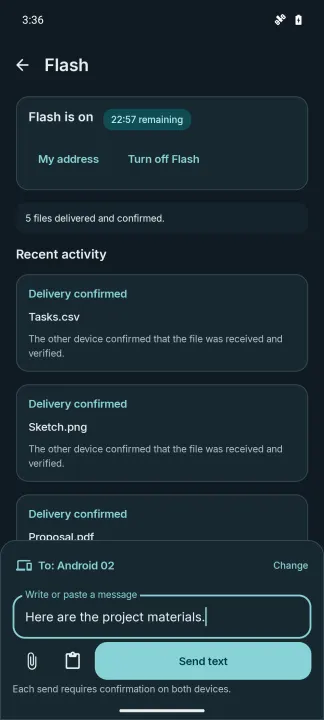
• Use Flash to exchange text and files with nearby devices. Compare the verification code and confirm each message or file batch on both devices. Copy sent or received text and paste into a new draft. Flash starts disabled and expires after 30 minutes.
• Choose a light or dark appearance and adjust the reading size.
File contents and messages travel through an encrypted connection between devices. Compare the verification information with the intended recipient. Discovery depends on the local network; some networks isolate devices or block discovery.
Sharing with a computer requires the Qetara desktop application. Wi-Fi Direct is available between supported Android devices. Qetara does not provide cloud storage or transfers to devices outside your local connection.
Available in English and Spanish. Qetara follows your device language; on Android 13 and later, you can choose its language in Android's app settings.
• Select several files and track, cancel or retry transfers.
• Open, share and find received files in your downloads.
• Send files to Qetara from Android's share menu.
• Use a session code and PIN for regular sharing and messages.
• Use Flash to exchange text and files with nearby devices. Compare the verification code and confirm each message or file batch on both devices. Copy sent or received text and paste into a new draft. Flash starts disabled and expires after 30 minutes.
• Choose a light or dark appearance and adjust the reading size.
File contents and messages travel through an encrypted connection between devices. Compare the verification information with the intended recipient. Discovery depends on the local network; some networks isolate devices or block discovery.
Sharing with a computer requires the Qetara desktop application. Wi-Fi Direct is available between supported Android devices. Qetara does not provide cloud storage or transfers to devices outside your local connection.
All versions
| Version | Released | Minimum Android | Size |
|---|---|---|---|
| 1.4.5 | Nov 4, 2026 | Android 7.0 | 3.6 MB |
| 1.4.4 | Oct 25, 2026 | Android 7.0 | 3.6 MB |
How to install an older version of an Android app · How to install an APK file on Android
From the developer (GitHub)
APK files published by the developer on GitHub. They are signed by the developer and may not install over the other builds on this page (different signature). Links open github.com.
Similar apps
-
 URLCheck
Allows analyzing (or sharing) URLs before opening them.
-
 Dib2Qm
Messenger for secured chats and groups (end-to-end encrypted)
-
 Thunderbird: Free Your Inbox
Thunderbird is a 100% open source, privacy focused email app.
-
 Thunderbird Beta for Testers
Thunderbird is a 100% open source, privacy focused email app.
-
 NeoStumbler
Application for collecting wireless networks to geolocation services
-
 MultiVNC
VNC viewer that aims to be easy to use and fast
-
 Home Assistant
Control all your devices in your Home Assistant instance
-
 Mastodon
Where conversations happen