

Exif Notes
quickly save important notes when shooting with film.
NonFreeComp Promotes non-free network services
- Developer
- Tommi Hirvonen
- License
- GPL-3.0-only
- Package
com.tommihirvonen.exifnotes- Category
- Multimedia
- Latest version
- 1.22.2 · Nov 1, 2025
- Minimum Android
- Android 5.0
Screenshots
Description
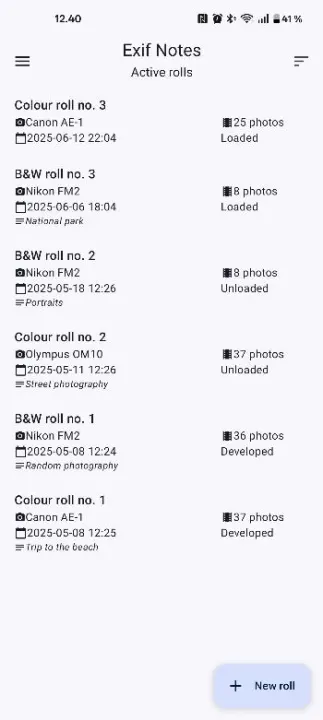
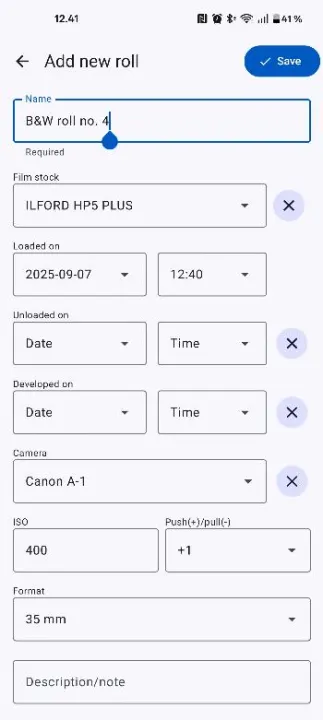
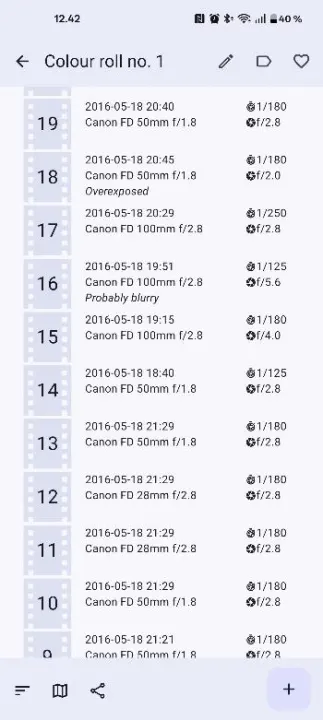
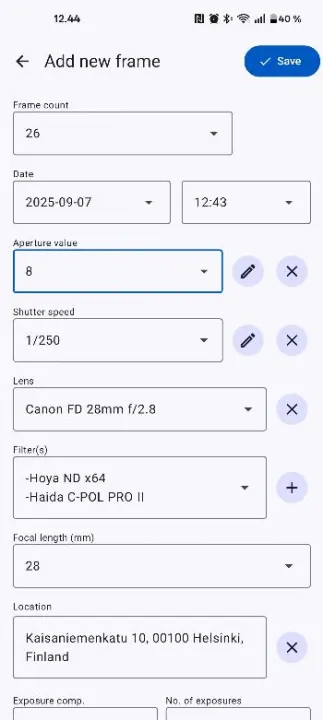
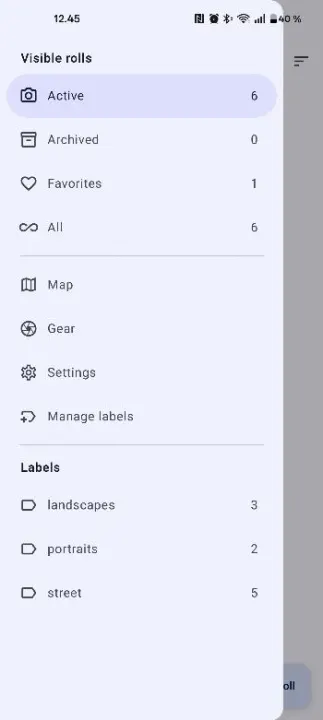
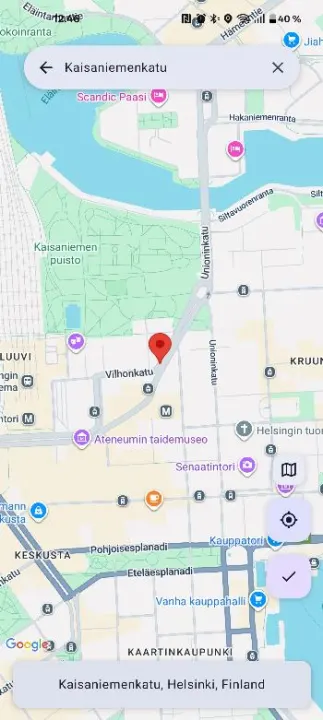
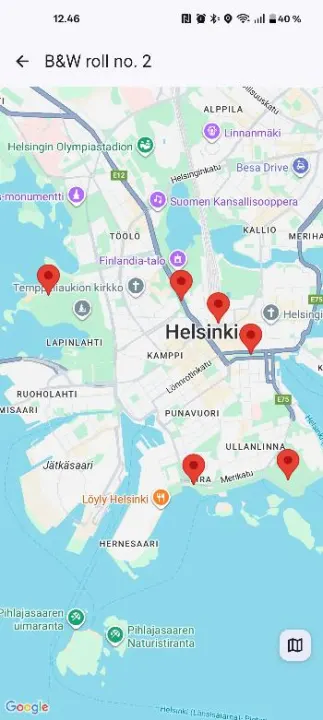
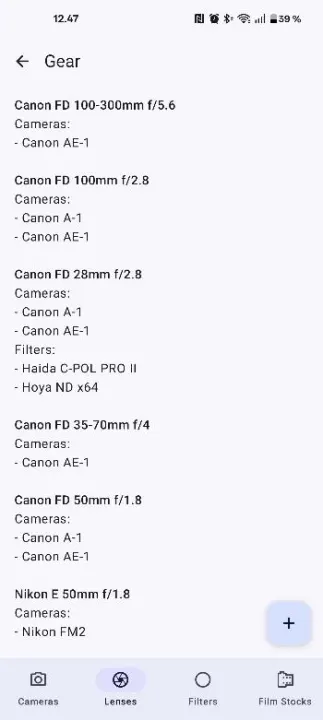
Exif Notes let’s you quickly save important notes and exif data when shooting with film. It allows you to add frequently used gear such as camera bodies and lenses to your database. These can then be selected when adding new rolls of film and when adding new frames. When adding new frames you can save information such as time taken, lens used, shutter speed, aperture, location, custom notes and more.
You can export ExifTool commands for specific film rolls. You can upload these to Dropbox for example and download them on your computer. You can save the exif data to your scanned files on your computer using ExifTool by Phil Harvey and the ready made commands. In addition to the ExifTool commands you can export a roll’s data in .csv format. You can then use a spreadsheet programme like Excel on your computer to view the data in an easily readable format.
Exif Notes is a continuous work in progress and new features are added with future versions. There are other Android apps that let you do the same thing as Exif Notes. The objective of Exif Notes is to be fast and easy to use as well as easy on the eyes. It was born out of love for film and out of interest for programming. Exif Notes is a hobby project that I have been developing on my spare time. However, it is developed with good practices and complies with Material Design while being compatible with most Android devices.
You can export ExifTool commands for specific film rolls. You can upload these to Dropbox for example and download them on your computer. You can save the exif data to your scanned files on your computer using ExifTool by Phil Harvey and the ready made commands. In addition to the ExifTool commands you can export a roll’s data in .csv format. You can then use a spreadsheet programme like Excel on your computer to view the data in an easily readable format.
Exif Notes is a continuous work in progress and new features are added with future versions. There are other Android apps that let you do the same thing as Exif Notes. The objective of Exif Notes is to be fast and easy to use as well as easy on the eyes. It was born out of love for film and out of interest for programming. Exif Notes is a hobby project that I have been developing on my spare time. However, it is developed with good practices and complies with Material Design while being compatible with most Android devices.
All versions
| Version | Released | Minimum Android | Size |
|---|---|---|---|
| 1.22.2 | Nov 1, 2025 | Android 5.0 | 6.3 MB |
| 1.22.1 | Sep 1, 2025 | Android 5.0 | 6.3 MB |
| 1.22.0 | Dec 29, 2024 | Android 5.0 | 6.1 MB |
How to install an older version of an Android app · How to install an APK file on Android
From the developer (GitHub)
APK files published by the developer on GitHub. They are signed by the developer and may not install over the other builds on this page (different signature). Links open github.com.
Similar apps
-
 Screenshot Tile (NoRoot)
Customizable screenshot tool with quick settings shortcut and floating button
-
 Enhanced Music Controller Lite
Remote controller for Onkyo devices
-
 Classical Music Tagger
A plain audio file metadata editor especially for classical music
-
 Kreate
A multilingual YouTube Music frontend for Android, prioritize performance.
-
 Ultrasonic
A music streaming client for Subsonic servers
-
 Sensors2OSC
Send sensor data via Open Sound Control (OSC).
-
 SicMu Player
Folder based music player. Shows and follows folder hierarchy.
-
 RootlessJamesDSP
System-wide JamesDSP implementation for non-rooted devices