

PlusPlay
A minimal, lightweight Android video player app written in Kotlin
- Developer
- Kazi Mohammad Foysal
- License
- MIT
- Package
com.plusplay.app- Category
- Local Media Player, Multimedia
- Latest version
- 1.0.67 · Oct 15, 2026
- Minimum Android
- Android 5.0
Screenshots
Description
Plus Play - Lightweight Android Video Player
A minimal, lightweight Android video player app written in Kotlin that provides essential video playback features.
Key Features:
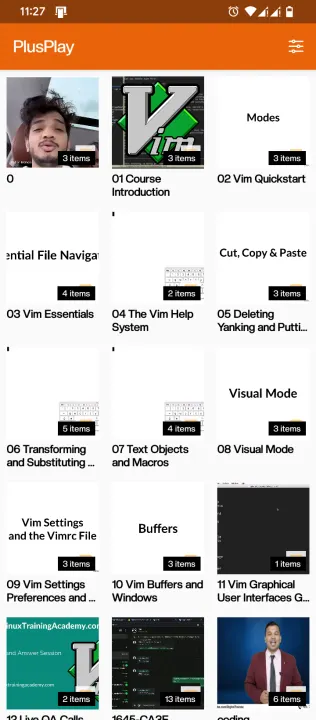
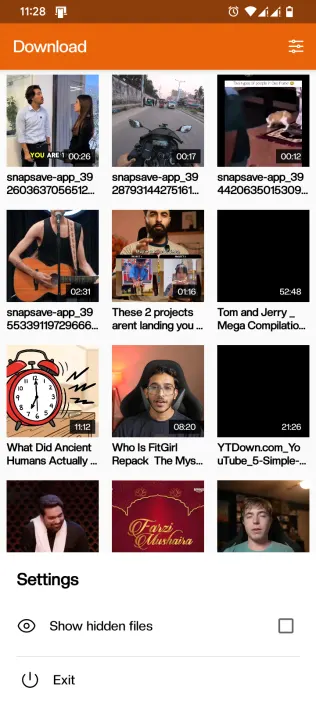
• Video File Listing: Scans and displays video files from device storage (.mp4, .mkv, .avi, .mov)
• Folder Navigation: Browse videos organized by folders with instant loading (no lag)
• Intuitive Gestures:
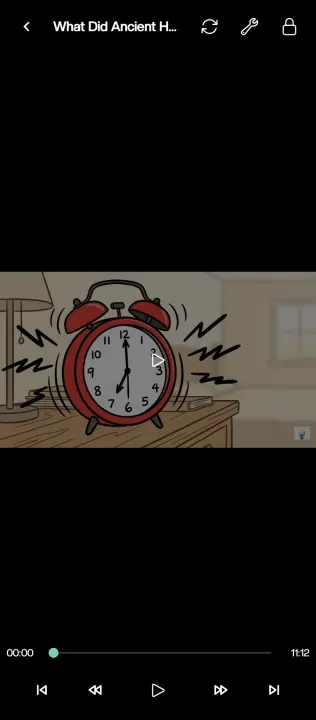
• - Swipe left/right: Seek 10 seconds backward/forward (responsive 100px threshold)
• - Double-tap left/right: Seek 10 seconds backward/forward
• - Double-tap middle: Play/Pause
• - Single tap: Toggle system UI
• Playback Resume: Automatically remembers playback position for last 3 videos
• - Resume dialog offers "Resume" or "Start from Beginning" options
• Subtitle Support: Automatically loads .srt subtitle files with matching basename
• Full-Screen Mode: Immersive video playback experience
• Rotation Support: Handles device orientation changes
• Storage Permissions: Proper handling for Android 13+ and legacy versions
• Minimal UI: Clean, simple interface with two activities (list and player)
Note from Developer:
If you find this tool helpful, please consider starring the project on GitHub!
A minimal, lightweight Android video player app written in Kotlin that provides essential video playback features.
Key Features:
• Video File Listing: Scans and displays video files from device storage (.mp4, .mkv, .avi, .mov)
• Folder Navigation: Browse videos organized by folders with instant loading (no lag)
• Intuitive Gestures:
• - Swipe left/right: Seek 10 seconds backward/forward (responsive 100px threshold)
• - Double-tap left/right: Seek 10 seconds backward/forward
• - Double-tap middle: Play/Pause
• - Single tap: Toggle system UI
• Playback Resume: Automatically remembers playback position for last 3 videos
• - Resume dialog offers "Resume" or "Start from Beginning" options
• Subtitle Support: Automatically loads .srt subtitle files with matching basename
• Full-Screen Mode: Immersive video playback experience
• Rotation Support: Handles device orientation changes
• Storage Permissions: Proper handling for Android 13+ and legacy versions
• Minimal UI: Clean, simple interface with two activities (list and player)
Note from Developer:
If you find this tool helpful, please consider starring the project on GitHub!
All versions
| Version | Released | Minimum Android | Size |
|---|---|---|---|
| 1.0.67 | Oct 15, 2026 | Android 5.0 | 969.8 KB |
How to install an older version of an Android app · How to install an APK file on Android
From the developer (GitHub)
APK files published by the developer on GitHub. They are signed by the developer and may not install over the other builds on this page (different signature). Links open github.com.
Similar apps
-
 Screenshot Tile (NoRoot)
Customizable screenshot tool with quick settings shortcut and floating button
-
 Enhanced Music Controller Lite
Remote controller for Onkyo devices
-
 Classical Music Tagger
A plain audio file metadata editor especially for classical music
-
 Kreate
A multilingual YouTube Music frontend for Android, prioritize performance.
-
 Ultrasonic
A music streaming client for Subsonic servers
-
 Sensors2OSC
Send sensor data via Open Sound Control (OSC).
-
 SicMu Player
Folder based music player. Shows and follows folder hierarchy.
-
 RootlessJamesDSP
System-wide JamesDSP implementation for non-rooted devices