

Secret Space Encryptor (SSE)
File Encryption, Text Encryption (Messages, Notes, …), Secure Password Manager
- Developer
- Paranoia Works
- License
- GPL-3.0-only
- Package
com.paranoiaworks.unicus.android.sse- Category
- File Encryption & Vault, Password & 2FA, Security, System, Text Encryption
- Latest version
- 3.3.1 · Oct 29, 2026
- Minimum Android
- Android 5.0
Screenshots
Description
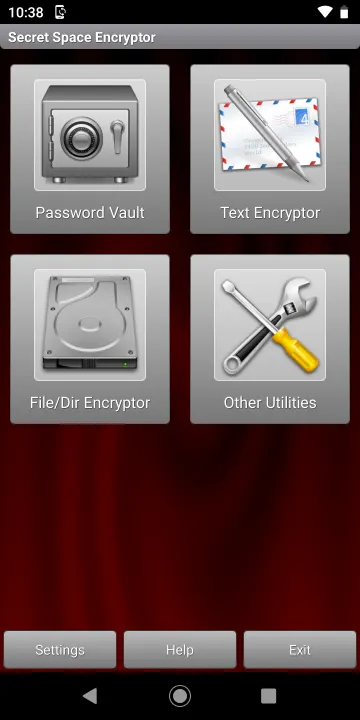
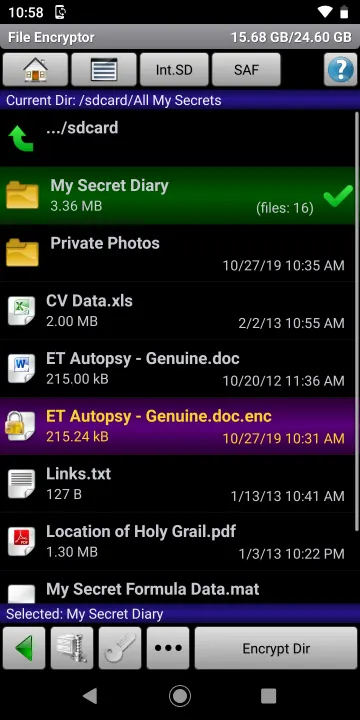
➤ File Encryptor: Securely encrypt your private and confidential files or entire folders.
🎥 ~ Basic file encryption video tutorial
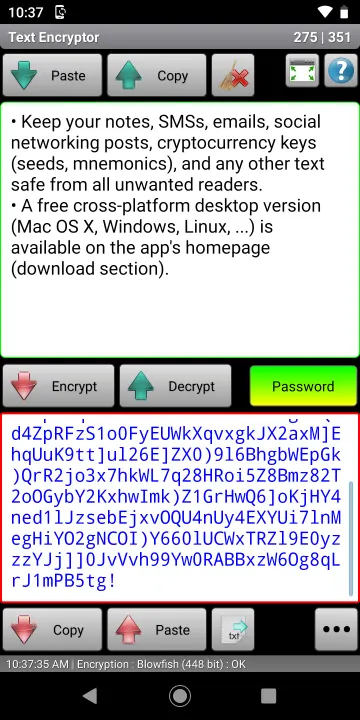
➤ Text Encryptor: Protect your messages, notes, cryptocurrency keys (seeds, mnemonics), and other sensitive text from unauthorized access. Use the internal database or simply copy and paste to/from your favorite apps. Set a password for each encryption/decryption session—you can use an unlimited number of passwords for different purposes (e.g., notes, emails, social networking, or communication with individuals A, B, C, etc.).
🎥 ~ Text encryption video tutorial
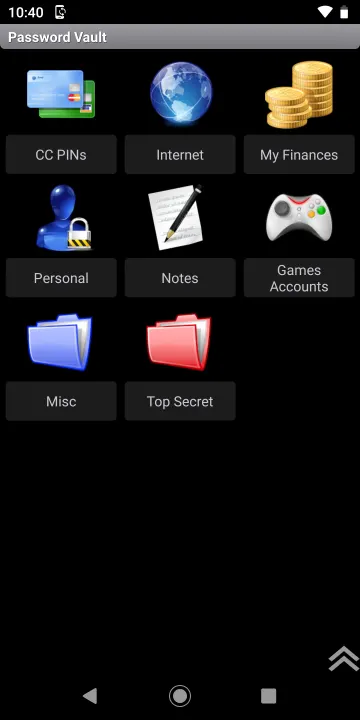
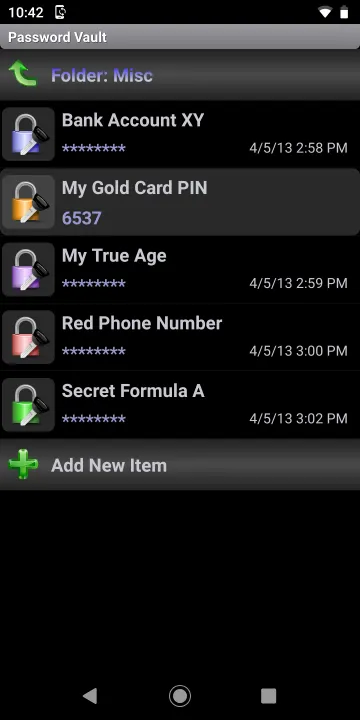
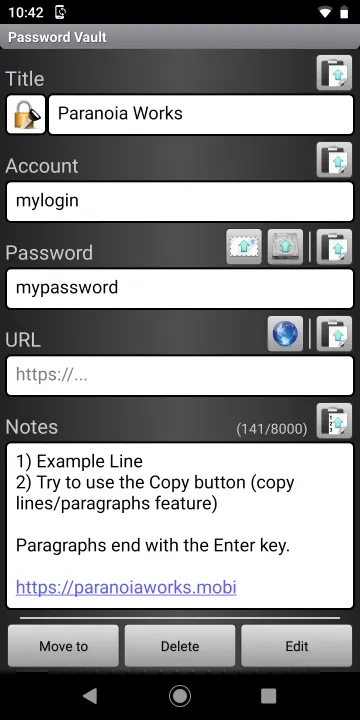
➤ Password Vault: Securely store and manage all your passwords, PINs, and notes in one place, protected by a single master password. Includes import/export functionality (compressed, fully encrypted .pwv format or unencrypted, editable .xml format).
• Encryption Algorithms: Strong encryption using multiple ciphers, including AES (Rijndael) 256-bit, RC6 256-bit, Serpent 256-bit, Blowfish 448-bit, Twofish 256-bit + Threefish 1024-bit, SHACAL-2 512-bit, and Paranoia C4 2048-bit (available in the S.S.E. Pro version).
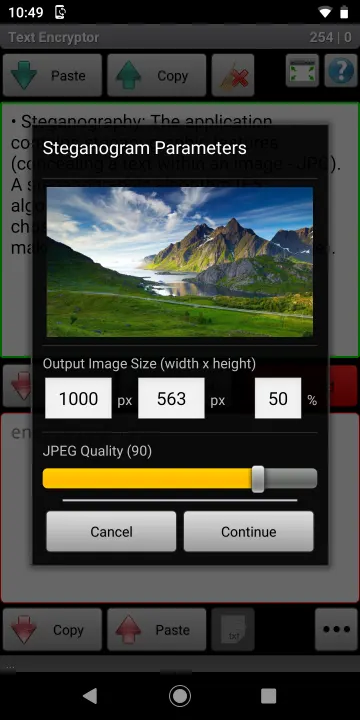
• Steganography: The File and Text Encryptor include a steganographic feature that hides text or files within JPG images using the J-UNIWARD or F5 algorithm, combined with your chosen cipher to produce a final steganogram (JPEG image).
• Additional Tools: Password Generator, Clipboard Cleaner, Algorithm Benchmark, and more.
• Cross-platform Support: Desktop versions (Windows, Linux, macOS) of File Encryptor and Text Encryptor are available at: https://paranoiaworks.mobi
• iOS Support: Paranoia File Encryption and Paranoia Text Encryption are also available for iOS (iPhone/iPad/iPod).
• Web Version: An online, client-side JavaScript version of the File and Text Encryptor (AES) is available at: https://pteo.paranoiaworks.mobi
🎥 ~ Basic file encryption video tutorial
➤ Text Encryptor: Protect your messages, notes, cryptocurrency keys (seeds, mnemonics), and other sensitive text from unauthorized access. Use the internal database or simply copy and paste to/from your favorite apps. Set a password for each encryption/decryption session—you can use an unlimited number of passwords for different purposes (e.g., notes, emails, social networking, or communication with individuals A, B, C, etc.).
🎥 ~ Text encryption video tutorial
➤ Password Vault: Securely store and manage all your passwords, PINs, and notes in one place, protected by a single master password. Includes import/export functionality (compressed, fully encrypted .pwv format or unencrypted, editable .xml format).
• Encryption Algorithms: Strong encryption using multiple ciphers, including AES (Rijndael) 256-bit, RC6 256-bit, Serpent 256-bit, Blowfish 448-bit, Twofish 256-bit + Threefish 1024-bit, SHACAL-2 512-bit, and Paranoia C4 2048-bit (available in the S.S.E. Pro version).
• Steganography: The File and Text Encryptor include a steganographic feature that hides text or files within JPG images using the J-UNIWARD or F5 algorithm, combined with your chosen cipher to produce a final steganogram (JPEG image).
• Additional Tools: Password Generator, Clipboard Cleaner, Algorithm Benchmark, and more.
• Cross-platform Support: Desktop versions (Windows, Linux, macOS) of File Encryptor and Text Encryptor are available at: https://paranoiaworks.mobi
• iOS Support: Paranoia File Encryption and Paranoia Text Encryption are also available for iOS (iPhone/iPad/iPod).
• Web Version: An online, client-side JavaScript version of the File and Text Encryptor (AES) is available at: https://pteo.paranoiaworks.mobi
All versions
| Version | Released | Minimum Android | Size |
|---|---|---|---|
| 3.3.1 | Oct 29, 2026 | Android 5.0 | 12.7 MB |
| 3.3 | Sep 17, 2026 | Android 5.0 | 12.3 MB |
| 3.2.3 | Aug 1, 2026 | Android 5.0 | 11.5 MB |
| 3.2.2 | Jul 19, 2026 | Android 5.0 | 11.2 MB |
| 3.2.1.1 | Jun 30, 2026 | Android 5.0 | 11.1 MB |
| 3.2.1 | Jun 24, 2026 | Android 5.0 | 11.1 MB |
| 3.2.0.5 | Apr 27, 2026 | Android 5.0 | 11.4 MB |
| 3.1.4 | May 29, 2025 | Android API 14 | 11 MB |
| 3.1.3 | May 6, 2025 | Android API 14 | 11 MB |
| 3.1.2 | Apr 22, 2025 | Android API 14 | 10.4 MB |
| 3.1.0.2 | Feb 23, 2023 | Android API 14 | 10 MB |
| 3.0.3.3 | Jan 10, 2023 | Android API 14 | 9.8 MB |
How to install an older version of an Android app · How to install an APK file on Android
Similar apps
-
 Trigger
Open doors via Wi-Fi using HTTPS/SSH.
-
 Screenshot Tile (NoRoot)
Customizable screenshot tool with quick settings shortcut and floating button
-
 Coffee
Keep display awake
-
 Mute reminder
Remind you to mute media
-
 Prepaid Balance
Keep track your prepaid balance
-
 Auto Auto-Rotate
Automatically remembers your auto-rotate setting for every app
-
 Drowser
Simple background app killer
-
 Scrambled Exif
Remove the metadata from your pictures before sharing them